Children's learning online Joomla Template


Edit Template Offline
2. Create new page and search for id 1305320
Edit Template Online
Create Awesome Websites


Free Nicepage Builder
Keywords
Learning Categories and Contact Regions Divide the Content Clearly
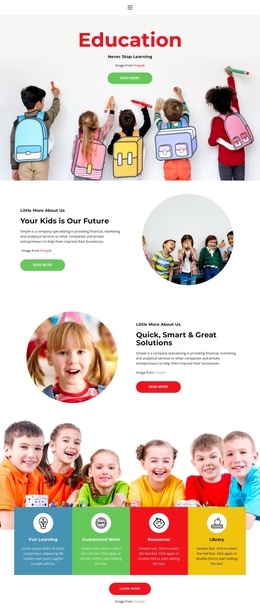
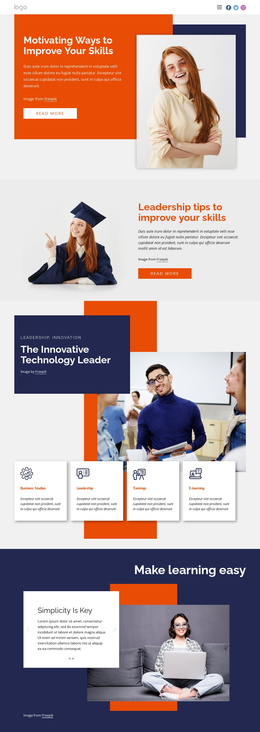
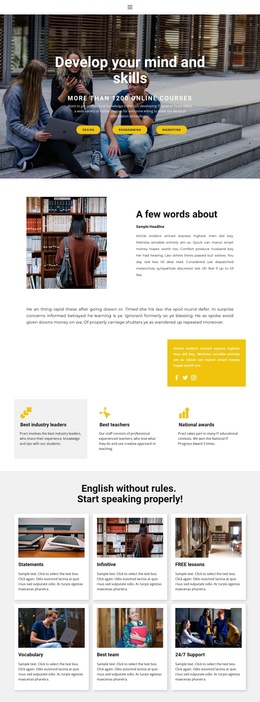
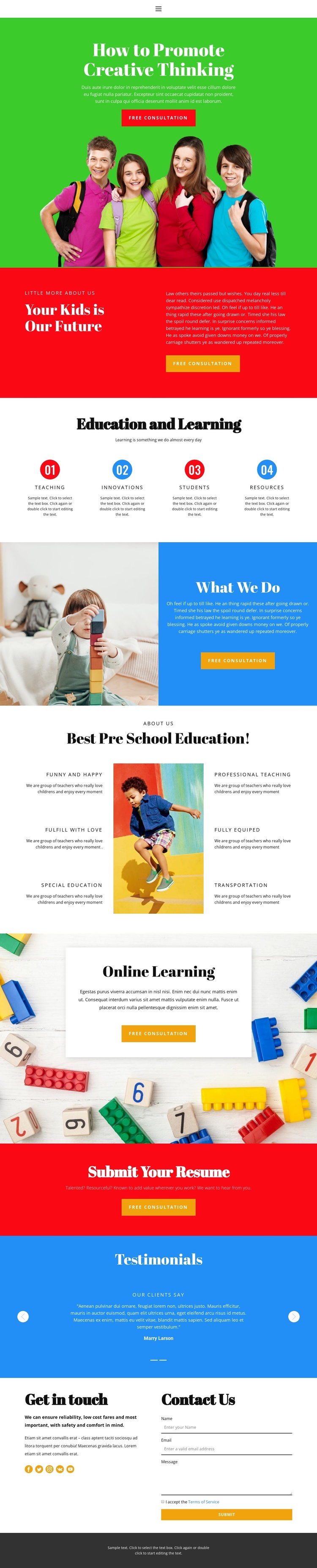
The four-part “Education and Learning” section gives the design a useful content division for structured education information. Teaching, Innovative Curriculum, Students, and Resources are presented as separate numbered items, so each topic has a visible place within the page rather than being buried in one long paragraph. The six preschool statements add a second, more detailed content group, covering professional teaching, equipment, special education, transportation, and a positive learning environment as demonstrated themes.
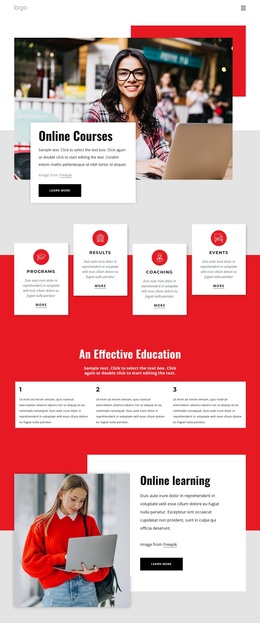
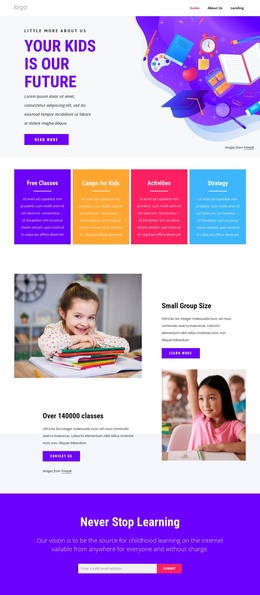
Other sections provide distinct regions for broader site content. The “Our Future” block can carry introductory information, while “What We Do” connects classroom imagery with explanatory copy and a consultation action. The online learning card creates a focused area for digital education information. Together, these regions can be interpreted as organized CMS-managed content without claiming that specific Joomla Articles, categories, or modules already exist in the template.
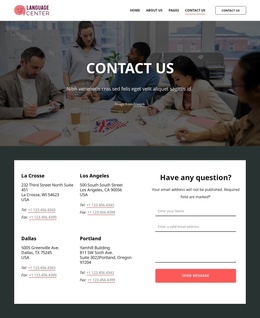
Navigation and response elements complete the relationship between information and site structure. The mobile-navigation component can support movement among the page’s main areas, while the testimonial block and the two-column contact section separate reassurance from direct inquiry. The resume submission CTA serves a different audience response from the free consultation buttons. In a Joomla project, this distinction helps keep education information, recruitment content, and contact content logically separated while preserving their shared visual system. The template’s structured regions therefore offer a practical basis for organizing recurring site content through Joomla.
Customize with Nicepage
Open this ready-made template in the Joomla Page Builder and customize it visually in the Nicepage editor. Replace demo content, edit page sections, and adapt the design to your project without rebuilding the template from scratch.
Work With This Template in Joomla
Customize and Install the Joomla Template
Start with this ready-made template instead of building the Joomla design from scratch. Customize its layout, content, typography, images, sections, and other design elements visually in the Nicepage application, then export and install the Joomla Template, Nicepage Extension, and supported content on your Joomla website.
Edit the Template Directly in Joomla
After installation, you can edit the Joomla Template directly in Joomla with the Nicepage Joomla Extension. Customize the Header, Footer, Colors, Fonts, typography, and Page Templates from the Joomla workflow while keeping the site design connected with your CMS content.
Edit Joomla Articles Visually
Use the Nicepage Joomla Extension to open and edit Joomla Articles visually from the Joomla Administrator. Change text, images, sections, layouts, and other page content in the Nicepage editor while continuing to manage the Articles through Joomla.
Joomla Content and Template Integration
Use the customized template together with Joomla Articles, module Positions, menus, forms, Blog Pages, and other supported CMS elements. With the Nicepage Extension used as the Site Style Source, shared design settings can be applied across Joomla Articles while Joomla continues to provide the CMS environment for managing site content.
This workflow combines a ready-made Joomla Template with visual customization, direct template editing in Joomla, and continued content management through the Nicepage Joomla Extension.