Legújabb kliens Sablon



Testreszabás a Nicepage segítségével
A (z) Sablonkészítő használatakor módosíthatja a színeket, a betűtípusokat, a fejlécet és a homályosítást, az elrendezést, az oszlopokat és más design elemeket, valamint a tartalmat és a képeket.
Sablon szerkesztése offline
2. Hozzon létre új oldalt, vagy válassza ki a meglévőt
3. Kattintson az Új blokk hozzáadása gombra, keresse meg az azonosítót 4974244, majd kattintson az Enter gombra
Sablon szerkesztése online
Félelmetes webhelyek létrehozása


Ingyenes Nicepage Builder
Kulcsszavak
Kezdés egy kész sablonnal
Válasszon egy új oldalhoz való tervet
Használjon egy kész sablont kiindulópontként ahelyett, hogy minden oldalt üres vászonról hozna létre. Amikor új oldalt ad hozzá a Nicepage-ben, böngésszen az elérhető tervek között, hasonlítsa össze a különböző elrendezéseket, és válasszon egy olyan lehetőséget, amely már illeszkedik a projekt általános céljához és vizuális irányához.
Böngésszen a különböző oldaltervek között
Fedezze fel az Oldaltervek oldalt keresés, tematikus kategóriák, tervkészletek és teljes oldalas előnézetek segítségével. A gyűjtemény különböző témákhoz és oldalcélokhoz tartozó elrendezéseket tartalmaz, így könnyebb összehasonlítani az alternatívákat, mielőtt kiválasztaná a testreszabandó tervet.
A kiválasztott sablon testreszabása
Miután kiválasztott egy tervet, hozza létre az oldalt, és folytassa a vizuális szerkesztést a Nicepage-ben. Cserélje le a demó tartalmat, állítsa be a képeket, a tipográfiát, a színeket, a szakaszokat és egyéb elemeket, és igazítsa a kész elrendezést a saját tartalmához ahelyett, hogy az elejétől újra kellene építenie a tervet.
További tervezési irányok felfedezése
Ha az első lehetőség nem felel meg eléggé a projektednek, térj vissza a tervgyűjteményhez, és hasonlíts össze más sablonokat, mielőtt véglegesítenél egy elrendezést. Ezáltal a sablonkönyvtár nemcsak a gyorsabb oldalkészítéshez hasznos, hanem a különböző vizuális megközelítések felfedezéséhez és egy új projekt megfelelő kiindulópontjának megtalálásához is.
Ez a munkafolyamat hozzáférést biztosít a kész tervek széles gyűjteményéhez, amelyeket kiválaszthatsz, összehasonlíthatsz és testreszabhatsz az egyes új oldalak vagy projektek igényei szerint.

Tervező készlet (16)
-
EN

-
EN
-
-
EN
-
EN
-
EN
-
EN
-
EN
-
EN












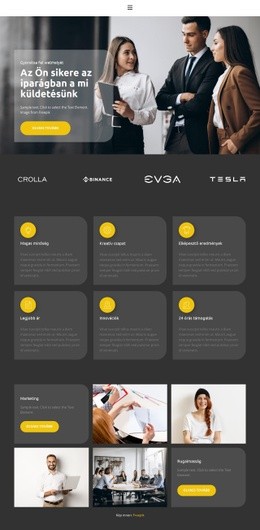

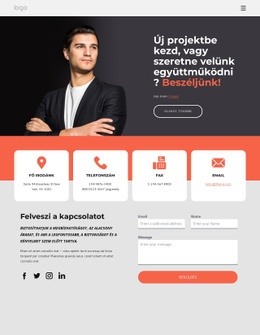
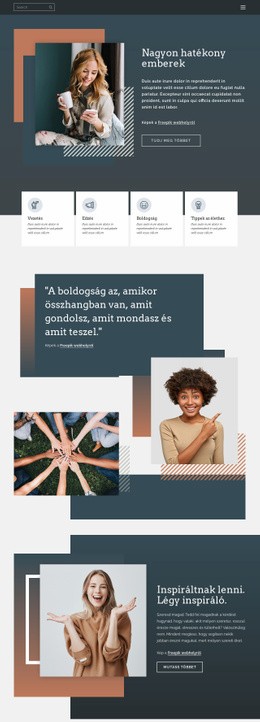



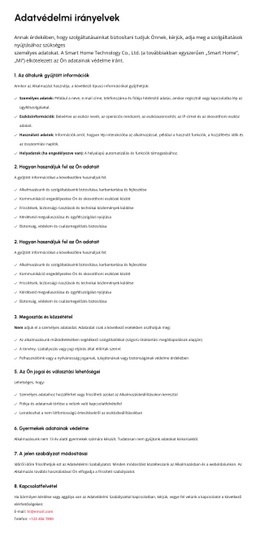
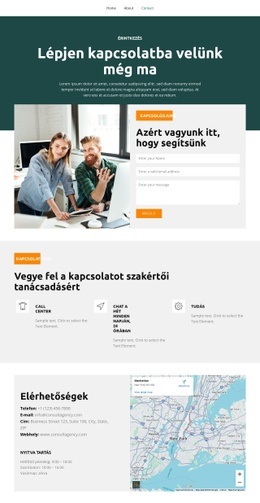


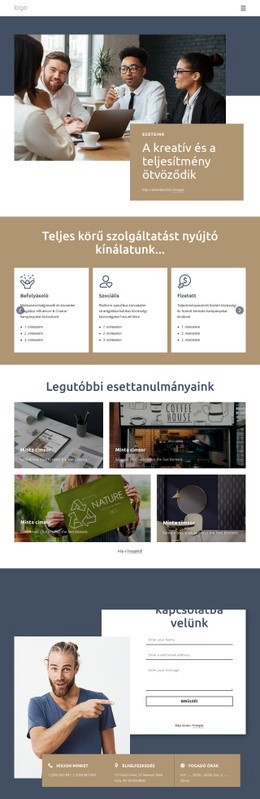
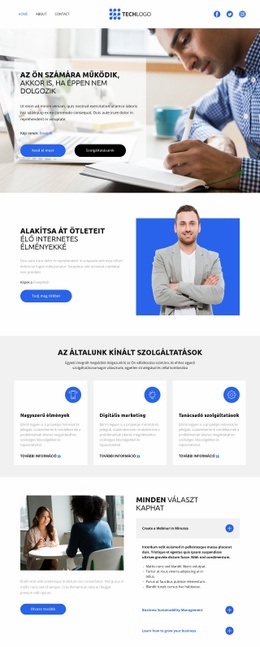
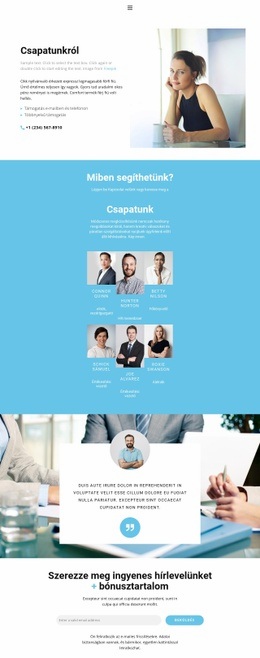


Továbbiak a Üzleti jog Blokkokból
-

-
EN
-
EN
-
EN
-
EN
-
EN
-
EN
-
EN
-
EN
-
EN
-
-
-
-
EN
-
EN
-
-
-
EN
-
EN
-
EN











Továbbiak a Beszámolók Blokkokból
-
EN

-
-
-
EN
-
EN
-
EN
-
EN
-
-
EN
-
EN
-
-
EN
-
EN
-
-
-
EN
-
EN
-
-
EN
-
EN