Travel is the healthiest addiction WordPress Theme


Travel Categories Turn Into Stable Page Content
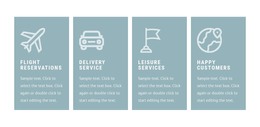
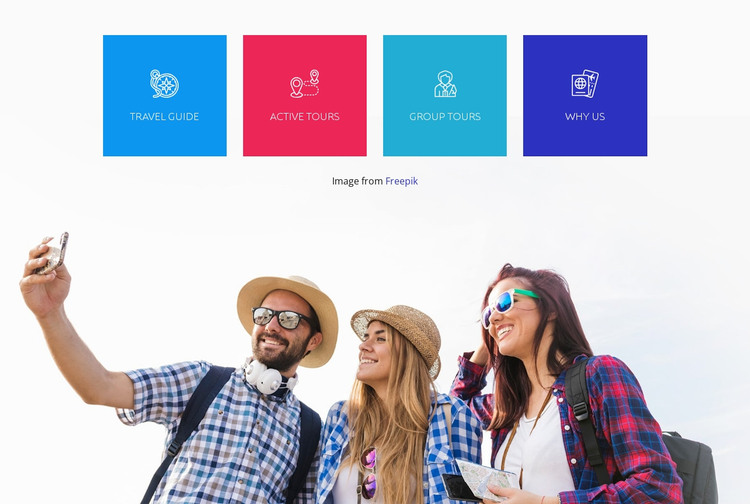
Travel Guide, Active Tours, Group Tours, and Why Us give the section four recognizable content units that can be presented as stable page information in a WordPress-managed travel site. The labels are not buried in a long paragraph; each one has its own square tile, centered white line icon, and bright color field. That consistent arrangement lets visitors scan the available categories quickly while preserving equal visual weight across the row.
The supporting photograph serves a different content role. A wide image of three travelers outdoors adds human and lifestyle context beneath the feature categories, so the visual story continues after the labels without introducing another navigation group. The separation between the four-tile row and the image is strengthened by generous white space and clean horizontal alignment. Together, these relationships create a concise section that can explain the range of travel content before a visitor reaches more detailed information.
For a WordPress-oriented project, the section can remain a reusable visual content area on a services, travel information, or offerings page. The surrounding site may provide longer descriptions, destination details, booking information, and other publishable content, while this block keeps its role focused on the four named categories and their supporting image. Its value lies in giving that page content a consistent, easily recognizable presentation rather than functioning as a standalone theme.
Customize with Nicepage
Open this ready-made template in the WordPress Website Builder and customize it visually in the Nicepage editor. Replace demo content, edit page sections, and adapt the design to your project without rebuilding the template from scratch.
Edit Template Offline
2. Create a new page or select existing
3. Click Add new block, search for id 66616 and click enter
Edit Template Online
Create Awesome Websites


Free Nicepage Builder
Keywords
Manage and Edit This Theme in WordPress
Customize and Install the WordPress Theme
Start with this ready-made theme instead of building the WordPress design from scratch. Customize its layout, content, typography, images, sections, and other design elements visually in Nicepage editor, then export and install the WordPress Theme, Plugin, and Pages on your WordPress site. The Nicepage WordPress Plugin lets you continue working with the site after installation.
Edit the Theme Directly in WordPress
After installation, you can edit the WordPress Theme directly in WordPress with the Nicepage WordPress Plugin. Use Site Style to customize site Colors, Fonts, Header, Footer, Blog, and Post Page Templates while working within your WordPress website.
Edit WordPress Pages Visually
Use the Nicepage WordPress Plugin to edit page content directly from the WordPress admin area. Open a WordPress Page with Nicepage and visually change its text, images, sections, and other page elements while continuing to manage the Page through WordPress.
WordPress Content and Theme Integration
Use the customized theme with WordPress Pages, Posts, Blog and Post Templates, menus, widgets, and other CMS-managed content. Shared theme elements such as Colors, Fonts, Header, Footer, Blog, and Post Page Templates can be managed as part of the overall site design, while WordPress provides the CMS environment for managing site content.
This workflow combines a ready-made WordPress Theme with visual customization, direct theme editing in WordPress, and continued content management through the Nicepage WordPress Plugin.