Smart Design, Clear Results WordPress Theme


Three quote-and-source pairs create stable page content
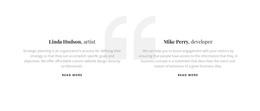
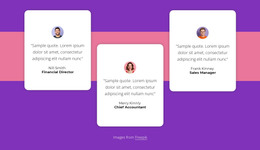
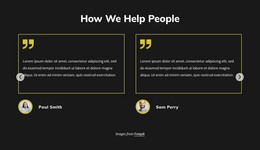
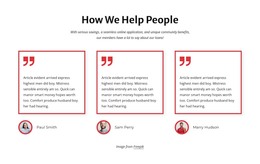
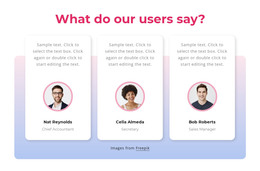
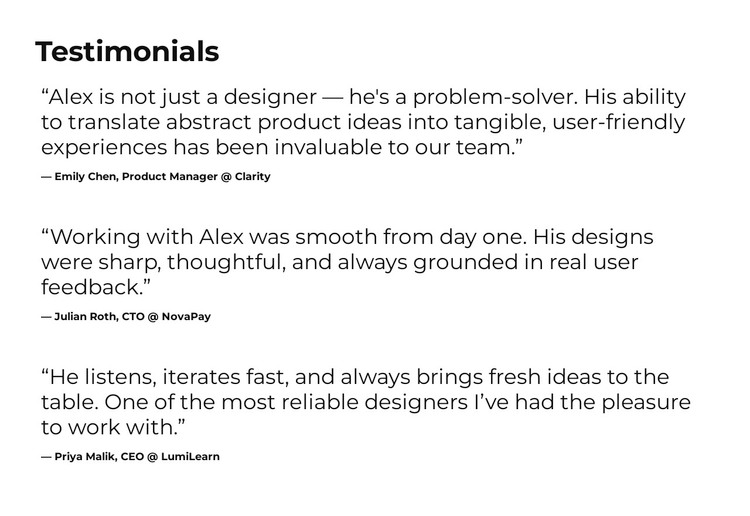
The “Testimonials” heading establishes a focused content area, followed by three quote-and-attribution pairs arranged in a single vertical column. Each item has the same basic relationship: large quote text carries the statement, while smaller bold text identifies its visible source. This structure suits permanent page content because the testimonial section can remain distinct from time-sensitive posts or other changing areas managed elsewhere in a WordPress project.
The displayed attributions—Emily Chen, Product Manager at Clarity; Julian Roth, CTO at NovaPay; and Priya Malik, CEO at LumiLearn—give the three entries recognizable content boundaries. They are presented here as the testimonial attribution structure, while the section’s black typography and white background keep attention on the relationship between each statement and its source. Generous spacing also makes the sequence readable when the section is placed between other page areas.
In a WordPress-oriented project, this block can serve as a stable testimonial region on a services, product, or profile page without becoming a complete theme. The surrounding site can provide navigation, additional pages, and other content while this section preserves its focused role. If the testimonials are later replaced or edited as page content, the repeated visual pattern still gives each updated statement the same hierarchy and position within the page.
Customize with Nicepage
Open this ready-made template in the WordPress Website Builder and customize it visually in the Nicepage editor. Replace demo content, edit page sections, and adapt the design to your project without rebuilding the template from scratch.
Edit Template Offline
2. Create a new page or select existing
3. Click Add new block, search for id 6542414 and click enter
Edit Template Online
Create Awesome Websites


Free Nicepage Builder
Keywords
Manage and Edit This Theme in WordPress
Customize and Install the WordPress Theme
Start with this ready-made theme instead of building the WordPress design from scratch. Customize its layout, content, typography, images, sections, and other design elements visually in Nicepage editor, then export and install the WordPress Theme, Plugin, and Pages on your WordPress site. The Nicepage WordPress Plugin lets you continue working with the site after installation.
Edit the Theme Directly in WordPress
After installation, you can edit the WordPress Theme directly in WordPress with the Nicepage WordPress Plugin. Use Site Style to customize site Colors, Fonts, Header, Footer, Blog, and Post Page Templates while working within your WordPress website.
Edit WordPress Pages Visually
Use the Nicepage WordPress Plugin to edit page content directly from the WordPress admin area. Open a WordPress Page with Nicepage and visually change its text, images, sections, and other page elements while continuing to manage the Page through WordPress.
WordPress Content and Theme Integration
Use the customized theme with WordPress Pages, Posts, Blog and Post Templates, menus, widgets, and other CMS-managed content. Shared theme elements such as Colors, Fonts, Header, Footer, Blog, and Post Page Templates can be managed as part of the overall site design, while WordPress provides the CMS environment for managing site content.
This workflow combines a ready-made WordPress Theme with visual customization, direct theme editing in WordPress, and continued content management through the Nicepage WordPress Plugin.