Skills to deliver exceptional results WordPress Theme


Four Structured Offerings as WordPress Page Content
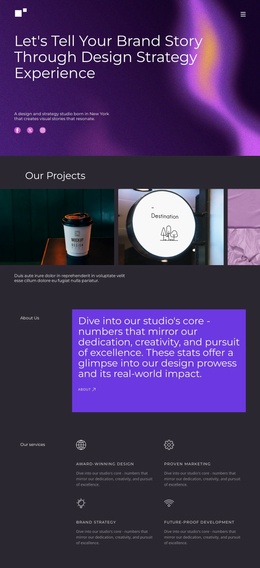
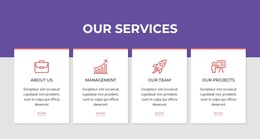
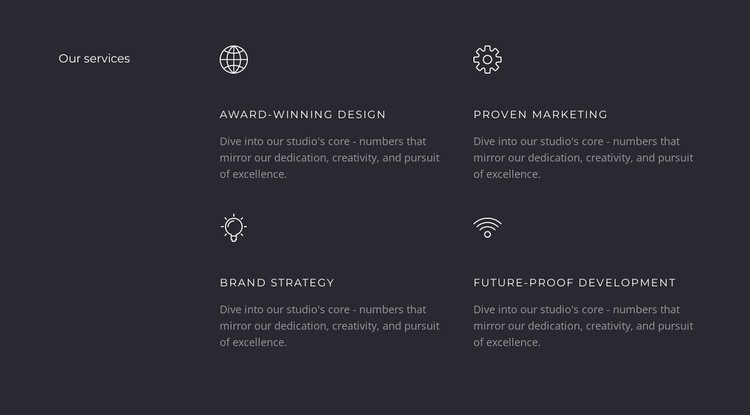
The four service items form a stable informational group that can fit naturally into a WordPress-managed page. “Our services” provides the category marker, and the repeated entries—Award-Winning Design, Proven Marketing, Brand Strategy, and Future-Proof Development—give the section a clear content model. Each entry pairs an outlined icon with a compact uppercase title and supporting paragraph, so the visual arrangement reinforces the distinction between one offering and the next.
In a WordPress-oriented project, this block can serve as permanent services content on a relevant page while the wider site manages its other page areas and publishing needs. The section does not need to become a separate theme structure to be useful. Its role is narrower and more practical: it presents a defined group of offerings in a consistent visual region that can sit beside or between other page sections.
The two-column, two-row layout keeps the four items comparable and avoids turning the service summary into an extended text stack. The dark charcoal field gives the group a strong boundary, while light icons and titles stand above muted gray descriptions in the hierarchy. That combination makes the block readable as a reusable content area whose service information and visual pattern can remain consistent within a WordPress-managed design.
Customize with Nicepage
Open this ready-made template in the WordPress Website Builder and customize it visually in the Nicepage editor. Replace demo content, edit page sections, and adapt the design to your project without rebuilding the template from scratch.
Edit Template Offline
2. Create a new page or select existing
3. Click Add new block, search for id 6277787 and click enter
Edit Template Online
Create Awesome Websites


Free Nicepage Builder
Keywords
Manage and Edit This Theme in WordPress
Customize and Install the WordPress Theme
Start with this ready-made theme instead of building the WordPress design from scratch. Customize its layout, content, typography, images, sections, and other design elements visually in Nicepage editor, then export and install the WordPress Theme, Plugin, and Pages on your WordPress site. The Nicepage WordPress Plugin lets you continue working with the site after installation.
Edit the Theme Directly in WordPress
After installation, you can edit the WordPress Theme directly in WordPress with the Nicepage WordPress Plugin. Use Site Style to customize site Colors, Fonts, Header, Footer, Blog, and Post Page Templates while working within your WordPress website.
Edit WordPress Pages Visually
Use the Nicepage WordPress Plugin to edit page content directly from the WordPress admin area. Open a WordPress Page with Nicepage and visually change its text, images, sections, and other page elements while continuing to manage the Page through WordPress.
WordPress Content and Theme Integration
Use the customized theme with WordPress Pages, Posts, Blog and Post Templates, menus, widgets, and other CMS-managed content. Shared theme elements such as Colors, Fonts, Header, Footer, Blog, and Post Page Templates can be managed as part of the overall site design, while WordPress provides the CMS environment for managing site content.
This workflow combines a ready-made WordPress Theme with visual customization, direct theme editing in WordPress, and continued content management through the Nicepage WordPress Plugin.