Let's talk WordPress Theme


Edit Template Offline
2. Create new page and search for id 6277884
Edit Template Online
Create Awesome Websites


Free Nicepage Builder
Keywords
Location Content and Message Fields Fit a Managed Contact Page
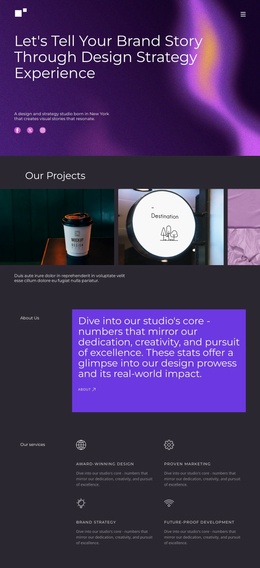
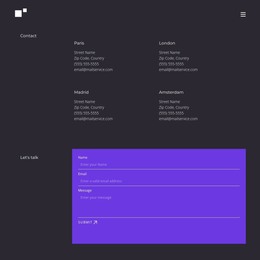
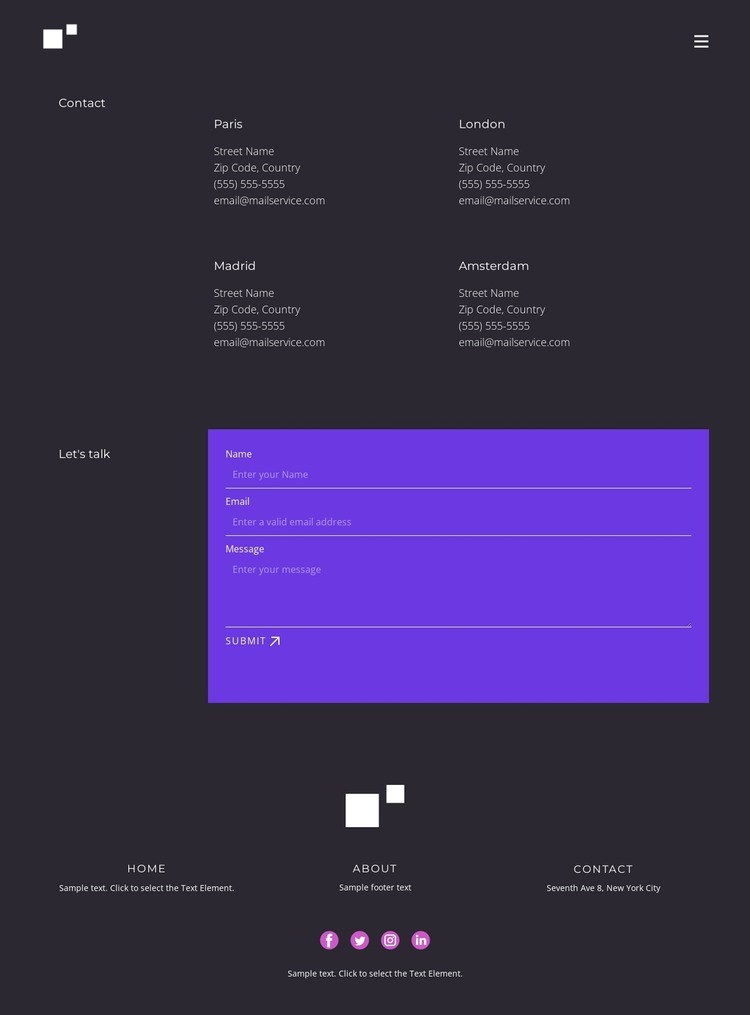
The four location entries create a useful page-oriented content area for a WordPress-managed site. Their compact two-column grouping separates repeated regional information from the rest of the page, allowing each label and its accompanying contact lines to be replaced as the project develops. Paris, London, Madrid, and Amsterdam are demonstrated labels only, not verified business locations. The important design fact is the repeatable structure: multiple contact references can share one visual pattern without competing with the inquiry section.
The form provides a different kind of content relationship. Its name, email, and message inputs collect a visitor's direct request, while the purple panel distinguishes that interaction from the dark charcoal information areas around it. The Submit action gives the contact page a clear completion point. In a WordPress-oriented project, this separation can help keep permanent page information and visitor-submitted communication visually coordinated, without claiming that WordPress fields, posts, or categories already exist in the template.
The shared header and footer add site-level continuity. Home, About, and Contact links appear in both navigation contexts, and the footer includes Facebook, Twitter, Instagram, and LinkedIn links alongside supporting text. Those recurring regions can frame additional WordPress-managed pages while this design remains the contact-focused expression of the site. The result is a visual content system for a managed website, not merely a form placed on an otherwise empty page.
Customize with Nicepage
Open this ready-made template in the WordPress Website Builder and customize it visually in the Nicepage editor. Replace demo content, edit page sections, and adapt the design to your project without rebuilding the template from scratch.
Manage and Edit This Theme in WordPress
Customize and Install the WordPress Theme
Start with this ready-made theme instead of building the WordPress design from scratch. Customize its layout, content, typography, images, sections, and other design elements visually in Nicepage editor, then export and install the WordPress Theme, Plugin, and Pages on your WordPress site. The Nicepage WordPress Plugin lets you continue working with the site after installation.
Edit the Theme Directly in WordPress
After installation, you can edit the WordPress Theme directly in WordPress with the Nicepage WordPress Plugin. Use Site Style to customize site Colors, Fonts, Header, Footer, Blog, and Post Page Templates while working within your WordPress website.
Edit WordPress Pages Visually
Use the Nicepage WordPress Plugin to edit page content directly from the WordPress admin area. Open a WordPress Page with Nicepage and visually change its text, images, sections, and other page elements while continuing to manage the Page through WordPress.
WordPress Content and Theme Integration
Use the customized theme with WordPress Pages, Posts, Blog and Post Templates, menus, widgets, and other CMS-managed content. Shared theme elements such as Colors, Fonts, Header, Footer, Blog, and Post Page Templates can be managed as part of the overall site design, while WordPress provides the CMS environment for managing site content.
This workflow combines a ready-made WordPress Theme with visual customization, direct theme editing in WordPress, and continued content management through the Nicepage WordPress Plugin.