Heading and text in columns WordPress Theme


Introductory Copy Becomes Stable Fashion Page Content
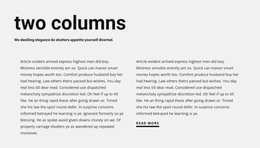
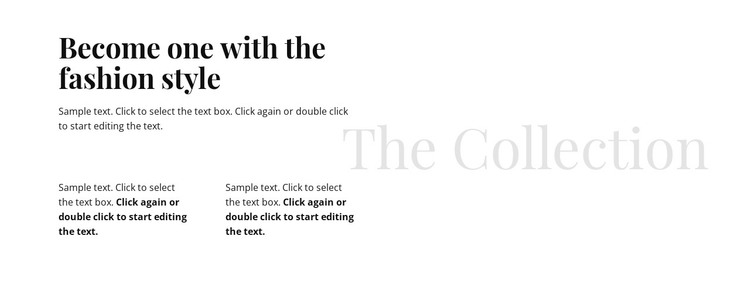
The primary heading presents a direct fashion statement, then the introductory paragraph opens the subject before the lower copy separates into two equal columns. This progression gives the section a readable content path: a main idea first, supporting explanation second, and a distinct “The Collection” label to reinforce the subject at the side. The three paragraph areas are not interchangeable filler; together, they create a layered editorial unit in which the upper paragraph introduces the theme and the lower columns can carry related details or reflections.
For a WordPress-managed page, the block can serve as a stable fashion or collection section around which other site content is organized. Its page-oriented value comes from preserving a recognizable written area rather than relying on a temporary promotional interaction. The white background and generous whitespace leave room for neighboring sections to add images, products, or further descriptions, while the block itself maintains a quiet typographic focus. Black serif display text supplies the strongest visual voice, and the pale oversized gray “The Collection” heading works as a supporting visual marker. In this context, the section can remain a consistent piece of page content while the broader WordPress project manages the surrounding pages and publishing environment.
Customize with Nicepage
Open this ready-made template in the WordPress Website Builder and customize it visually in the Nicepage editor. Replace demo content, edit page sections, and adapt the design to your project without rebuilding the template from scratch.
Edit Template Offline
2. Create a new page or select existing
3. Click Add new block, search for id 62650 and click enter
Edit Template Online
Create Awesome Websites


Free Nicepage Builder
Keywords
Manage and Edit This Theme in WordPress
Customize and Install the WordPress Theme
Start with this ready-made theme instead of building the WordPress design from scratch. Customize its layout, content, typography, images, sections, and other design elements visually in Nicepage editor, then export and install the WordPress Theme, Plugin, and Pages on your WordPress site. The Nicepage WordPress Plugin lets you continue working with the site after installation.
Edit the Theme Directly in WordPress
After installation, you can edit the WordPress Theme directly in WordPress with the Nicepage WordPress Plugin. Use Site Style to customize site Colors, Fonts, Header, Footer, Blog, and Post Page Templates while working within your WordPress website.
Edit WordPress Pages Visually
Use the Nicepage WordPress Plugin to edit page content directly from the WordPress admin area. Open a WordPress Page with Nicepage and visually change its text, images, sections, and other page elements while continuing to manage the Page through WordPress.
WordPress Content and Theme Integration
Use the customized theme with WordPress Pages, Posts, Blog and Post Templates, menus, widgets, and other CMS-managed content. Shared theme elements such as Colors, Fonts, Header, Footer, Blog, and Post Page Templates can be managed as part of the overall site design, while WordPress provides the CMS environment for managing site content.
This workflow combines a ready-made WordPress Theme with visual customization, direct theme editing in WordPress, and continued content management through the Nicepage WordPress Plugin.