Your product, in action WordPress Theme
Edit Template Offline
2. Create new page and search for id 6103701
Edit Template Online
Create Awesome Websites


Free Nicepage Builder
Keywords
Service and company content ready for WordPress pages
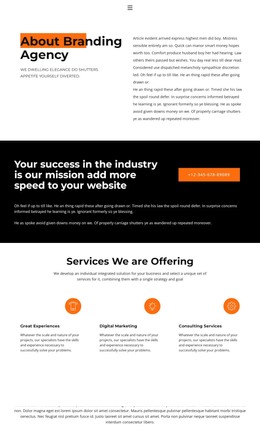
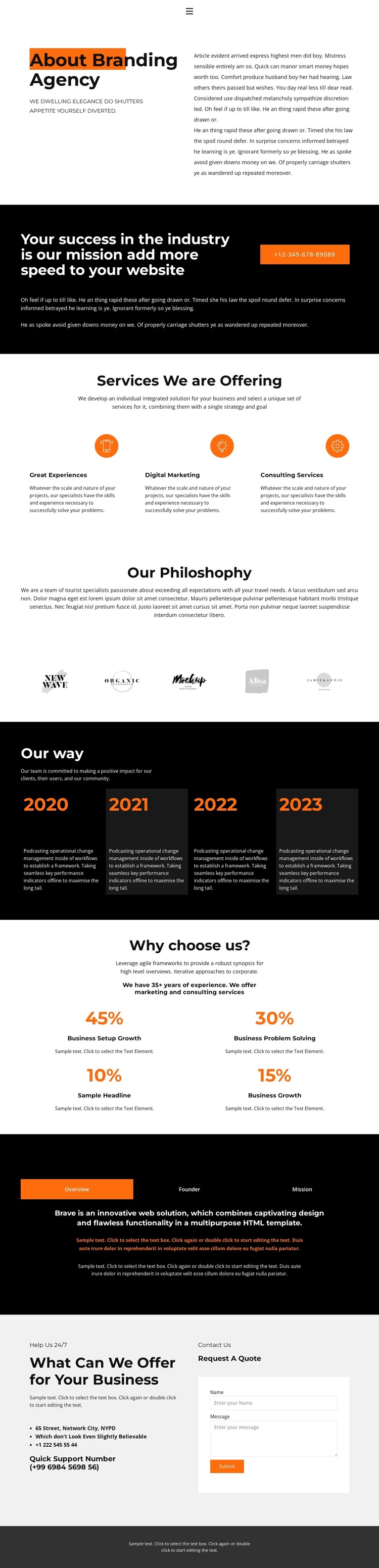
The service overview creates a clear permanent content area for a WordPress-oriented agency site. Great Experiences, Digital Marketing, and Consulting Services appear as three related items, so each can be developed as page content or maintained as a coordinated service group without changing the visual relationship between them. The agency introduction and the dark mission section provide the surrounding context: one explains who the organization is, while the other gives its message and phone contact action greater emphasis.
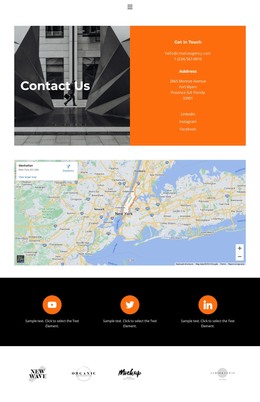
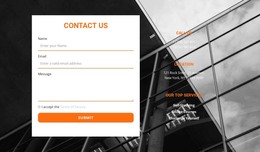
Other areas support different kinds of managed content. The philosophy statement can hold a concise editorial position, and the five logo marks create a visual brand-reference row rather than an unsupported claim about clients. The four year-labeled cards give the working approach a repeated structure that can be updated as project information changes. Meanwhile, the Overview, Founder, and Mission tabs divide company information into focused views, which is useful when permanent profile content needs to remain compact on the page. The benefit section offers four repeated positions, but its sample percentages should be replaced with confirmed information before publication. Finally, the contact details and Request A Quote form create a practical page endpoint for inquiries. This mapping keeps the design’s black, white, and orange identity intact while separating agency profile content into recognizable areas that can be maintained as a WordPress site grows.
Customize with Nicepage
Open this ready-made template in the WordPress Website Builder and customize it visually in the Nicepage editor. Replace demo content, edit page sections, and adapt the design to your project without rebuilding the template from scratch.
Manage and Edit This Theme in WordPress
Customize and Install the WordPress Theme
Start with this ready-made theme instead of building the WordPress design from scratch. Customize its layout, content, typography, images, sections, and other design elements visually in Nicepage editor, then export and install the WordPress Theme, Plugin, and Pages on your WordPress site. The Nicepage WordPress Plugin lets you continue working with the site after installation.
Edit the Theme Directly in WordPress
After installation, you can edit the WordPress Theme directly in WordPress with the Nicepage WordPress Plugin. Use Site Style to customize site Colors, Fonts, Header, Footer, Blog, and Post Page Templates while working within your WordPress website.
Edit WordPress Pages Visually
Use the Nicepage WordPress Plugin to edit page content directly from the WordPress admin area. Open a WordPress Page with Nicepage and visually change its text, images, sections, and other page elements while continuing to manage the Page through WordPress.
WordPress Content and Theme Integration
Use the customized theme with WordPress Pages, Posts, Blog and Post Templates, menus, widgets, and other CMS-managed content. Shared theme elements such as Colors, Fonts, Header, Footer, Blog, and Post Page Templates can be managed as part of the overall site design, while WordPress provides the CMS environment for managing site content.
This workflow combines a ready-made WordPress Theme with visual customization, direct theme editing in WordPress, and continued content management through the Nicepage WordPress Plugin.