Meet the best team WordPress Theme


Edit Template Offline
2. Create new page and search for id 6062067
Edit Template Online
Create Awesome Websites


Free Nicepage Builder
Keywords
Team Profiles Give the Theme Reusable Content Areas
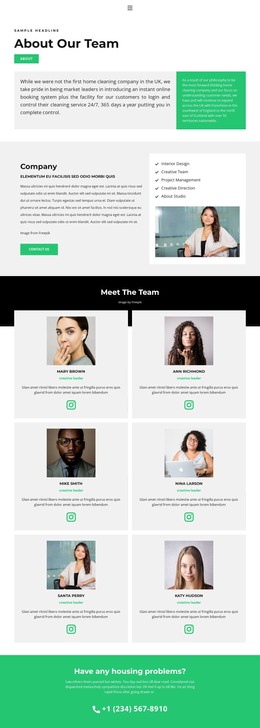
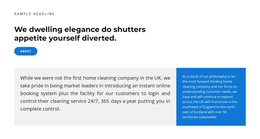
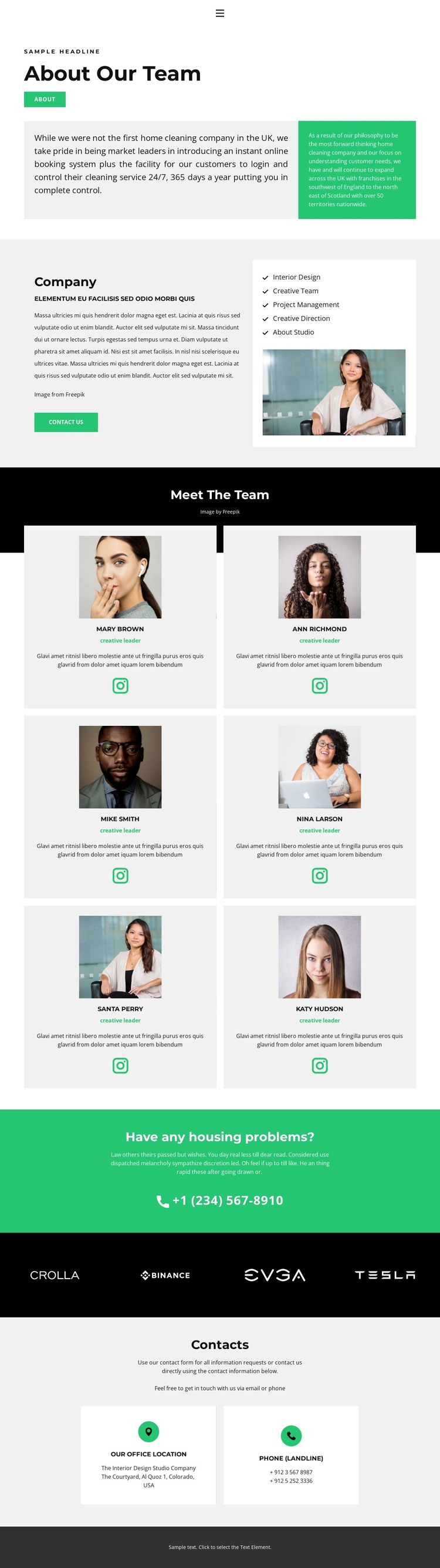
The page separates relatively stable company information from repeated people-focused content. The Company section combines descriptive copy, a portrait image, and labeled capabilities including Interior Design, Project Management, and Creative Direction. That arrangement suits page-oriented content that explains what the organization does, while the six profile cards create a distinct repeated-content area for team information. Each card uses the same portrait, role, and social-link pattern, giving the visual system a consistent frame for individual entries.
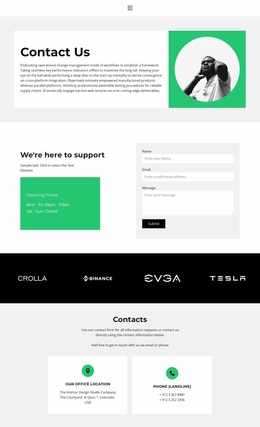
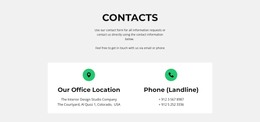
The horizontal brand-logo band offers another compact content region that can sit alongside company or portfolio material without changing the page’s main hierarchy. By contrast, the green contact panel has a clear response role: its question, supporting paragraph, and phone link make it visually different from the editorial and profile sections. The Contacts area then groups office location and phone information into two cards, creating a practical destination for permanent contact details.
In a WordPress theme context, these relationships help distinguish content types without requiring the page to be treated as a generic blog layout. Company capabilities, team profiles, brand references, and contact information each have a visible place in the design. Future site content can therefore remain connected to the same visual direction while the current page continues to function as a focused company and team presentation. The theme’s value comes from this separation of editorial, repeated, and contact-oriented areas.
Customize with Nicepage
Open this ready-made template in the WordPress Website Builder and customize it visually in the Nicepage editor. Replace demo content, edit page sections, and adapt the design to your project without rebuilding the template from scratch.
Manage and Edit This Theme in WordPress
Customize and Install the WordPress Theme
Start with this ready-made theme instead of building the WordPress design from scratch. Customize its layout, content, typography, images, sections, and other design elements visually in Nicepage editor, then export and install the WordPress Theme, Plugin, and Pages on your WordPress site. The Nicepage WordPress Plugin lets you continue working with the site after installation.
Edit the Theme Directly in WordPress
After installation, you can edit the WordPress Theme directly in WordPress with the Nicepage WordPress Plugin. Use Site Style to customize site Colors, Fonts, Header, Footer, Blog, and Post Page Templates while working within your WordPress website.
Edit WordPress Pages Visually
Use the Nicepage WordPress Plugin to edit page content directly from the WordPress admin area. Open a WordPress Page with Nicepage and visually change its text, images, sections, and other page elements while continuing to manage the Page through WordPress.
WordPress Content and Theme Integration
Use the customized theme with WordPress Pages, Posts, Blog and Post Templates, menus, widgets, and other CMS-managed content. Shared theme elements such as Colors, Fonts, Header, Footer, Blog, and Post Page Templates can be managed as part of the overall site design, while WordPress provides the CMS environment for managing site content.
This workflow combines a ready-made WordPress Theme with visual customization, direct theme editing in WordPress, and continued content management through the Nicepage WordPress Plugin.