Online process training group WordPress Theme


Illustrated Feature Items as Stable WordPress Page Content
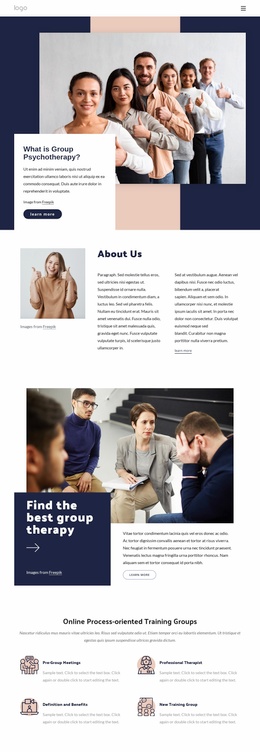
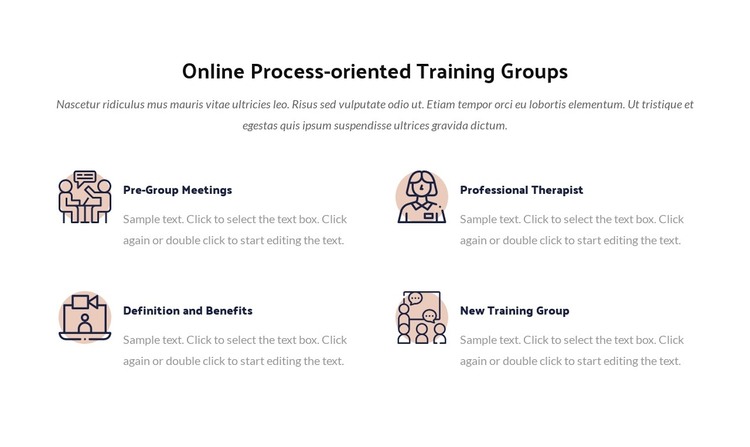
The four labeled items read as lasting informational content rather than a time-based feed. Pre-Group Meetings, Professional Therapist, Definition and Benefits, and New Training Group each occupy a consistent visual unit, combining an illustration or icon with a title and supporting description. Above them, the centered heading and paragraph establish the subject of Online Process-oriented Training Groups. The two-column, two-row arrangement allows the topics to be scanned as a related set while preserving enough space around each item for its text to remain distinct.
Within a WordPress-managed page, this block can provide a reusable training-information area that remains visually consistent as the surrounding site grows. The white background and centered introductory hierarchy make it easy to place between other page sections, while dark navy titles and muted gray copy separate primary labels from explanation. Soft peach and pale blue accents give the illustrations a gentle visual distinction without changing the content model. Since the presentation is static, all four topics are available in the initial view and do not depend on a carousel or expandable control. The section therefore works well as publishable page content inside a broader WordPress project, while other site areas handle navigation and additional information.
Customize with Nicepage
Open this ready-made template in the WordPress Website Builder and customize it visually in the Nicepage editor. Replace demo content, edit page sections, and adapt the design to your project without rebuilding the template from scratch.
Edit Template Offline
2. Create a new page or select existing
3. Click Add new block, search for id 309251 and click enter
Edit Template Online
Create Awesome Websites


Free Nicepage Builder
Keywords
Manage and Edit This Theme in WordPress
Customize and Install the WordPress Theme
Start with this ready-made theme instead of building the WordPress design from scratch. Customize its layout, content, typography, images, sections, and other design elements visually in Nicepage editor, then export and install the WordPress Theme, Plugin, and Pages on your WordPress site. The Nicepage WordPress Plugin lets you continue working with the site after installation.
Edit the Theme Directly in WordPress
After installation, you can edit the WordPress Theme directly in WordPress with the Nicepage WordPress Plugin. Use Site Style to customize site Colors, Fonts, Header, Footer, Blog, and Post Page Templates while working within your WordPress website.
Edit WordPress Pages Visually
Use the Nicepage WordPress Plugin to edit page content directly from the WordPress admin area. Open a WordPress Page with Nicepage and visually change its text, images, sections, and other page elements while continuing to manage the Page through WordPress.
WordPress Content and Theme Integration
Use the customized theme with WordPress Pages, Posts, Blog and Post Templates, menus, widgets, and other CMS-managed content. Shared theme elements such as Colors, Fonts, Header, Footer, Blog, and Post Page Templates can be managed as part of the overall site design, while WordPress provides the CMS environment for managing site content.
This workflow combines a ready-made WordPress Theme with visual customization, direct theme editing in WordPress, and continued content management through the Nicepage WordPress Plugin.