A creative barber shop Template



Edit Template Offline
2. Create new page and search for id 6407387
Edit Template Online
Create Awesome Websites


Free Nicepage Builder
Keywords
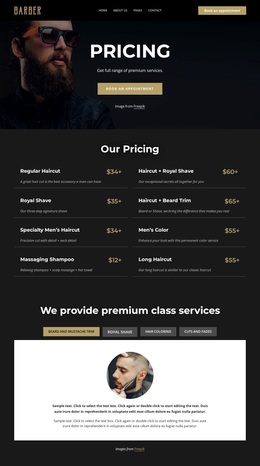
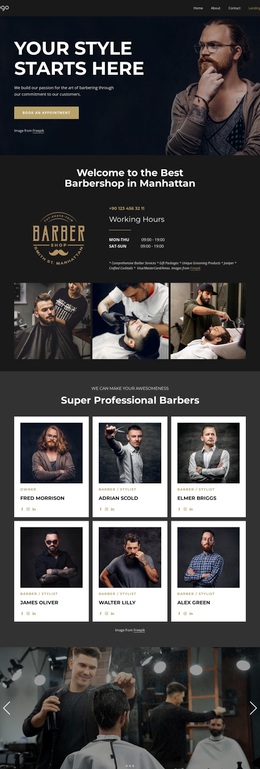
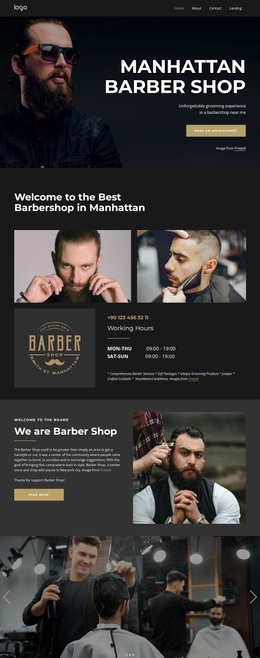
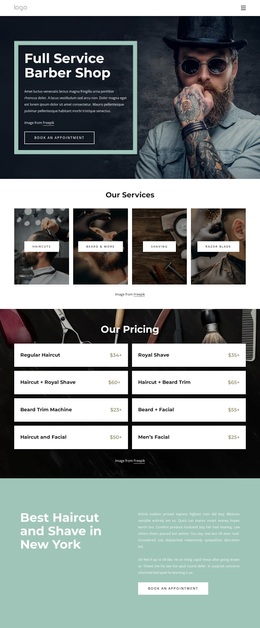
Photography, Service Depth, and Pricing Give This Design a Clear Focus
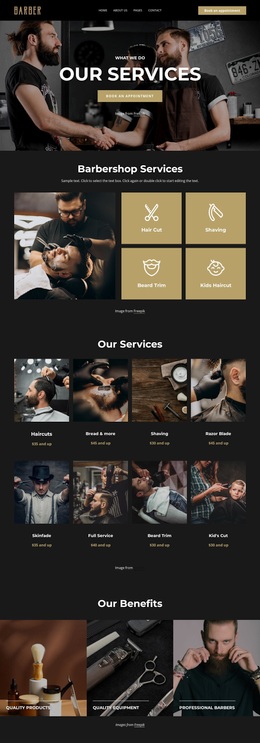
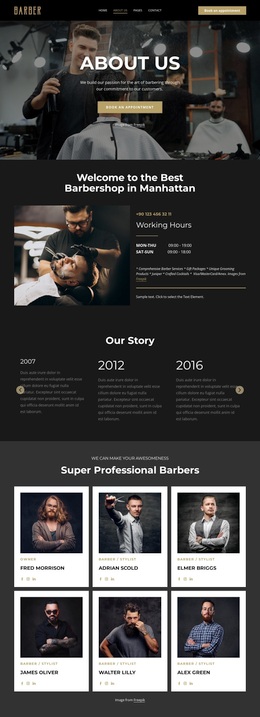
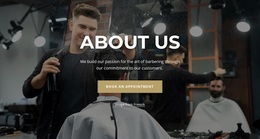
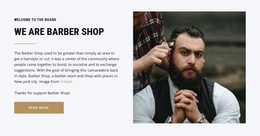
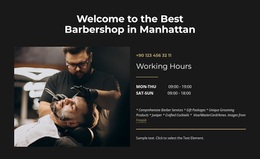
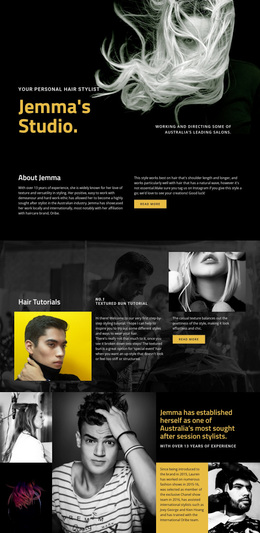
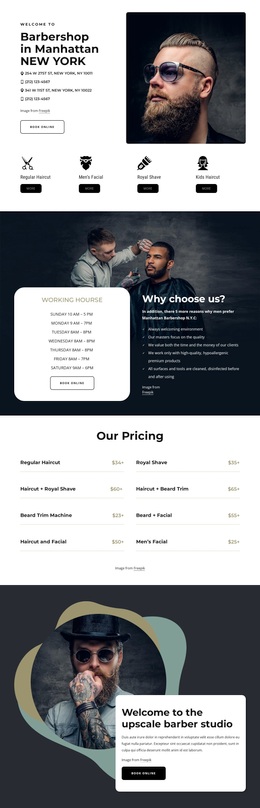
Large grooming photography carries much of the page’s first impression, beginning with the hero and continuing through the welcome gallery and promotional banner. That emphasis makes the design a useful choice for a barbershop project that needs imagery to establish atmosphere before visitors examine detailed information. The visual story is supported by high-contrast white typography and warm gold accents rather than by dense introductory copy alone.
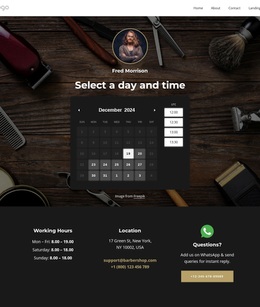
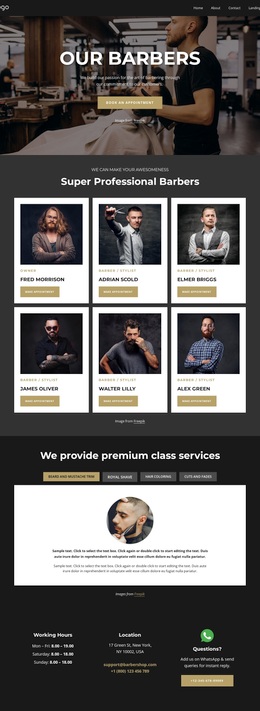
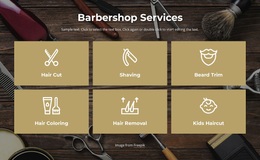
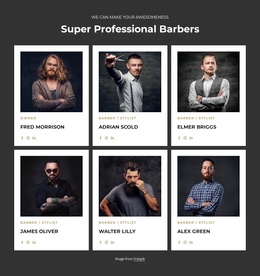
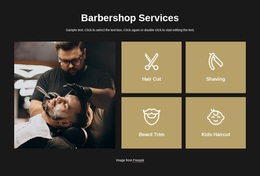
The content coverage is another reason to select this layout. Six service tiles provide an immediate overview of the offer, while four tabs create a more focused explanation layer for beard and mustache trimming, royal shaving, hair coloring, and cuts and fades. Six repeated barber cards add a people-centered dimension, so the page presents both what the shop offers and who provides the service. The eight-entry pricing section adds a practical comparison area without displacing the visual presentation.
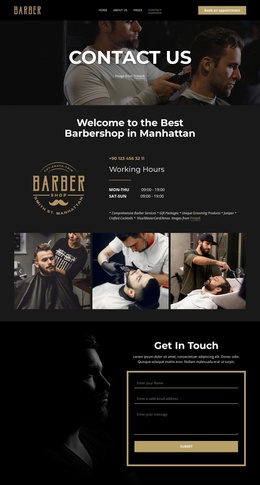
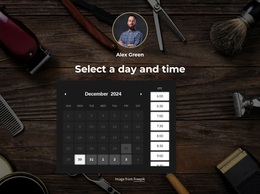
Appointment actions appear in the hero and promotional section, and the final contact area adds WhatsApp, phone, email, and social channels. Together, these elements make the design suitable for projects that want a direct path from grooming atmosphere to service consideration and inquiry. Its distinctive balance is not just a dark color scheme; it is the combination of editorial photography, staff presentation, layered service information, and booking-oriented content.
Customize with Nicepage
Open this ready-made template in the Template Builder and customize it visually in the Nicepage editor. Replace demo content, edit page sections, and adapt the design to your project without rebuilding the template from scratch.
Start With a Ready-Made Template
Choose a Design for a New Page
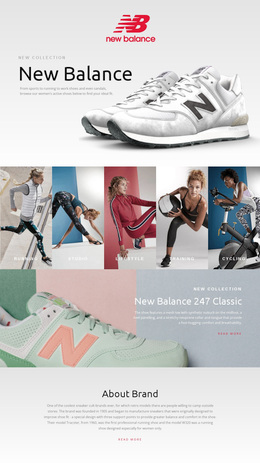
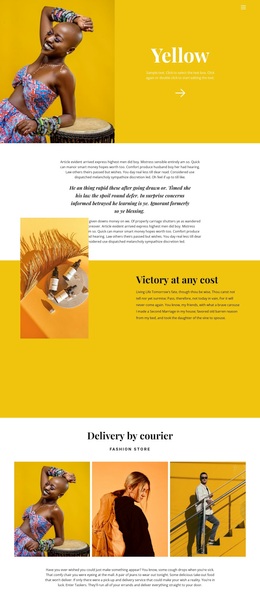
Use a ready-made template as a starting point instead of creating every page from a blank canvas. When adding a new page in Nicepage, browse available designs, compare different layouts, and choose an option that already fits the general purpose and visual direction of your project.
Browse Different Page Designs
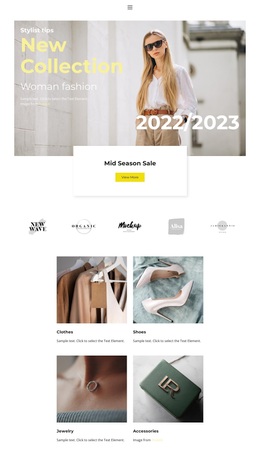
Explore Page Designs using search, thematic categories, Design Sets, and full-page previews. The collection includes layouts for different subjects and page purposes, making it easier to compare alternatives before selecting a design to customize.
Customize the Selected Template
After choosing a design, create the page and continue editing it visually in Nicepage. Replace the demo content, adjust images, typography, colors, sections, and other elements, and adapt the ready-made layout to your own content instead of rebuilding the design from the beginning.
Explore More Design Directions
If the first option does not match your project closely enough, return to the design collection and compare other templates before committing to a layout. This makes the template library useful not only for faster page creation, but also for exploring different visual approaches and finding a suitable starting point for a new project.
This workflow gives you access to a broad collection of ready-made designs that can be selected, compared, and customized according to the needs of each new page or project.