One-stop tech partner Template


Edit Template Offline
2. Create new page and search for id 6288090
Edit Template Online
Create Awesome Websites


Free Nicepage Builder
Keywords
Four Services and a Three-Step Process Define the Design’s Choice
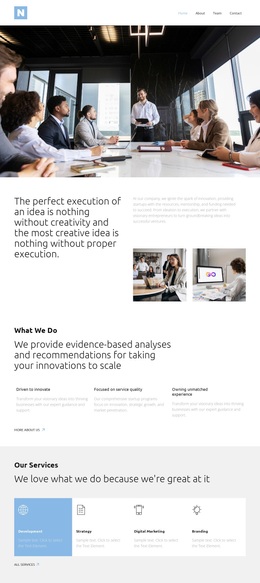
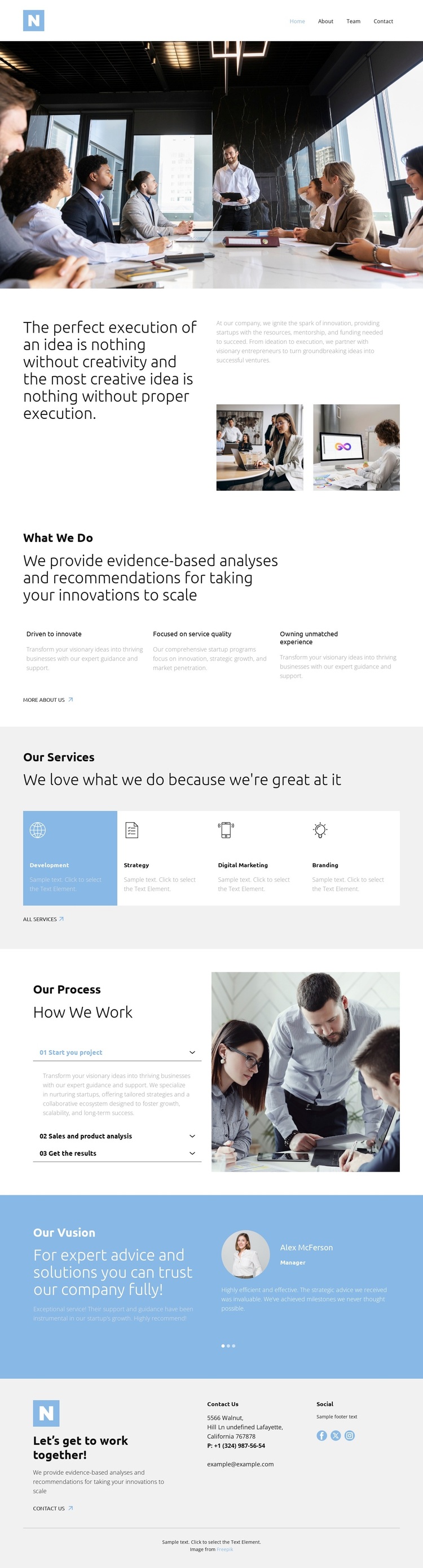
Development, Strategy, Digital Marketing, and Branding give this design a broader content range than a page centered on one isolated consulting offer. The four cards make the service coverage visible early enough for visitors to understand the organization’s areas of work, while the preceding “What We Do” section adds three capability themes around innovation, service quality, and experience. Together, these sections create a balance between what the organization provides and the qualities it wants to associate with that work.
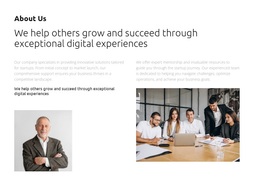
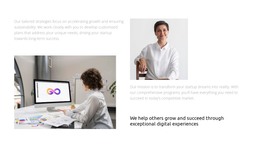
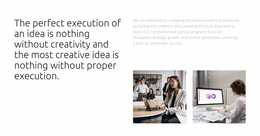
The process accordion gives the page a second distinctive layer. Its three labeled stages—starting a project, sales and product analysis, and getting results—turn the consulting message into a progression rather than a collection of claims. That structure can suit a project that needs to explain both strategic support and practical movement toward outcomes. The meeting photograph, two supporting images, and blue testimonial section reinforce the business context without making the page dependent on dense text alone.
The design is therefore a useful option for startup and innovation consulting projects that need to present several related services while preserving a clear narrative. It moves from creative positioning to capabilities, service coverage, process, vision, and contact. The combination differentiates it from layouts built mainly around a portfolio, a single product, or a long article, while the contact footer keeps the choice connected to a direct business conversation.
Customize with Nicepage
Open this ready-made template in the Template Builder and customize it visually in the Nicepage editor. Replace demo content, edit page sections, and adapt the design to your project without rebuilding the template from scratch.
Start With a Ready-Made Template
Choose a Design for a New Page
Use a ready-made template as a starting point instead of creating every page from a blank canvas. When adding a new page in Nicepage, browse available designs, compare different layouts, and choose an option that already fits the general purpose and visual direction of your project.
Browse Different Page Designs
Explore Page Designs using search, thematic categories, Design Sets, and full-page previews. The collection includes layouts for different subjects and page purposes, making it easier to compare alternatives before selecting a design to customize.
Customize the Selected Template
After choosing a design, create the page and continue editing it visually in Nicepage. Replace the demo content, adjust images, typography, colors, sections, and other elements, and adapt the ready-made layout to your own content instead of rebuilding the design from the beginning.
Explore More Design Directions
If the first option does not match your project closely enough, return to the design collection and compare other templates before committing to a layout. This makes the template library useful not only for faster page creation, but also for exploring different visual approaches and finding a suitable starting point for a new project.
This workflow gives you access to a broad collection of ready-made designs that can be selected, compared, and customized according to the needs of each new page or project.