Creativity and crafting Template


Edit Template Offline
2. Create new page and search for id 6267337
Edit Template Online
Create Awesome Websites


Free Nicepage Builder
Keywords
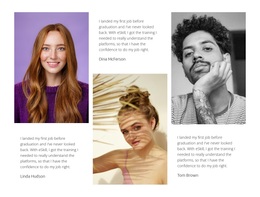
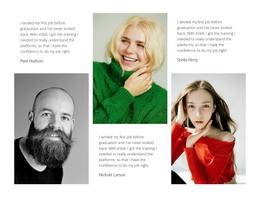
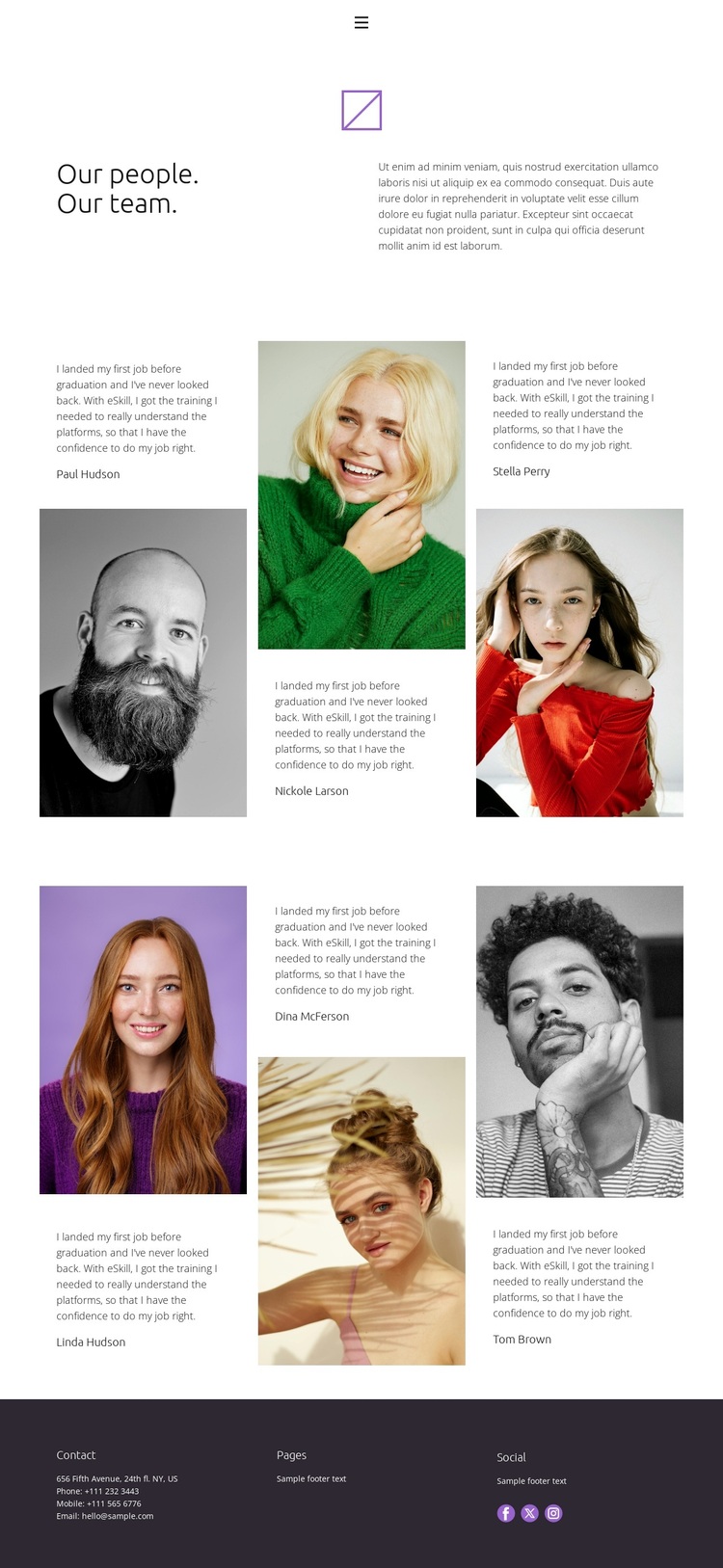
Alternating Portraits Give This Team Design Its Character
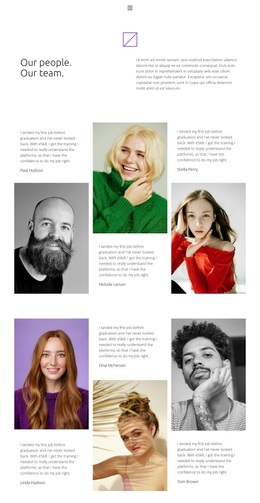
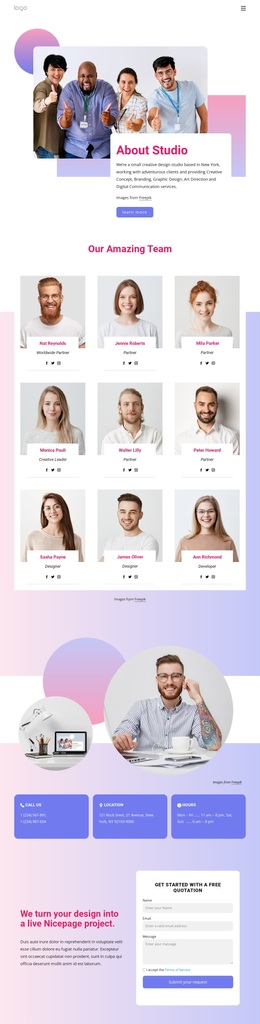
The strongest reason to choose this design is the way it makes team content the primary visual subject. Instead of treating profiles as a uniform row of cards, the page uses six portrait entries across two groups, alternating images with short testimonial-style passages. That editorial arrangement creates movement down the page and gives each person a separate moment without abandoning a consistent overall pattern.
The opening message, “Our people. Our team.”, establishes the subject immediately. Supporting copy sits beside the heading in a two-column introduction, so the page begins with context before presenting individual profiles. The compact navigation for Home, About, Team, and Contact also makes the design recognizable as part of a wider site while keeping the Team page itself central. These relationships suit projects that need to present people through both visual identity and personal statements rather than through dense service information.
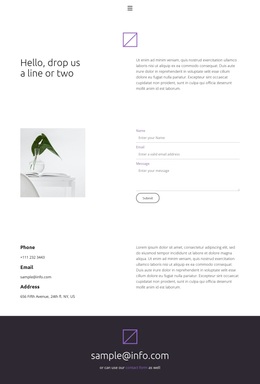
The restrained visual treatment strengthens that choice. A minimal white page, compact typography, generous whitespace, and portrait photography create a quiet editorial setting in which faces and profile text carry most of the communication. The dark footer provides a deliberate contrast and gathers contact, page, and social areas into a clear closing region. Facebook, Twitter, and Instagram links extend the people-focused presentation into social channels. Together, these details distinguish the design from team layouts built around crowded grids or heavy promotional sections.
Customize with Nicepage
Open this ready-made template in the Template Builder and customize it visually in the Nicepage editor. Replace demo content, edit page sections, and adapt the design to your project without rebuilding the template from scratch.
Start With a Ready-Made Template
Choose a Design for a New Page
Use a ready-made template as a starting point instead of creating every page from a blank canvas. When adding a new page in Nicepage, browse available designs, compare different layouts, and choose an option that already fits the general purpose and visual direction of your project.
Browse Different Page Designs
Explore Page Designs using search, thematic categories, Design Sets, and full-page previews. The collection includes layouts for different subjects and page purposes, making it easier to compare alternatives before selecting a design to customize.
Customize the Selected Template
After choosing a design, create the page and continue editing it visually in Nicepage. Replace the demo content, adjust images, typography, colors, sections, and other elements, and adapt the ready-made layout to your own content instead of rebuilding the design from the beginning.
Explore More Design Directions
If the first option does not match your project closely enough, return to the design collection and compare other templates before committing to a layout. This makes the template library useful not only for faster page creation, but also for exploring different visual approaches and finding a suitable starting point for a new project.
This workflow gives you access to a broad collection of ready-made designs that can be selected, compared, and customized according to the needs of each new page or project.