Create identities and brands Template


Edit Template Offline
2. Create new page and search for id 6187310
Edit Template Online
Create Awesome Websites


Free Nicepage Builder
Keywords
Three contrasting project categories give the portfolio a clear point of view
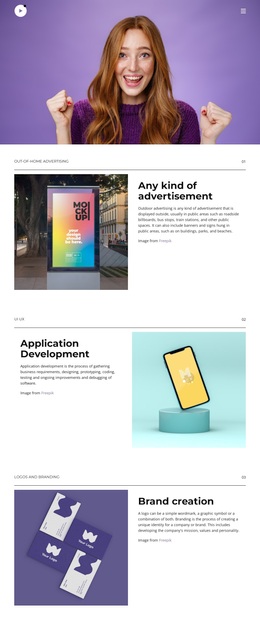
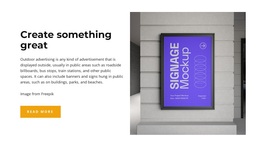
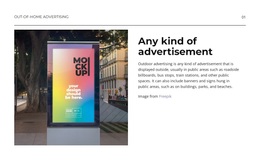
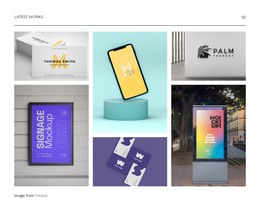
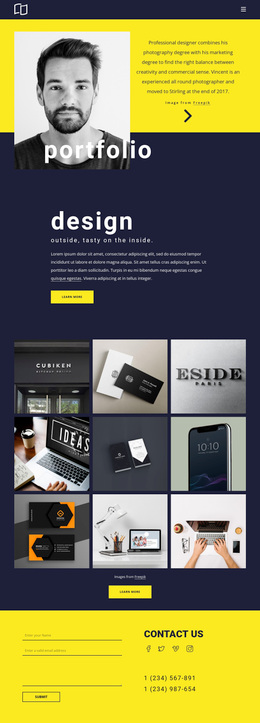
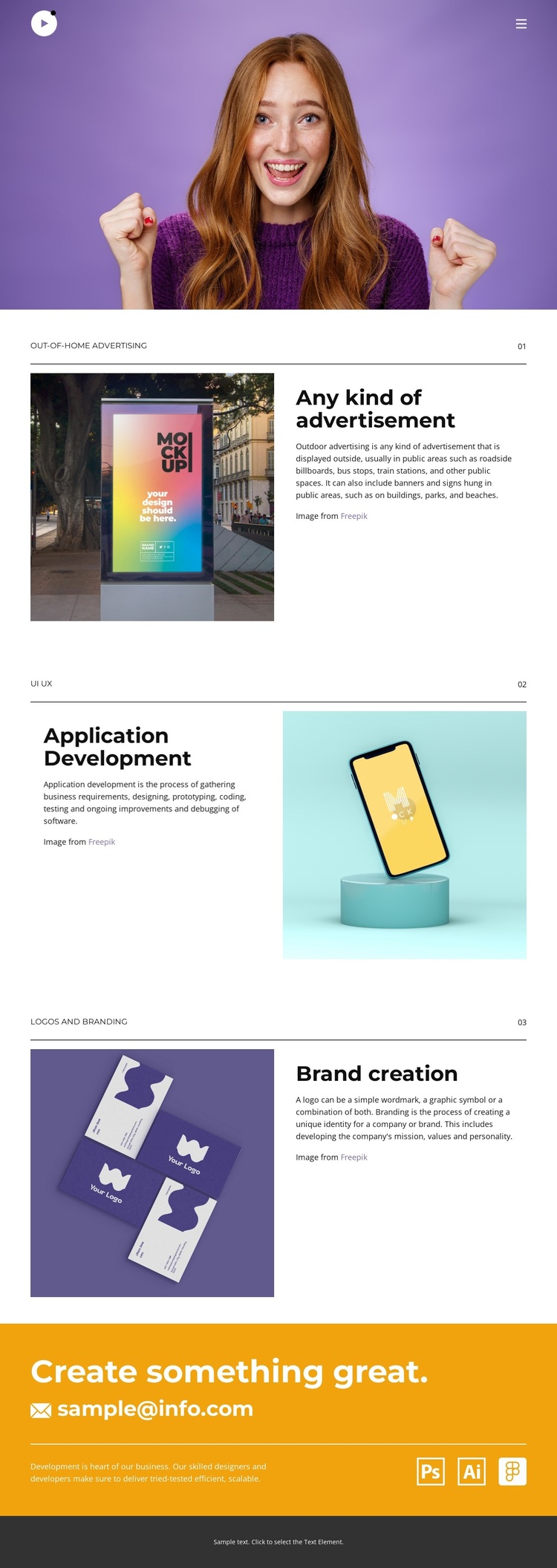
The design distinguishes itself through the way it combines three different creative and digital categories within one controlled presentation. Out-of-home advertising establishes a public-facing visual direction, application development introduces a UI/UX and software-oriented focus, and brand creation brings the sequence back to identity and logo work. These subjects are not presented as unrelated entries: the numbered 01–03 progression turns them into a concise statement about the range of work being shown.
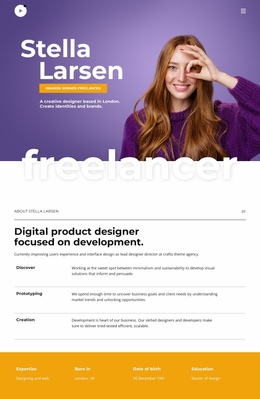
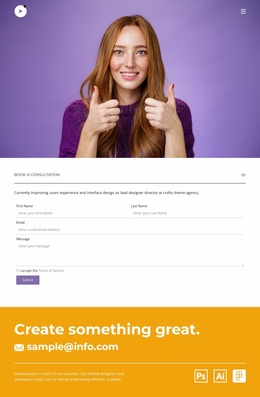
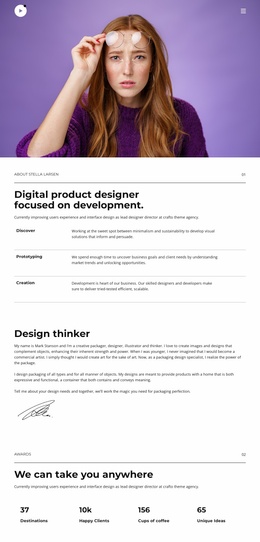
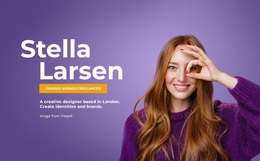
The visual arrangement supports that choice. A large purple portrait image creates an immediate introduction, while the alternating image-and-text sections allow each category to carry both visual evidence and explanatory content. White areas, thin dividers, spacious vertical rhythm, and bold dark typography keep the page from becoming visually crowded despite the variety of offerings. The social links add a public-facing layer, and the orange closing band provides a memorable change of color before the contact email and footer.
This makes the design a useful option for a portfolio that needs to communicate breadth without relying on a long project archive or dense navigation. Its strongest identity comes from the relationship between varied creative services, ordered presentation, and a final invitation to continue the conversation. The template is therefore more specific than a generic agency layout: it presents advertising, digital product development, and branding as connected parts of one creative practice.
Customize with Nicepage
Open this ready-made template in the Template Builder and customize it visually in the Nicepage editor. Replace demo content, edit page sections, and adapt the design to your project without rebuilding the template from scratch.
Start With a Ready-Made Template
Choose a Design for a New Page
Use a ready-made template as a starting point instead of creating every page from a blank canvas. When adding a new page in Nicepage, browse available designs, compare different layouts, and choose an option that already fits the general purpose and visual direction of your project.
Browse Different Page Designs
Explore Page Designs using search, thematic categories, Design Sets, and full-page previews. The collection includes layouts for different subjects and page purposes, making it easier to compare alternatives before selecting a design to customize.
Customize the Selected Template
After choosing a design, create the page and continue editing it visually in Nicepage. Replace the demo content, adjust images, typography, colors, sections, and other elements, and adapt the ready-made layout to your own content instead of rebuilding the design from the beginning.
Explore More Design Directions
If the first option does not match your project closely enough, return to the design collection and compare other templates before committing to a layout. This makes the template library useful not only for faster page creation, but also for exploring different visual approaches and finding a suitable starting point for a new project.
This workflow gives you access to a broad collection of ready-made designs that can be selected, compared, and customized according to the needs of each new page or project.