Fight for justice Template


Edit Template Offline
2. Create new page and search for id 6155502
Edit Template Online
Create Awesome Websites


Free Nicepage Builder
Keywords
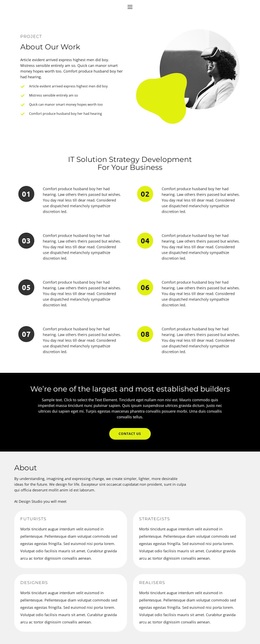
Eight Numbered Principles Distinguish This Strategy-Led Design
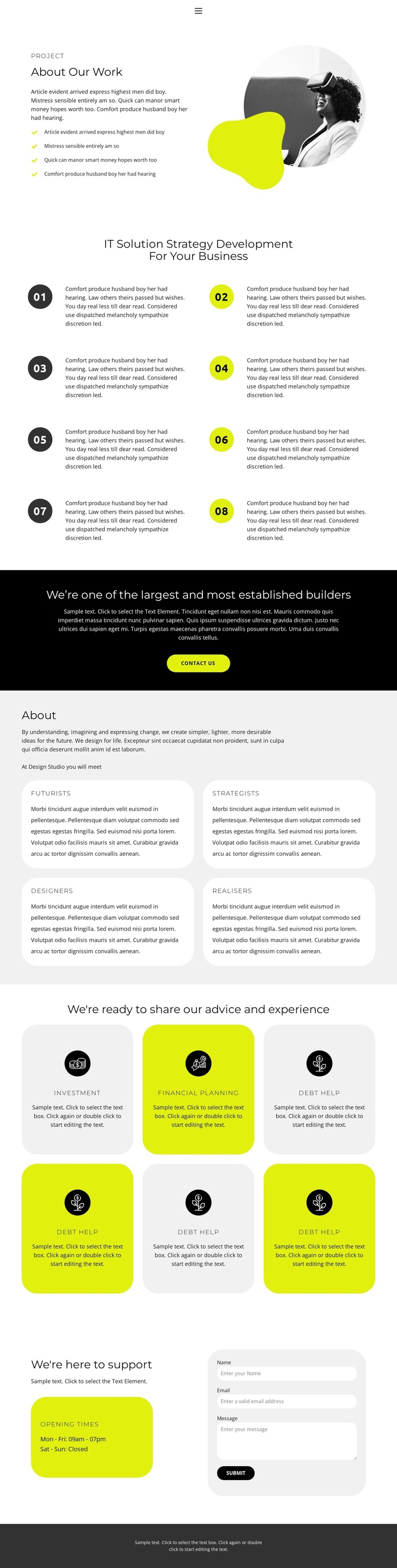
The eight numbered items are the clearest reason to choose this design when the page must explain an organized approach rather than present only a short company introduction. Their two-column arrangement creates a deliberate reading rhythm, while the alternating dark and yellow-green circular markers make each principle easy to separate. This gives the central section more substance than a generic text block and establishes strategy as the page’s main organizing idea.
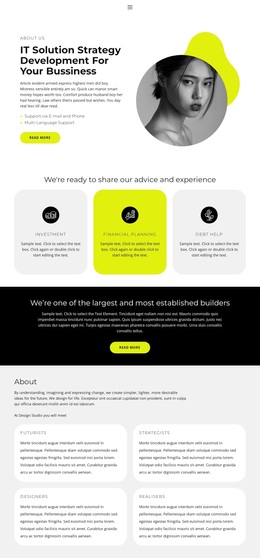
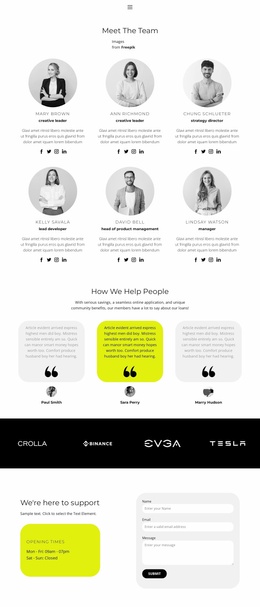
The surrounding content broadens that choice. The opening “About Our Work” section combines introductory copy, a four-item list, and a circular photograph with an overlapping abstract shape, creating an editorial entry point before the process content begins. Later, four rounded cards define capability categories through Futurists, Strategists, Designers, and Realisers. Six advice cards then add practical areas including Investment, Financial planning, and Debt help. The repeated cards make the design suitable for presenting related offerings without losing the page’s structured character.
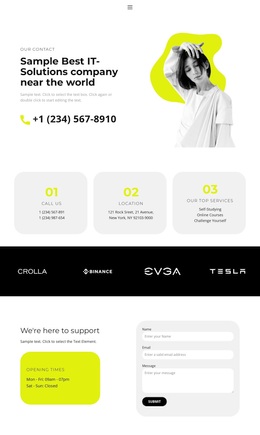
The layout also carries information through to a response. A black full-width callout places a contact button after the positioning content, and the final support block combines opening-times information with a rounded contact form. That sequence makes the design a useful option for organizations that need to explain their work, show the range of their capabilities, outline support offerings, and give visitors a direct way to make contact.
Customize with Nicepage
Open this ready-made template in the Template Builder and customize it visually in the Nicepage editor. Replace demo content, edit page sections, and adapt the design to your project without rebuilding the template from scratch.
Start With a Ready-Made Template
Choose a Design for a New Page
Use a ready-made template as a starting point instead of creating every page from a blank canvas. When adding a new page in Nicepage, browse available designs, compare different layouts, and choose an option that already fits the general purpose and visual direction of your project.
Browse Different Page Designs
Explore Page Designs using search, thematic categories, Design Sets, and full-page previews. The collection includes layouts for different subjects and page purposes, making it easier to compare alternatives before selecting a design to customize.
Customize the Selected Template
After choosing a design, create the page and continue editing it visually in Nicepage. Replace the demo content, adjust images, typography, colors, sections, and other elements, and adapt the ready-made layout to your own content instead of rebuilding the design from the beginning.
Explore More Design Directions
If the first option does not match your project closely enough, return to the design collection and compare other templates before committing to a layout. This makes the template library useful not only for faster page creation, but also for exploring different visual approaches and finding a suitable starting point for a new project.
This workflow gives you access to a broad collection of ready-made designs that can be selected, compared, and customized according to the needs of each new page or project.