We bring a fresh perspective Template


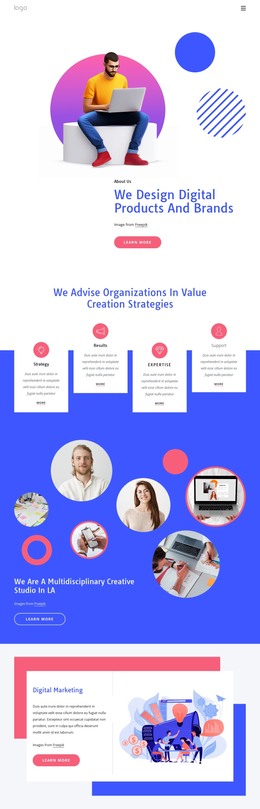
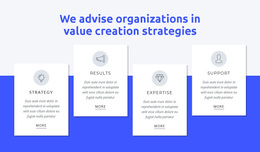
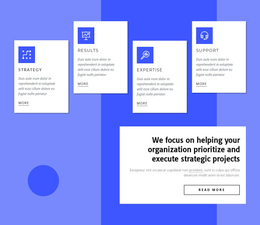
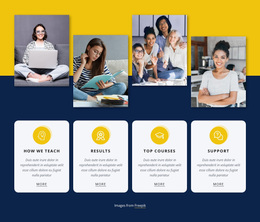
Four Staggered Capability Cards Give the Section Its Distinctive Character
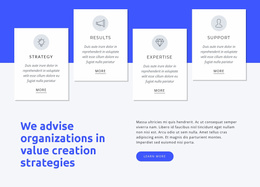
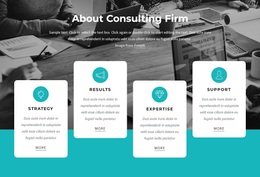
The block combines a centered statement about advising organizations with four named capability cards: Strategy, Results, Expertise, and Support. That content coverage gives the design a clear reason to exist, while the circular icons and matching “more” links provide repeated visual cues from card to card. Instead of placing the items on one level, the design alternates their vertical positions across a vivid blue band. The white cards therefore create both comparison points and movement within the section.
This arrangement can be useful when a page needs to present several related capabilities without relying on a dense multi-column grid. The centered heading supplies context first, and the four cards then let each theme retain its own short description. Subtle dark edges or shadows help the cards remain legible against the blue background, while uppercase labels and pale circular icons add further distinction. The design is especially suited to a section that must communicate breadth—strategy, outcomes, expertise, and support—within one compact composition. Its selection value comes from the combination of concrete content categories and a staggered visual rhythm, not from a generic claim that it can solve an entire site.
Customize with Nicepage
Open this ready-made template in the Template Builder and customize it visually in the Nicepage editor. Replace demo content, edit page sections, and adapt the design to your project without rebuilding the template from scratch.
Edit Template Offline
2. Create a new page or select existing
3. Click Add new block, search for id 414698 and click enter
Edit Template Online
Create Awesome Websites


Free Nicepage Builder
Keywords
Start With a Ready-Made Template
Choose a Design for a New Page
Use a ready-made template as a starting point instead of creating every page from a blank canvas. When adding a new page in Nicepage, browse available designs, compare different layouts, and choose an option that already fits the general purpose and visual direction of your project.
Browse Different Page Designs
Explore Page Designs using search, thematic categories, Design Sets, and full-page previews. The collection includes layouts for different subjects and page purposes, making it easier to compare alternatives before selecting a design to customize.
Customize the Selected Template
After choosing a design, create the page and continue editing it visually in Nicepage. Replace the demo content, adjust images, typography, colors, sections, and other elements, and adapt the ready-made layout to your own content instead of rebuilding the design from the beginning.
Explore More Design Directions
If the first option does not match your project closely enough, return to the design collection and compare other templates before committing to a layout. This makes the template library useful not only for faster page creation, but also for exploring different visual approaches and finding a suitable starting point for a new project.
This workflow gives you access to a broad collection of ready-made designs that can be selected, compared, and customized according to the needs of each new page or project.

Design Set (21)
-

-
-
-
-
-
-
-
-
-
-
-
-
-
-
-
-
Free Website Builder SoftwareDownload
-