The studio specializes in building brands HTML Template



Edit Template Offline
2. Create new page and search for id 6019044
Edit Template Online
Create Awesome Websites


Free Nicepage Builder
Keywords
Twelve Portfolio Categories Complete the Studio Page
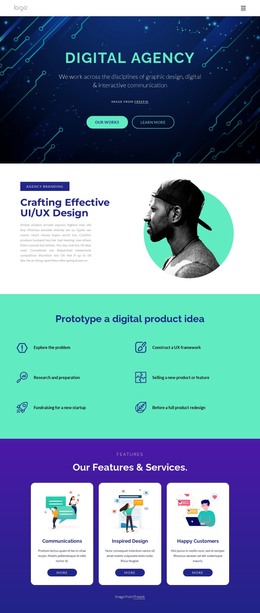
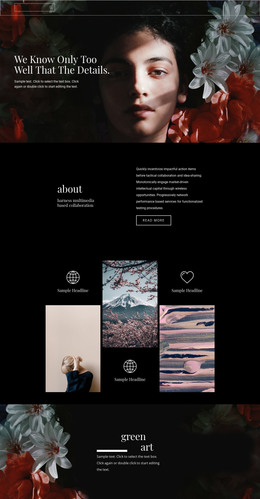
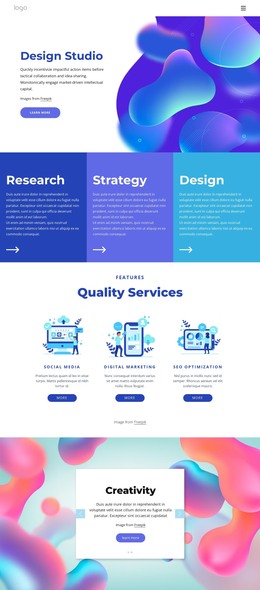
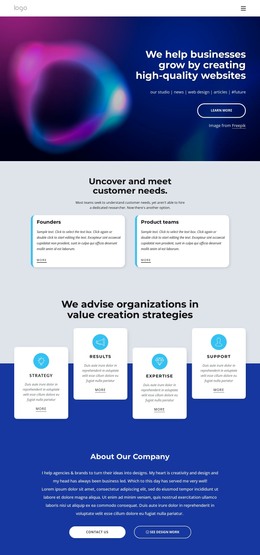
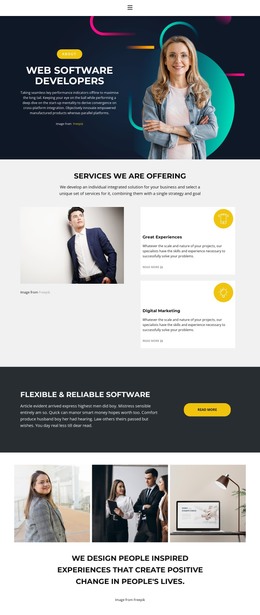
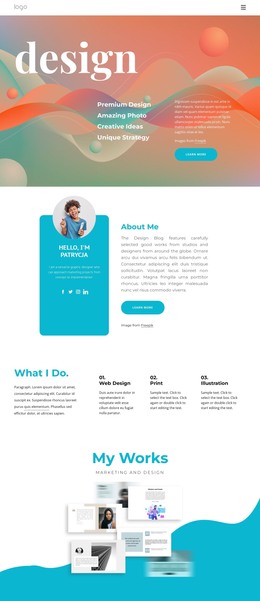
The opening hero gives the page a clear standalone starting point: a studio statement, portrait imagery, decorative circular shapes, and a Learn More action introduce the subject before visitors reach the deeper content. Four evenly arranged capability cards then summarize Strategy, Results, Expertise, and Support, creating a compact explanation of what the studio offers without requiring a separate introductory page.
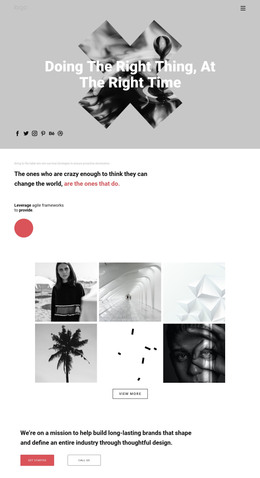
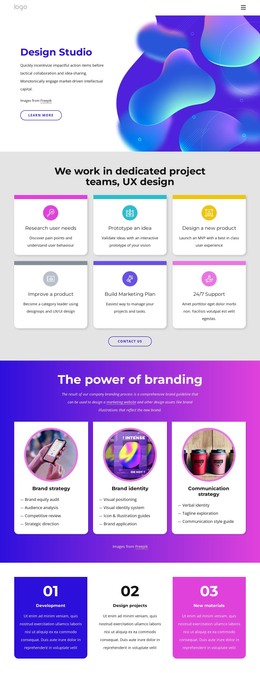
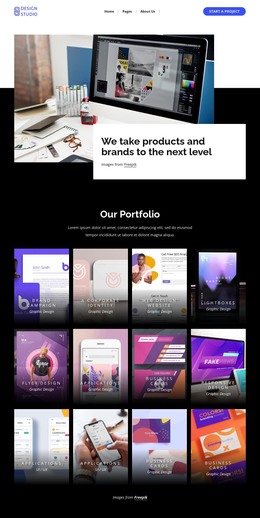
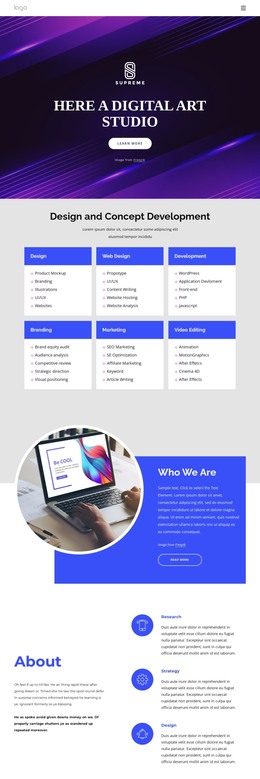
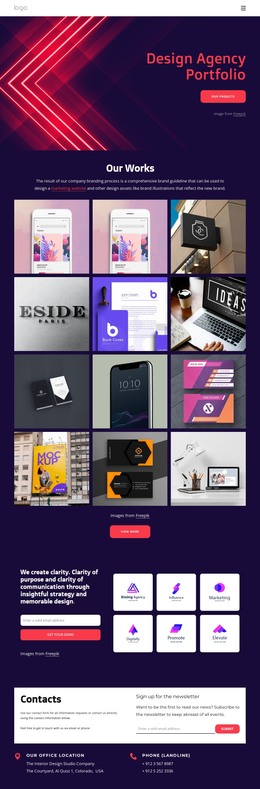
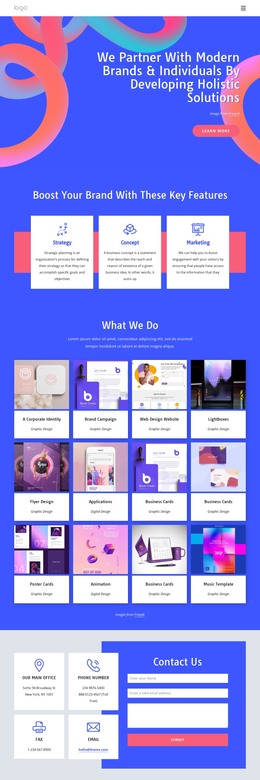
The middle of the layout broadens that presentation through a Digital Marketing feature section, eight illustrated capability cards, and a twelve-item portfolio collection covering areas such as corporate identity, brand campaigns, web design, applications, animation, and music templates. These sections work together as finished content zones, moving from general positioning to services and then to visual evidence of the studio’s categories. Four achievement tiles add a distinct proof-oriented section, while the final contact area combines office information, phone and email channels, and a form with name, email, and message inputs. As a static HTML implementation, this arrangement already supplies the major informational, portfolio, and inquiry sections needed for a self-contained creative-studio page. Its content progression also lets the page stand on its own as a complete presentation rather than merely a collection of isolated visual blocks.
Customize with Nicepage
Open this ready-made template in the HTML Builder and customize it visually in the Nicepage editor. Replace demo content, edit page sections, and adapt the design to your project without rebuilding the template from scratch.
Export and Use This Template as an HTML Website
Create a Portable HTML Website
When the template is ready, use the HTML Export option to create a static website with the files required for deployment. The exported website can be used independently of the Nicepage editor and deployed on your preferred hosting.
Nicepage also provides SEO settings and optimization features, including Page Titles and Descriptions, Canonical settings, headings, image Alt Text, and other page-level properties that help prepare the website for search engines.
Deploy Without a CMS
Upload the finished website to the hosting environment that fits your project. Because the exported site does not require WordPress, Joomla, or another CMS to deliver its pages, it can be placed on your own server, uploaded to a hosting provider, or deployed through an existing web infrastructure.
Hand Off the Website Files
The generated website files can also be provided to a client, developer, or hosting team. They remain available outside the Nicepage editor for deployment, technical review, or project-specific development when additional work is required.
This workflow makes the template a practical foundation for a portable static website that can be exported from the Nicepage editor and deployed independently.

Design Set (21)
-

-
-
-
-
-
-
Free Website Builder SoftwareDownload
-
-
-
-
-
-
-
-
-
-
-
















More from Art & Design HTML Templates
-
Free Website Builder SoftwareDownload