Organisation consulting Template


A Layered Overview Instead of a Standard Card Grid
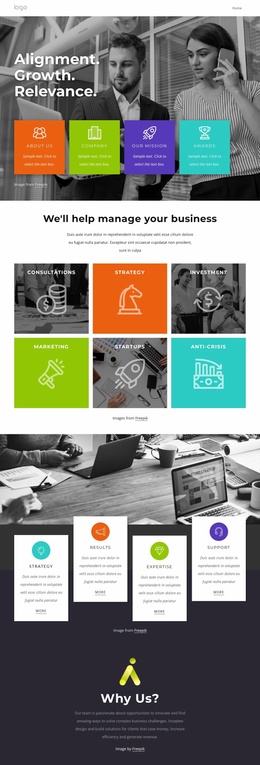
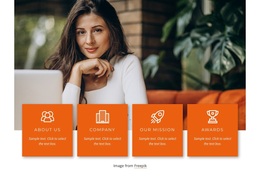
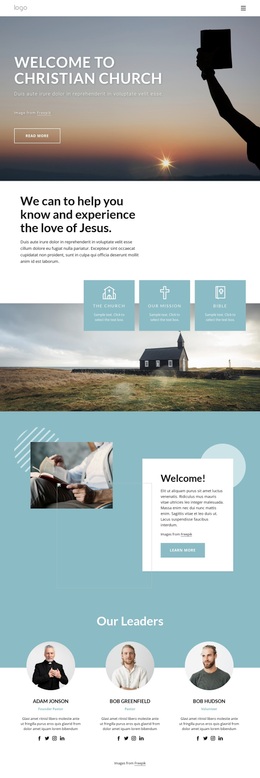
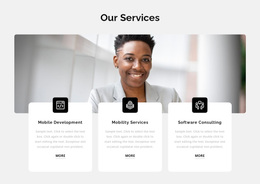
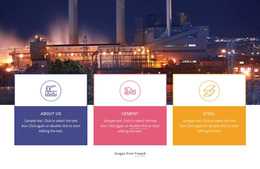
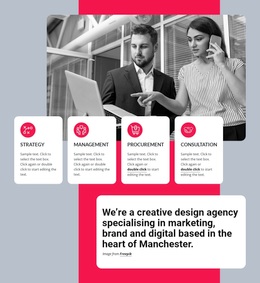
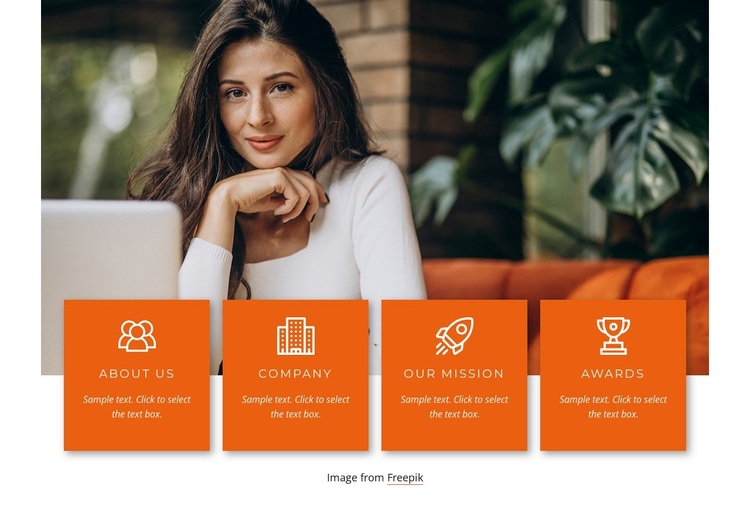
The section’s main distinction is the relationship between its large photograph and the four feature cards. Rather than placing small information panels in an isolated grid, the design lets About Us, Company, Our Mission, and Awards overlap the lower edge of the image. This gives the feature group a stronger connection to the visual context above it while keeping each organizational topic separate and easy to scan.
The four cards share a saturated orange background, centered white line icon, uppercase label, and short light description. Their repeated proportions make the group orderly, but the overlap adds more visual presence than a simple row of cards on a plain background. The single photograph remains the dominant upper element, so the design balances one broad image with four compact information units instead of competing with several large images.
This makes the block a useful choice when a business page needs a concise organizational overview with distinct categories and a prominent visual anchor. It can introduce company information before more detailed content elsewhere in the surrounding page, while the attribution line remains beneath the feature group. The design covers four related topics in one section without turning the block into a complete page or requiring extra interaction; its presentation is entirely static.
Customize with Nicepage
Open this ready-made template in the Template Builder and customize it visually in the Nicepage editor. Replace demo content, edit page sections, and adapt the design to your project without rebuilding the template from scratch.
Edit Template Offline
2. Create a new page or select existing
3. Click Add new block, search for id 2120740 and click enter
Edit Template Online
Create Awesome Websites


Free Nicepage Builder
Keywords
Start With a Ready-Made Template
Choose a Design for a New Page
Use a ready-made template as a starting point instead of creating every page from a blank canvas. When adding a new page in Nicepage, browse available designs, compare different layouts, and choose an option that already fits the general purpose and visual direction of your project.
Browse Different Page Designs
Explore Page Designs using search, thematic categories, Design Sets, and full-page previews. The collection includes layouts for different subjects and page purposes, making it easier to compare alternatives before selecting a design to customize.
Customize the Selected Template
After choosing a design, create the page and continue editing it visually in Nicepage. Replace the demo content, adjust images, typography, colors, sections, and other elements, and adapt the ready-made layout to your own content instead of rebuilding the design from the beginning.
Explore More Design Directions
If the first option does not match your project closely enough, return to the design collection and compare other templates before committing to a layout. This makes the template library useful not only for faster page creation, but also for exploring different visual approaches and finding a suitable starting point for a new project.
This workflow gives you access to a broad collection of ready-made designs that can be selected, compared, and customized according to the needs of each new page or project.