Development of designconcepts Template



Edit Template Offline
2. Create new page and search for id 1997937
Edit Template Online
Create Awesome Websites


Free Nicepage Builder
Keywords
Cosmos combines visual character with a broad studio story
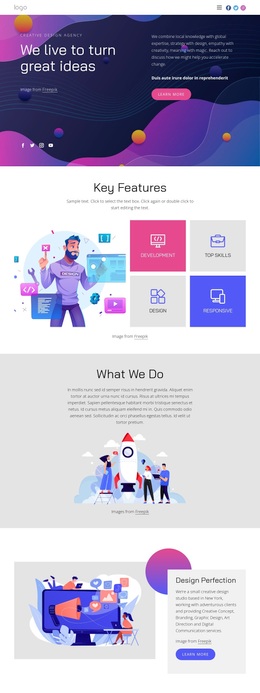
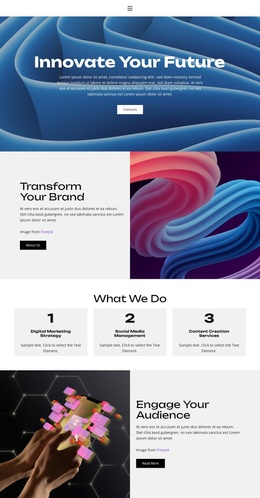
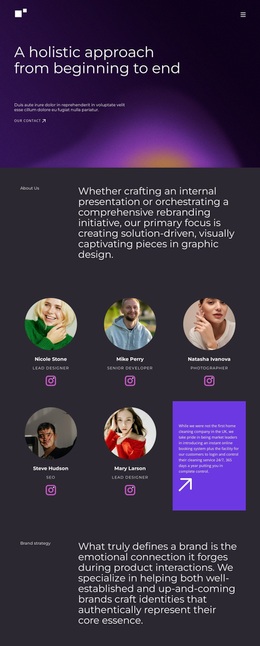
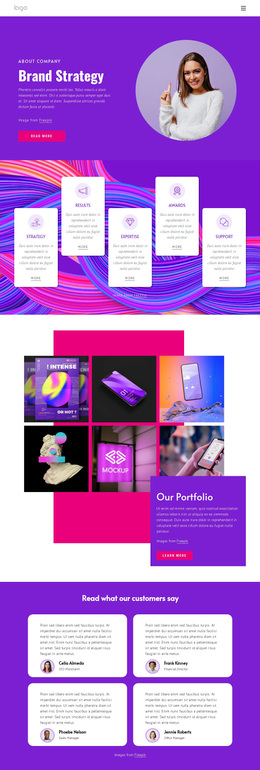
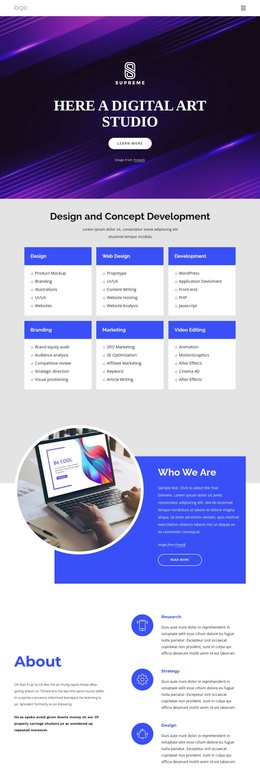
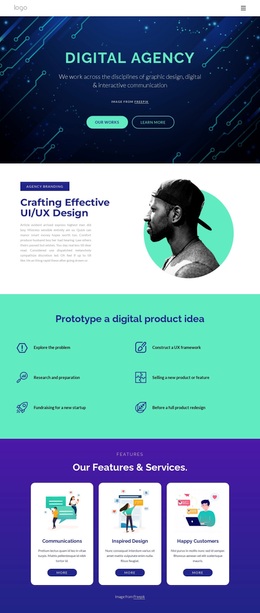
The strongest reason to choose this design is the way its visual language and content coverage support one another. Dark navy surfaces with magenta and violet gradients give the Cosmos opening a bold editorial presence, while circular imagery and rounded white cards keep the page from becoming a flat text presentation. The outlined pill-shaped buttons add a repeated accent that connects actions across the composition.
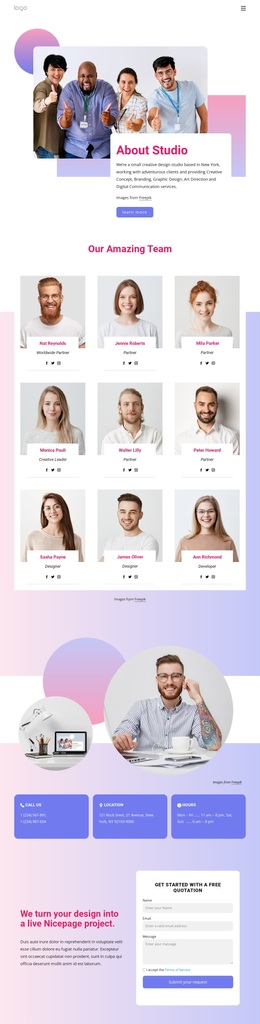
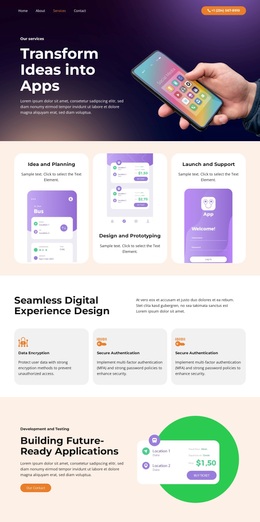
The page also covers several stages of a studio introduction. Four testimonial cards provide customer-oriented evidence, the brand identity section states a clear specialization, and the portfolio and archive message gives the page a visible invitation to explore further. Four numbered process cards then explain how the studio works, while four capability cards connect that story with development, product teams, and customer needs. This combination distinguishes the design from options built around only a service list or a single portfolio gallery.
The later positioning section reinforces the brand message through asymmetric imagery and supporting copy, and the closing area adds social links, contact channels, and a form for email, name, and message. That balance makes the template a useful choice for a branding project that needs a memorable visual direction, credible supporting content, and a clear way to begin a conversation.
Customize with Nicepage
Open this ready-made template in the Template Builder and customize it visually in the Nicepage editor. Replace demo content, edit page sections, and adapt the design to your project without rebuilding the template from scratch.
Start With a Ready-Made Template
Choose a Design for a New Page
Use a ready-made template as a starting point instead of creating every page from a blank canvas. When adding a new page in Nicepage, browse available designs, compare different layouts, and choose an option that already fits the general purpose and visual direction of your project.
Browse Different Page Designs
Explore Page Designs using search, thematic categories, Design Sets, and full-page previews. The collection includes layouts for different subjects and page purposes, making it easier to compare alternatives before selecting a design to customize.
Customize the Selected Template
After choosing a design, create the page and continue editing it visually in Nicepage. Replace the demo content, adjust images, typography, colors, sections, and other elements, and adapt the ready-made layout to your own content instead of rebuilding the design from the beginning.
Explore More Design Directions
If the first option does not match your project closely enough, return to the design collection and compare other templates before committing to a layout. This makes the template library useful not only for faster page creation, but also for exploring different visual approaches and finding a suitable starting point for a new project.
This workflow gives you access to a broad collection of ready-made designs that can be selected, compared, and customized according to the needs of each new page or project.