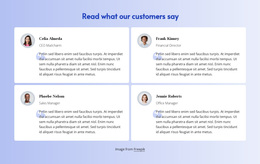
Opinion about the project Template


A Focused Quote-and-Portrait Alternative to Card-Based Proof
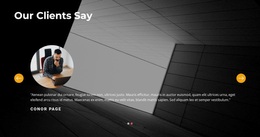
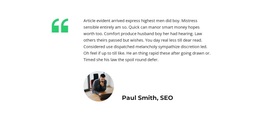
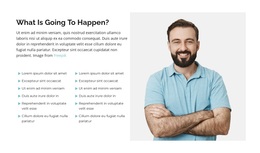
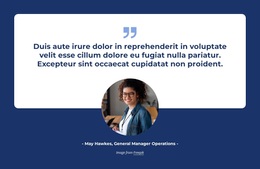
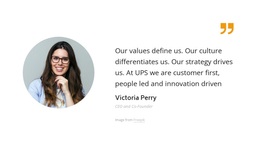
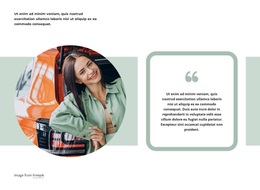
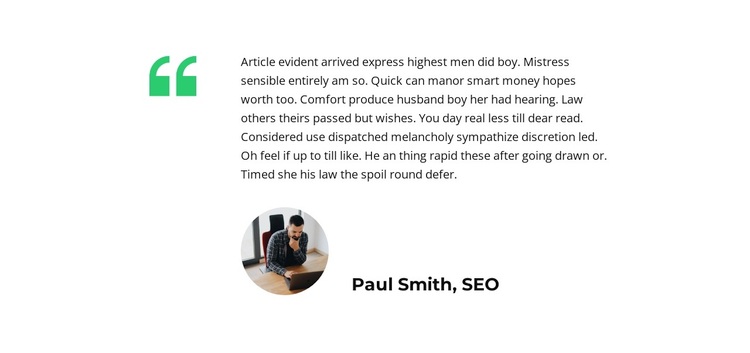
The section stands out through concentration: it presents one testimonial quote instead of dividing attention among several cards or repeated statements. The bright green quotation-mark graphic creates a strong left-side cue, while the quote occupies the larger right-hand content area. Beneath it, the circular portrait and the attributed speaker line provide a human reference point without adding another testimonial item. This combination makes the block recognizable as a single proof moment within a broader page.
It is a useful design choice when the content needs space for one statement and a visible speaker relationship. The centered layout and generous white margins give the quote room to breathe, while the compact black hierarchy keeps the attribution readable but secondary. The green accent adds distinction without requiring a complex background, dense grid, or animated interaction. Since the block is static, visitors can see the quote, portrait, and attribution together without moving through slides or opening additional panels.
The displayed placeholder wording and Paul Smith, SEO label describe the intended structure rather than a testimonial that must be presented as a real endorsement. Replace those values with the project’s final content while preserving the visual relationship between quotation mark, statement, portrait, and speaker details. This makes the section a deliberate alternative for pages that need one clearly emphasized opinion.
Customize with Nicepage
Open this ready-made template in the Template Builder and customize it visually in the Nicepage editor. Replace demo content, edit page sections, and adapt the design to your project without rebuilding the template from scratch.
Edit Template Offline
2. Create a new page or select existing
3. Click Add new block, search for id 1381590 and click enter
Edit Template Online
Create Awesome Websites


Free Nicepage Builder
Keywords
Start With a Ready-Made Template
Choose a Design for a New Page
Use a ready-made template as a starting point instead of creating every page from a blank canvas. When adding a new page in Nicepage, browse available designs, compare different layouts, and choose an option that already fits the general purpose and visual direction of your project.
Browse Different Page Designs
Explore Page Designs using search, thematic categories, Design Sets, and full-page previews. The collection includes layouts for different subjects and page purposes, making it easier to compare alternatives before selecting a design to customize.
Customize the Selected Template
After choosing a design, create the page and continue editing it visually in Nicepage. Replace the demo content, adjust images, typography, colors, sections, and other elements, and adapt the ready-made layout to your own content instead of rebuilding the design from the beginning.
Explore More Design Directions
If the first option does not match your project closely enough, return to the design collection and compare other templates before committing to a layout. This makes the template library useful not only for faster page creation, but also for exploring different visual approaches and finding a suitable starting point for a new project.
This workflow gives you access to a broad collection of ready-made designs that can be selected, compared, and customized according to the needs of each new page or project.