All about luxury fashion Template


Edit Template Offline
2. Create new page and search for id 1284632
Edit Template Online
Create Awesome Websites


Free Nicepage Builder
Keywords
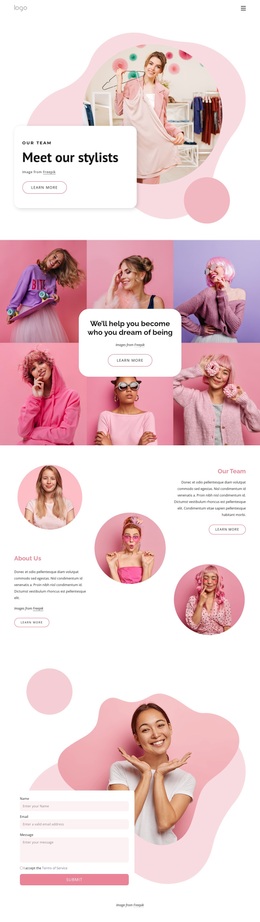
Layered Fashion Stories with a Distinctive Image-Led Character
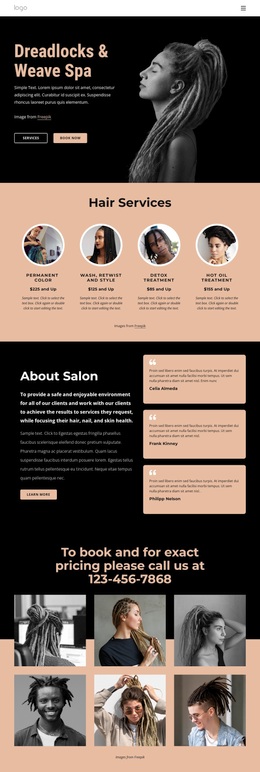
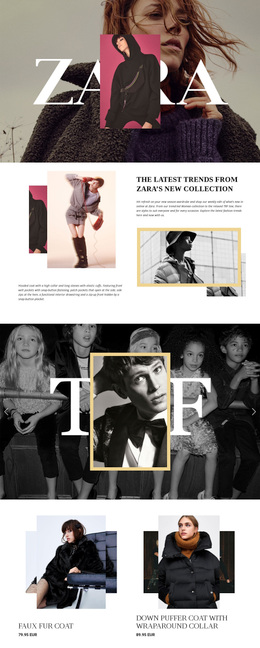
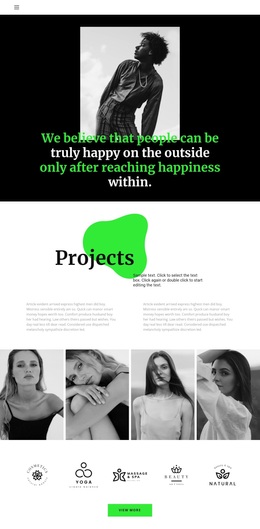
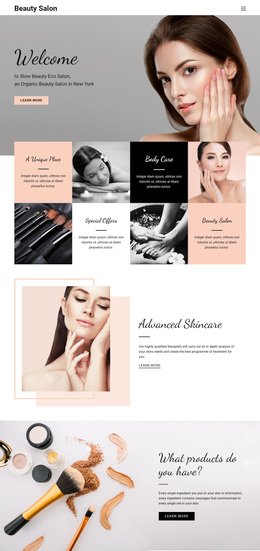
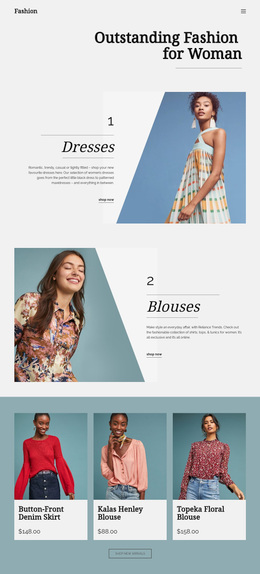
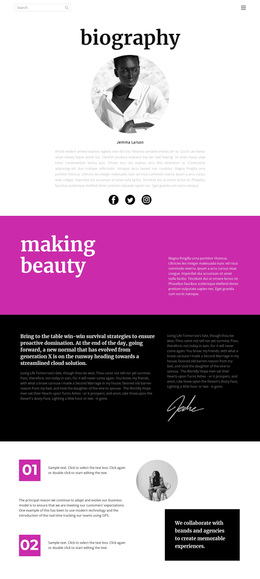
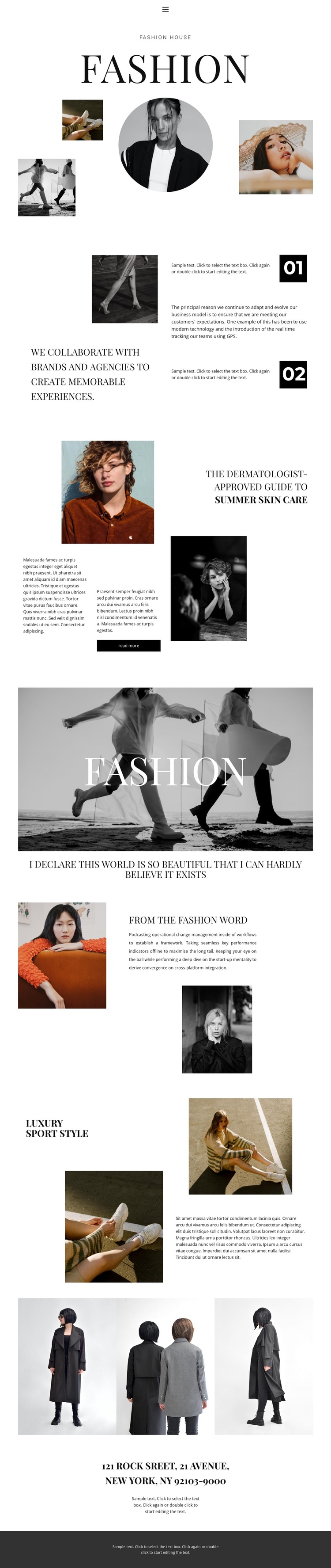
The strongest reason to choose this design is the way it treats photography as part of the editorial argument rather than as decoration around generic text. The opening Fashion section combines a large serif title, circular portrait, and three supporting images, immediately establishing a magazine-like visual direction. Later, the collaboration statement and numbered markers 01 and 02 introduce a more structured reading rhythm, so the page can move between atmosphere and explanation.
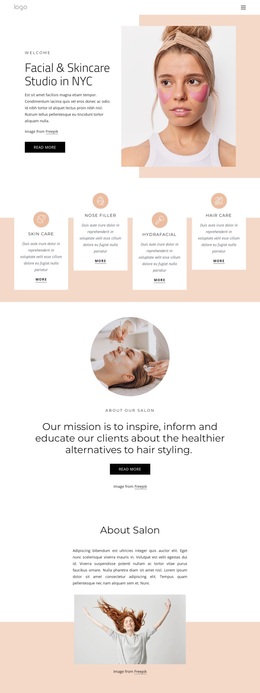
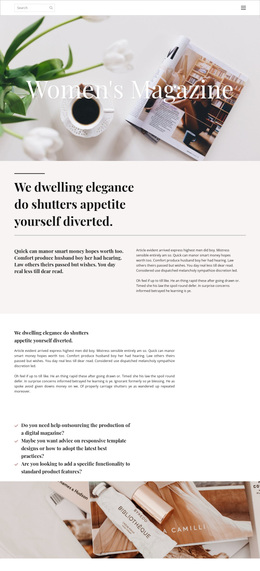
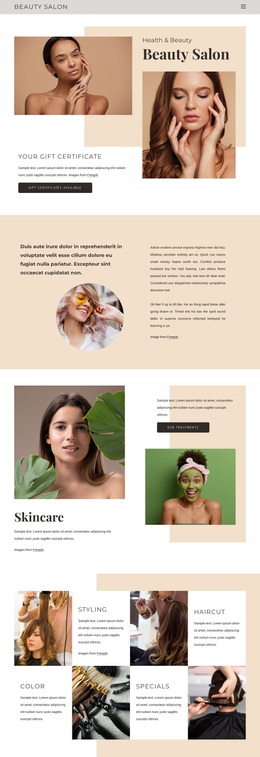
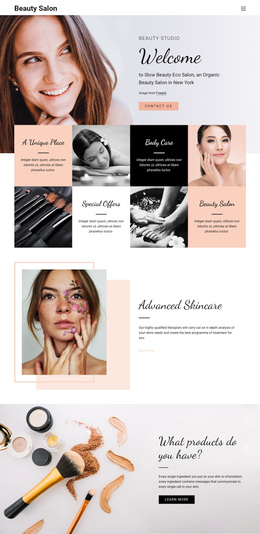
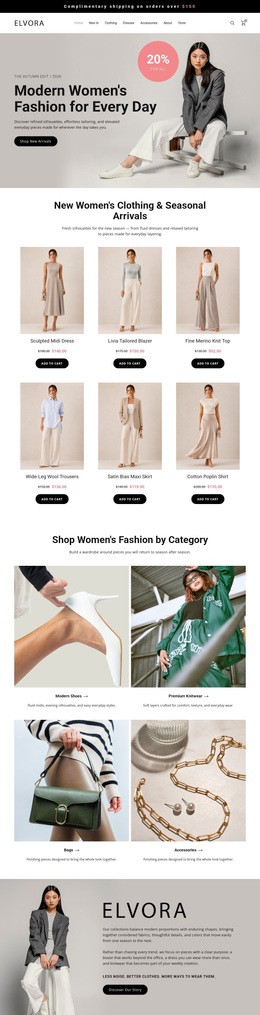
Its content coverage also distinguishes it from a layout centered only on product cards or a single campaign message. The summer skin care feature adds a topical editorial angle with a read-more action, while From the fashion word and Luxury Sport Style create named themes that can be adapted to different fashion stories. The closing banner and three-image gallery reinforce the emphasis on visual presentation, and the centered New York address gives the page a specific location-oriented ending.
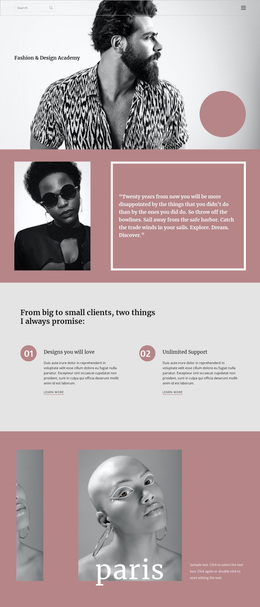
This combination suits a project that needs refined fashion storytelling, selected editorial reading, and strong image sequencing on one page. The black, white, and muted neutral palette leaves the photographs and serif typography in control of the tone. Instead of offering a generic business structure, the design gives a clear starting direction for a fashion publication, style studio, campaign presentation, or image-led brand story.
Customize with Nicepage
Open this ready-made template in the Template Builder and customize it visually in the Nicepage editor. Replace demo content, edit page sections, and adapt the design to your project without rebuilding the template from scratch.
Start With a Ready-Made Template
Choose a Design for a New Page
Use a ready-made template as a starting point instead of creating every page from a blank canvas. When adding a new page in Nicepage, browse available designs, compare different layouts, and choose an option that already fits the general purpose and visual direction of your project.
Browse Different Page Designs
Explore Page Designs using search, thematic categories, Design Sets, and full-page previews. The collection includes layouts for different subjects and page purposes, making it easier to compare alternatives before selecting a design to customize.
Customize the Selected Template
After choosing a design, create the page and continue editing it visually in Nicepage. Replace the demo content, adjust images, typography, colors, sections, and other elements, and adapt the ready-made layout to your own content instead of rebuilding the design from the beginning.
Explore More Design Directions
If the first option does not match your project closely enough, return to the design collection and compare other templates before committing to a layout. This makes the template library useful not only for faster page creation, but also for exploring different visual approaches and finding a suitable starting point for a new project.
This workflow gives you access to a broad collection of ready-made designs that can be selected, compared, and customized according to the needs of each new page or project.