Trusted Legal Advisors Website Template


Edit Template Offline
2. Create new page and search for id 6321381
Edit Template Online
Create Awesome Websites


Free Nicepage Builder
Keywords
The FAQ, Practice Areas, and Profiles Establish a Legal Site Foundation
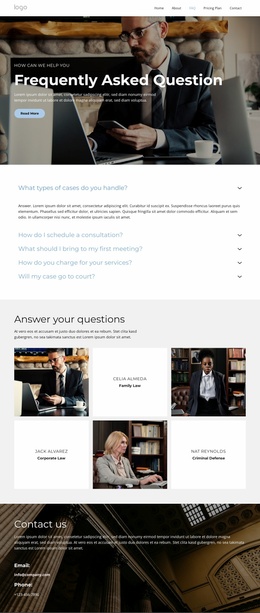
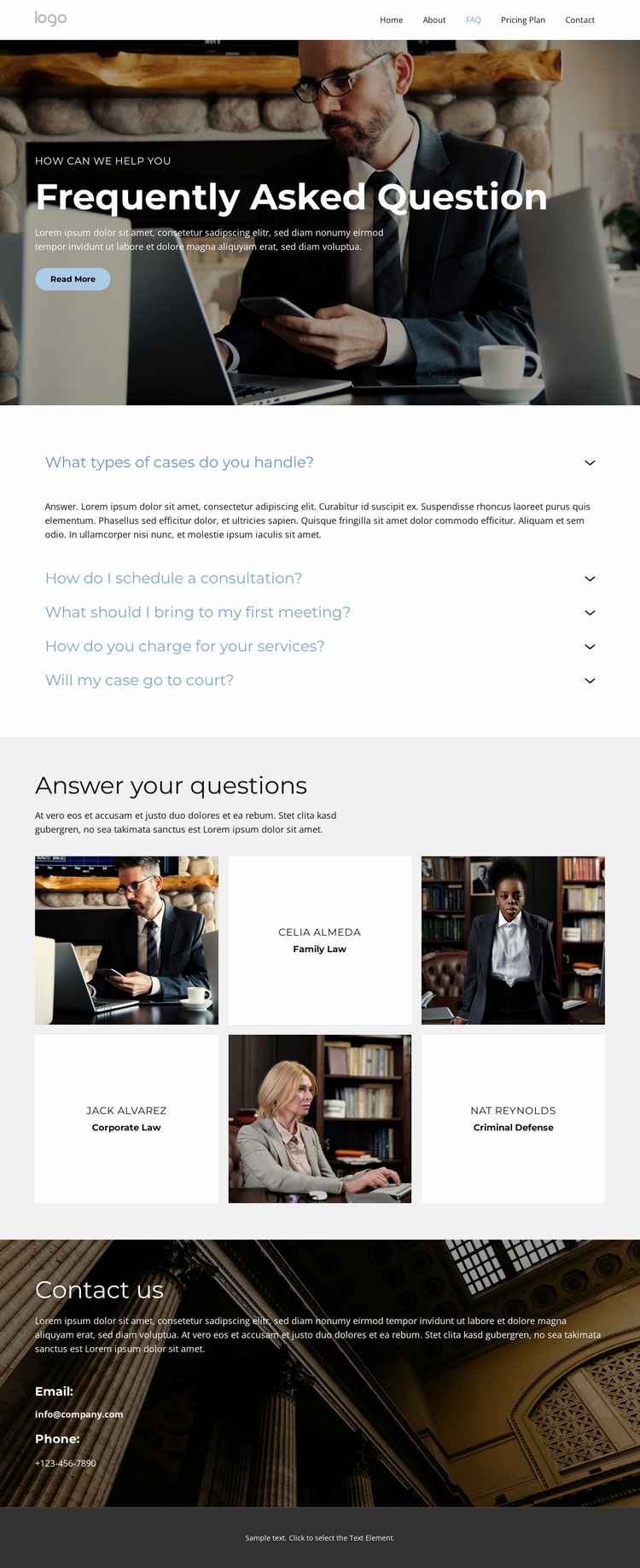
The page already defines several content areas that can anchor a broader legal website project. The five-item accordion handles recurring visitor questions, including what cases are handled, how consultations are scheduled, what to bring to a first meeting, how services are charged, and whether a case may go to court. These topics create an informational entry point that can remain useful even as more detailed service or attorney content is added later.
The profile grid broadens the foundation beyond a single FAQ resource. Three tiles associate representative photographs with Family Law, Corporate Law, and Criminal Defense, creating a clear relationship between people and practice areas. Those categories can guide future service pages or more detailed professional profiles, while the existing layout supplies a visual pattern for presenting them. The design therefore separates general answers from the legal areas visitors may want to explore next.
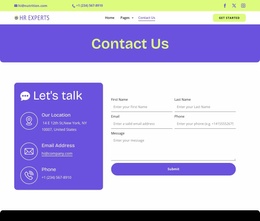
Navigation, the opening hero, and the closing contact block connect these content regions into a project-ready sequence. The hero frames the page with “How can we help you” and a Read More action, while the contact area provides email and phone channels for direct follow-up. This makes the template a practical starting structure for a legal website that may grow from one FAQ page into a coordinated set of information, service, and contact pages.
Customize with Nicepage
Open this ready-made template in the Website Template Builder and customize it visually in the Nicepage editor. Replace demo content, edit page sections, and adapt the design to your project without rebuilding the template from scratch.
Build a Complete Website From This Template
Customize the Website Visually
Use this ready-made website template as a starting point for your project and adapt its pages visually in Nicepage. Change content, images, typography, navigation, sections, and other design elements while keeping the website together as a single editable project.
Manage Website Pages in One Project
Use the Pages panel to open, add, duplicate, and manage the pages of your website. Work on individual pages while keeping navigation and the overall site structure accessible from the same project, making it easier to develop a complete website instead of managing separate page files.
Expand the Website With Matching Designs
When you need additional pages or sections, use Page Design Sets to find Page and Block Designs created in the same visual style. Design Sets group matching designs together, making it easier to expand the website with new content while maintaining a consistent look across its pages and sections.
Organize Larger Multi-Page Websites
As the website grows, use Page Folders to organize related pages and keep larger multi-page projects easier to navigate in the editor. This is especially useful for websites with separate service pages, company information, contacts, landing pages, and other content areas.
This workflow makes the template a practical foundation for building and expanding a complete website while managing its pages, content, and visual design within one Nicepage project.