Your curl journey Website Template


Edit Template Offline
2. Create new page and search for id 6140207
Edit Template Online
Create Awesome Websites


Free Nicepage Builder
Keywords
Stylist profiles and service information establish a salon site foundation
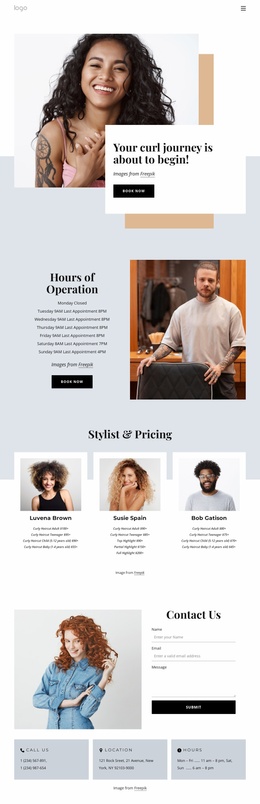
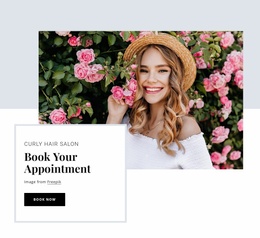
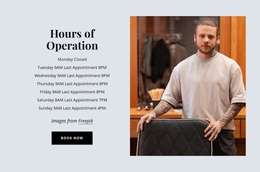
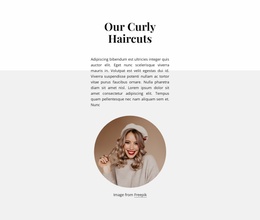
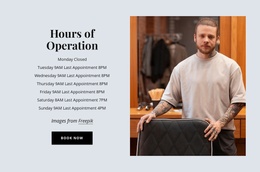
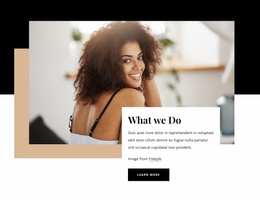
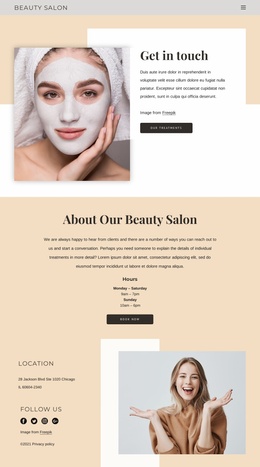
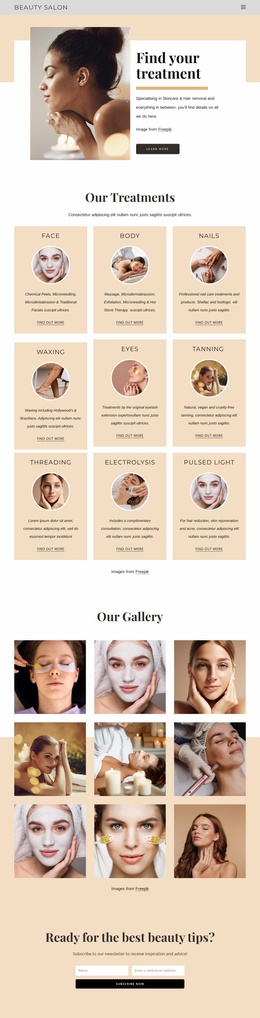
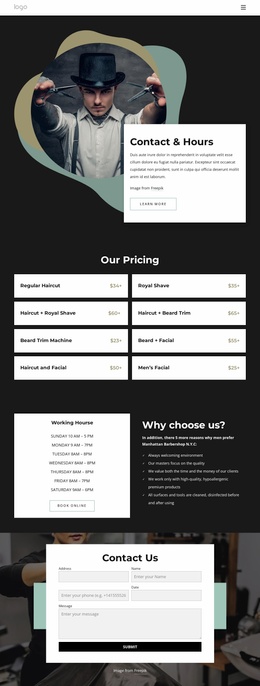
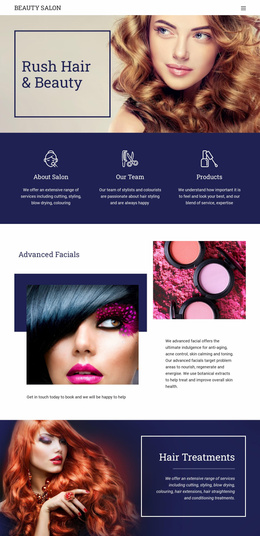
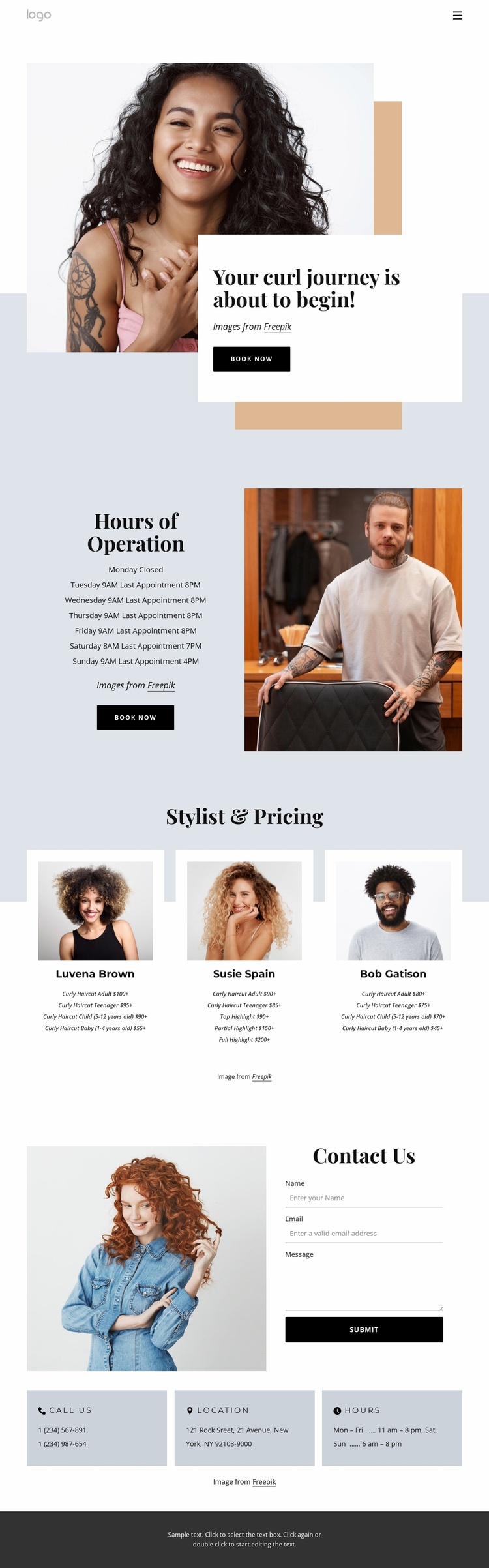
The design already defines several major content areas for a salon website project. The opening portrait-led section introduces the curly hair service with a bold heading, an overlapping white text card, and a Book Now action. This gives the site a recognizable entry point before visitors move into the practical Hours of Operation section, where weekly availability is presented beside a salon photograph and another booking prompt.
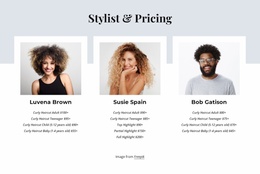
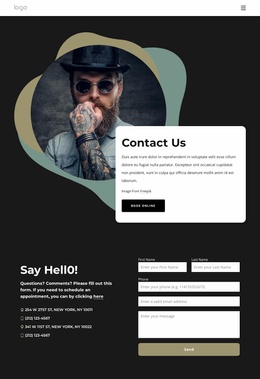
The Stylist & Pricing area adds a reusable content pattern rather than a single isolated service description. Three peer cards combine portraits, stylist information, and price lists for curly haircuts and highlights. That repeated structure can serve as a visual model for related service or team content as the project grows, while keeping people and offerings connected. The contact section then adds a separate information group with a form for name, email, and message, followed by phone, location, and opening-hours panels.
Because the verified design is a single contact page, it should not be described as an existing multi-page website. Its value as a Website Template is the information architecture already visible: introduction, availability, stylist services, and contact channels have distinct roles and a consistent visual direction. Those areas can provide a credible foundation for additional pages or related content without requiring the core salon presentation to be redesigned from the beginning.
Customize with Nicepage
Open this ready-made template in the Website Template Builder and customize it visually in the Nicepage editor. Replace demo content, edit page sections, and adapt the design to your project without rebuilding the template from scratch.
Build a Complete Website From This Template
Customize the Website Visually
Use this ready-made website template as a starting point for your project and adapt its pages visually in Nicepage. Change content, images, typography, navigation, sections, and other design elements while keeping the website together as a single editable project.
Manage Website Pages in One Project
Use the Pages panel to open, add, duplicate, and manage the pages of your website. Work on individual pages while keeping navigation and the overall site structure accessible from the same project, making it easier to develop a complete website instead of managing separate page files.
Expand the Website With Matching Designs
When you need additional pages or sections, use Page Design Sets to find Page and Block Designs created in the same visual style. Design Sets group matching designs together, making it easier to expand the website with new content while maintaining a consistent look across its pages and sections.
Organize Larger Multi-Page Websites
As the website grows, use Page Folders to organize related pages and keep larger multi-page projects easier to navigate in the editor. This is especially useful for websites with separate service pages, company information, contacts, landing pages, and other content areas.
This workflow makes the template a practical foundation for building and expanding a complete website while managing its pages, content, and visual design within one Nicepage project.