The go-to security automation tool Website Template



Edit Template Offline
2. Create new page and search for id 5476970
Edit Template Online
Create Awesome Websites


Free Nicepage Builder
Keywords
Workshop Topics and Team Profiles Create a Broader Site Foundation
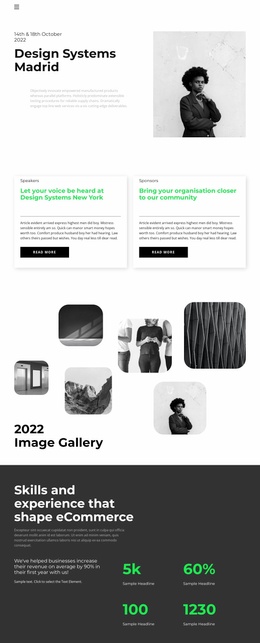
The event introduction establishes a recognizable front door for a wider creative-services project, but the page also defines several content areas that could support future expansion. Speaker and sponsor cards identify participation paths, while the six-image gallery creates a visual area that could remain useful for event documentation, project work, or campaign imagery. These sections give the design more than a single promotional message to build around.
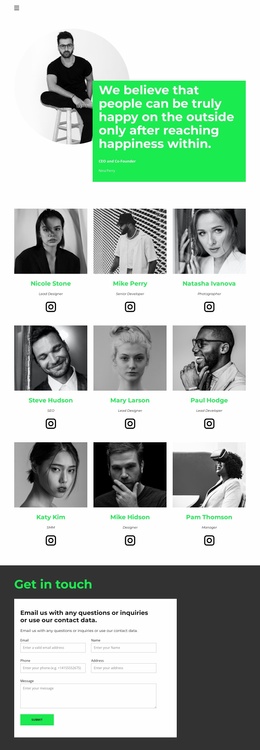
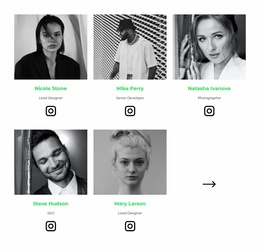
The dark eCommerce capabilities block adds a second subject area through its heading, supporting copy, and four metrics. Beneath it, three workshop entries under Tickets create repeatable informational content, and the separate Workshops section adds two project-style entries with descriptions and actions. The six-position team layout introduces people and roles, including five populated profiles and Instagram links, which can provide a basis for a team or about area as the project grows.
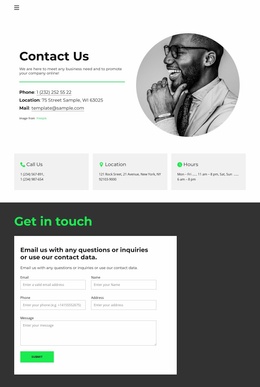
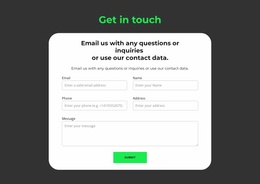
The client-logo strip and closing contact form complete the foundation by connecting external recognition with direct communication. Seven monochrome logo marks create a shared partner context, while the form gathers email, name, phone, address, and message information. A broader website could therefore develop around services, events, workshops, team content, client context, and inquiries without abandoning the visual relationships already established by this design.
Customize with Nicepage
Open this ready-made template in the Website Template Builder and customize it visually in the Nicepage editor. Replace demo content, edit page sections, and adapt the design to your project without rebuilding the template from scratch.
Build a Complete Website From This Template
Customize the Website Visually
Use this ready-made website template as a starting point for your project and adapt its pages visually in Nicepage. Change content, images, typography, navigation, sections, and other design elements while keeping the website together as a single editable project.
Manage Website Pages in One Project
Use the Pages panel to open, add, duplicate, and manage the pages of your website. Work on individual pages while keeping navigation and the overall site structure accessible from the same project, making it easier to develop a complete website instead of managing separate page files.
Expand the Website With Matching Designs
When you need additional pages or sections, use Page Design Sets to find Page and Block Designs created in the same visual style. Design Sets group matching designs together, making it easier to expand the website with new content while maintaining a consistent look across its pages and sections.
Organize Larger Multi-Page Websites
As the website grows, use Page Folders to organize related pages and keep larger multi-page projects easier to navigate in the editor. This is especially useful for websites with separate service pages, company information, contacts, landing pages, and other content areas.
This workflow makes the template a practical foundation for building and expanding a complete website while managing its pages, content, and visual design within one Nicepage project.