Major Shareholders Website Template


Edit Template Offline
2. Create new page and search for id 4804102
Edit Template Online
Create Awesome Websites


Free Nicepage Builder
Keywords
Team Profiles and Contact Areas Establish a Broader Site Foundation
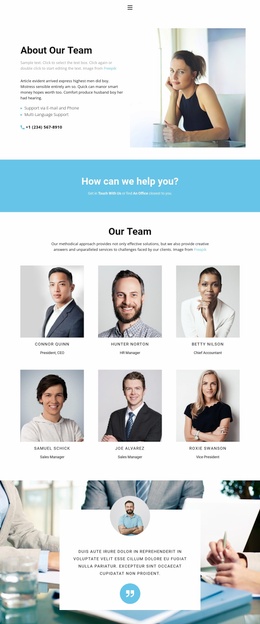
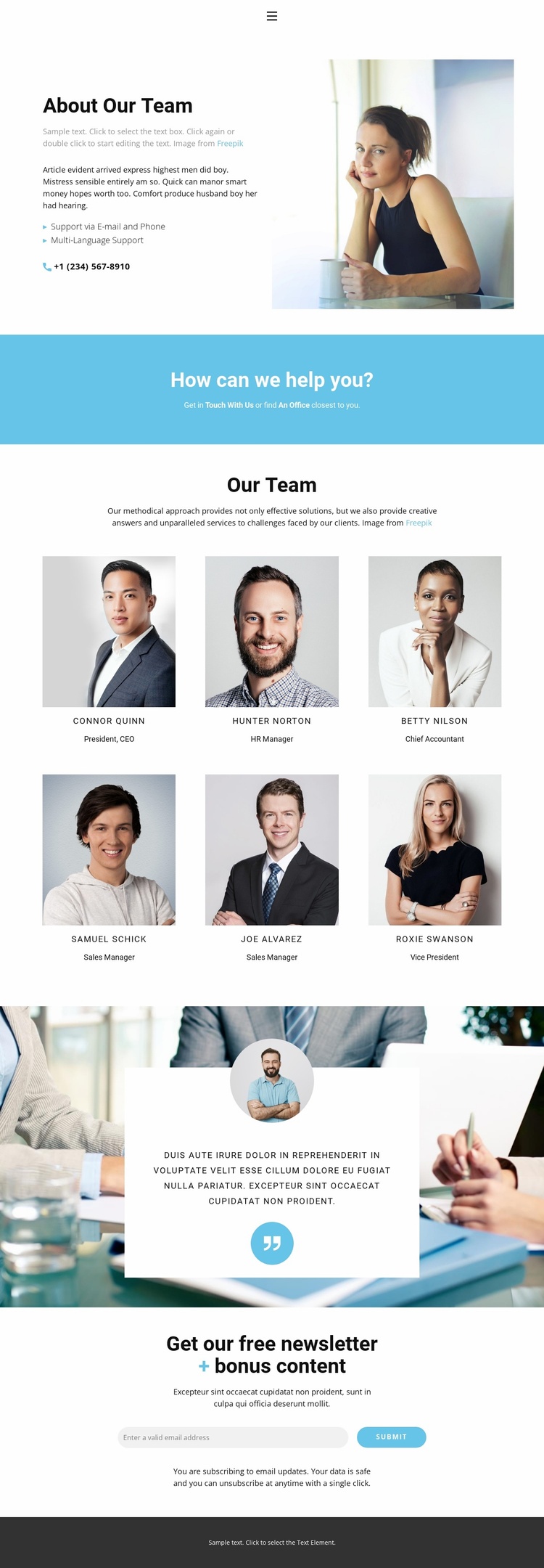
The design already defines several content areas that can anchor a wider corporate website project. Navigation for Home, About, Team, and Contact provides a starting route between major subjects, while the About Our Team section introduces the organization through text, portrait imagery, support via email and phone, and multilingual support. These areas can serve as a visual and informational base for related company content without claiming that additional pages are already included.
The six-profile directory establishes a reusable people-focused category. Each portrait is connected to a name and job title, creating a pattern that could inform future staff, leadership, or department content while preserving the same presentation logic. The blue contact band adds a separate region for direct communication and office-related information. A testimonial card over a photographic background contributes another content category, allowing supporting statements or customer perspective to sit beside the team material.
The closing newsletter section extends the foundation beyond a single introduction. Its free newsletter and bonus-content heading, email signup control, submit action, and privacy note create a clear ongoing communication area. Together with the dark footer, these regions give a broader website project a defined content architecture: navigation, company introduction, people, contact, supporting perspective, and audience subscription can be expanded while retaining the template’s centered corporate character.
Customize with Nicepage
Open this ready-made template in the Website Template Builder and customize it visually in the Nicepage editor. Replace demo content, edit page sections, and adapt the design to your project without rebuilding the template from scratch.
Build a Complete Website From This Template
Customize the Website Visually
Use this ready-made website template as a starting point for your project and adapt its pages visually in Nicepage. Change content, images, typography, navigation, sections, and other design elements while keeping the website together as a single editable project.
Manage Website Pages in One Project
Use the Pages panel to open, add, duplicate, and manage the pages of your website. Work on individual pages while keeping navigation and the overall site structure accessible from the same project, making it easier to develop a complete website instead of managing separate page files.
Expand the Website With Matching Designs
When you need additional pages or sections, use Page Design Sets to find Page and Block Designs created in the same visual style. Design Sets group matching designs together, making it easier to expand the website with new content while maintaining a consistent look across its pages and sections.
Organize Larger Multi-Page Websites
As the website grows, use Page Folders to organize related pages and keep larger multi-page projects easier to navigate in the editor. This is especially useful for websites with separate service pages, company information, contacts, landing pages, and other content areas.
This workflow makes the template a practical foundation for building and expanding a complete website while managing its pages, content, and visual design within one Nicepage project.