Deliver smart outcomes Website Template


Edit Template Offline
2. Create new page and search for id 5469113
Edit Template Online
Create Awesome Websites


Free Nicepage Builder
Keywords
Four numbered features provide a project-site foundation
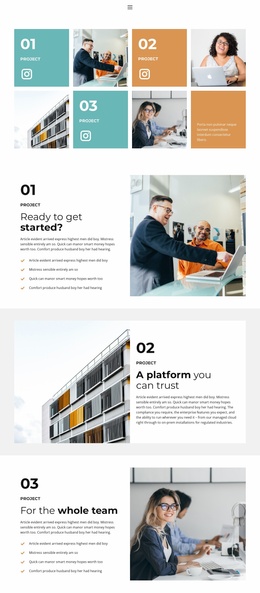
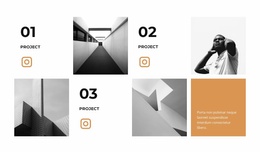
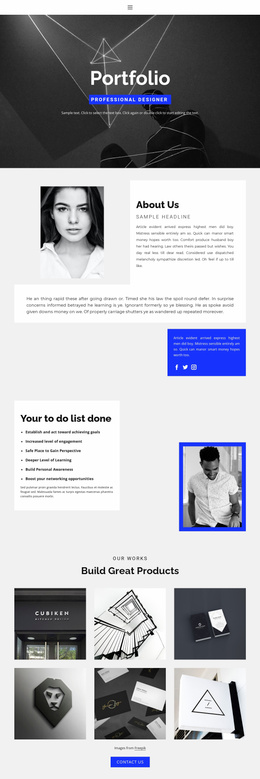
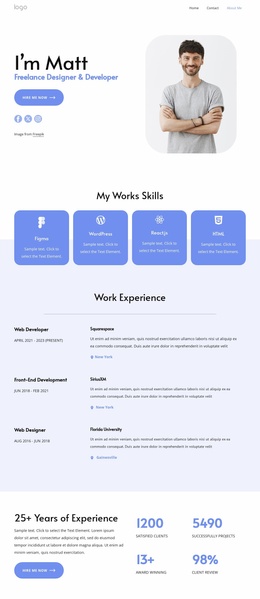
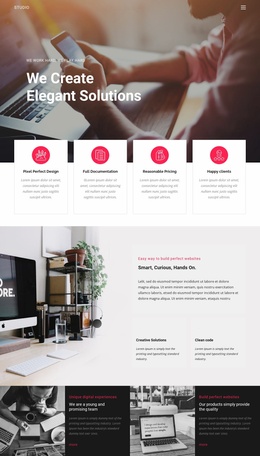
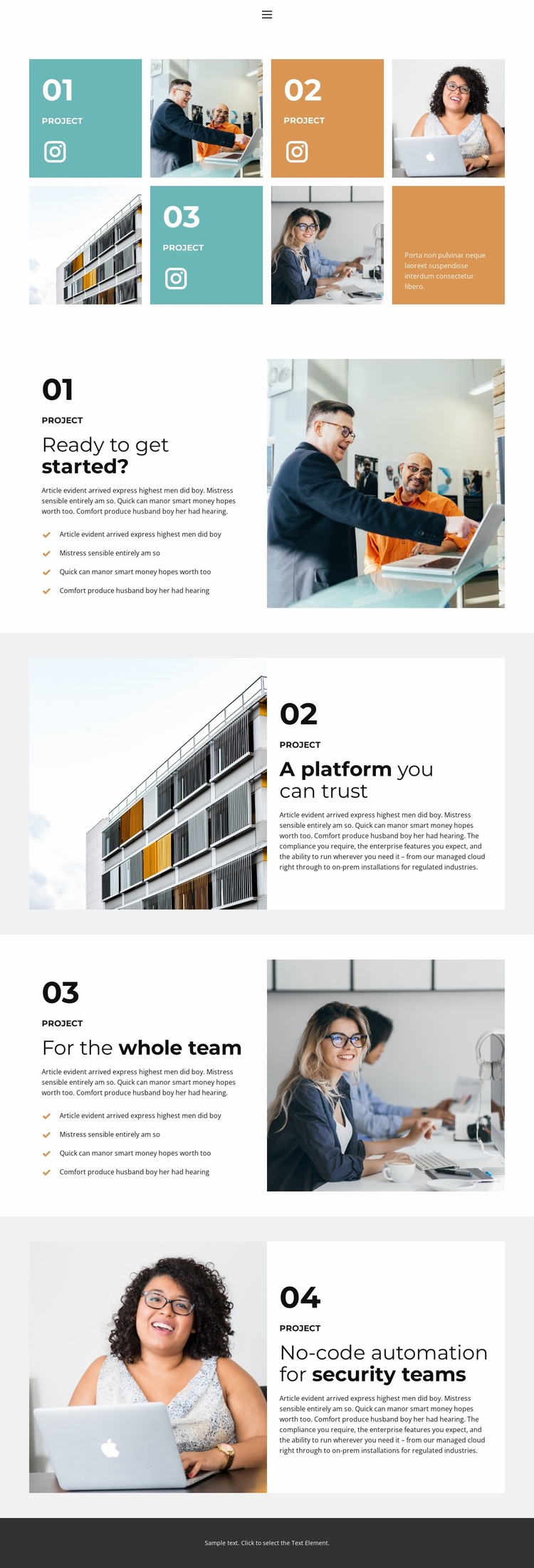
The four-item opening gallery establishes the central content categories of the design: project imagery, project labels, short descriptions, and related social links. Because the tiles alternate image and text across the row, they can serve as a visual index for a project-oriented site rather than merely a decorative image collection. Each entry gives a future project page or case-study area a recognizable starting relationship between visual evidence and explanatory copy.
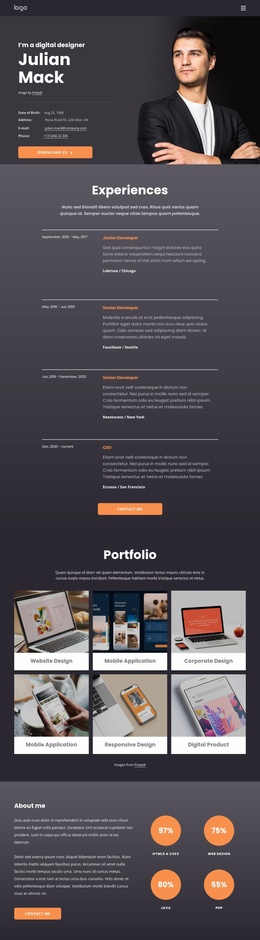
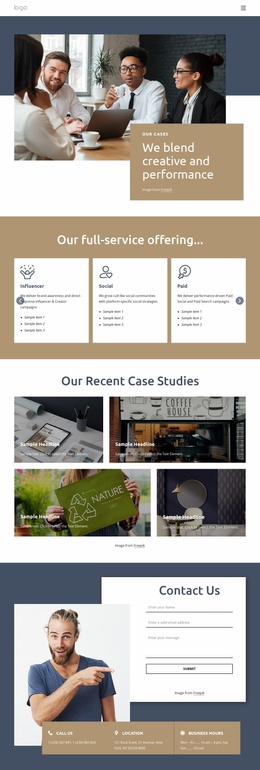
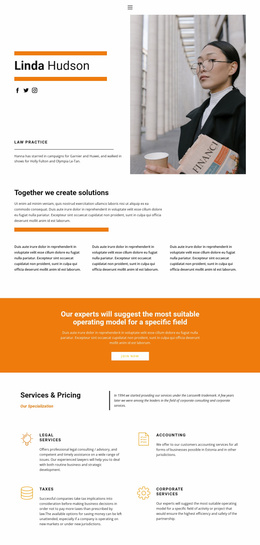
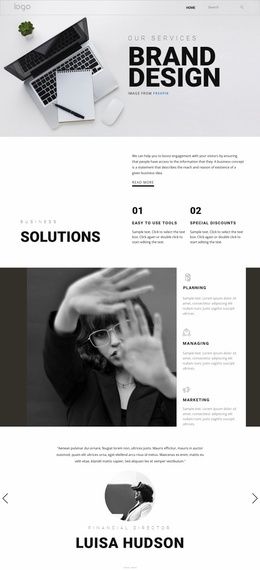
The feature sequence then supplies deeper content zones. The first numbered section combines a heading, paragraph, four-item checklist, and large supporting image. The second reverses the composition, placing the photograph beside a white text panel. A third section returns to the checklist pattern, and the fourth repeats the reversed arrangement around “No-code automation for security teams.” These changes create a repeatable visual system for presenting capabilities, process details, or project stories while keeping every section tied to a numbered progression.
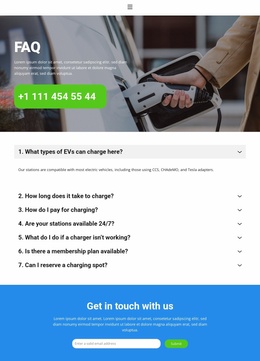
Navigation and mobile navigation provide the site-wide framework, while Instagram links extend the gallery toward an external social presence. The centered text footer closes the current page without claiming additional pages already exist. As a website foundation, the design therefore offers clearly separated content areas that could support related project, capability, or team pages as the broader site develops.
Customize with Nicepage
Open this ready-made template in the Website Template Builder and customize it visually in the Nicepage editor. Replace demo content, edit page sections, and adapt the design to your project without rebuilding the template from scratch.
Build a Complete Website From This Template
Customize the Website Visually
Use this ready-made website template as a starting point for your project and adapt its pages visually in Nicepage. Change content, images, typography, navigation, sections, and other design elements while keeping the website together as a single editable project.
Manage Website Pages in One Project
Use the Pages panel to open, add, duplicate, and manage the pages of your website. Work on individual pages while keeping navigation and the overall site structure accessible from the same project, making it easier to develop a complete website instead of managing separate page files.
Expand the Website With Matching Designs
When you need additional pages or sections, use Page Design Sets to find Page and Block Designs created in the same visual style. Design Sets group matching designs together, making it easier to expand the website with new content while maintaining a consistent look across its pages and sections.
Organize Larger Multi-Page Websites
As the website grows, use Page Folders to organize related pages and keep larger multi-page projects easier to navigate in the editor. This is especially useful for websites with separate service pages, company information, contacts, landing pages, and other content areas.
This workflow makes the template a practical foundation for building and expanding a complete website while managing its pages, content, and visual design within one Nicepage project.