Your adventures starts here Website Template


Edit Template Offline
2. Create new page and search for id 5388942
Edit Template Online
Create Awesome Websites


Free Nicepage Builder
Keywords
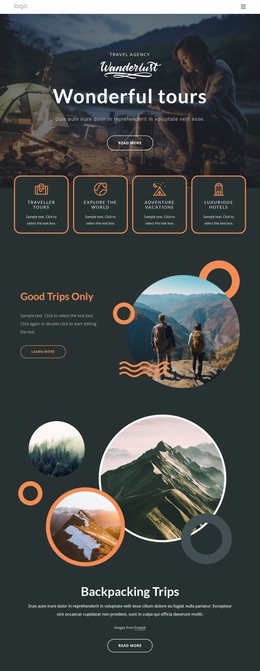
Service groups and destination features establish a site foundation
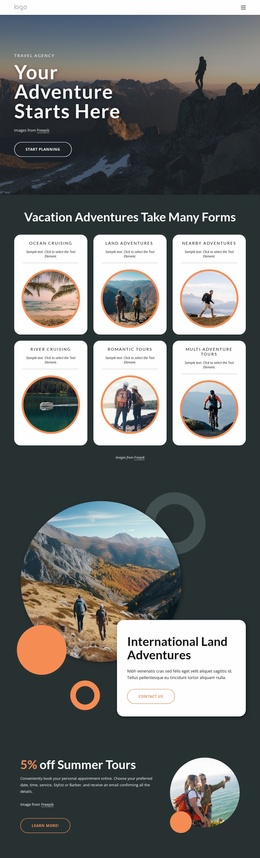
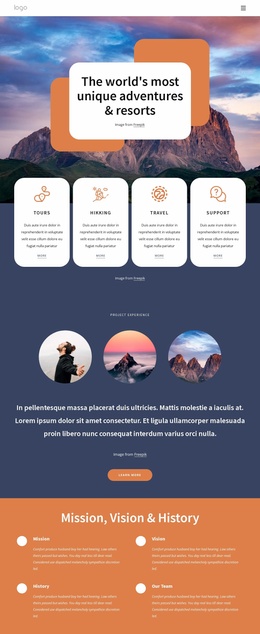
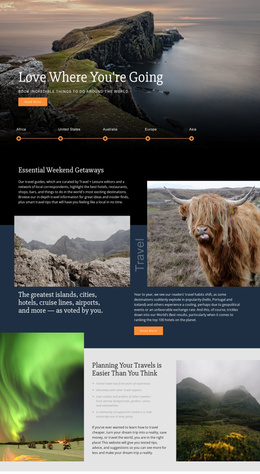
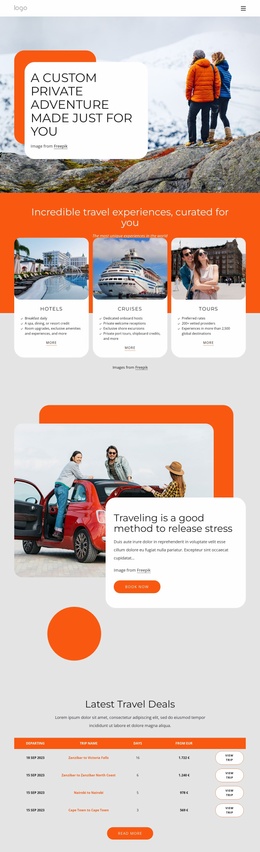
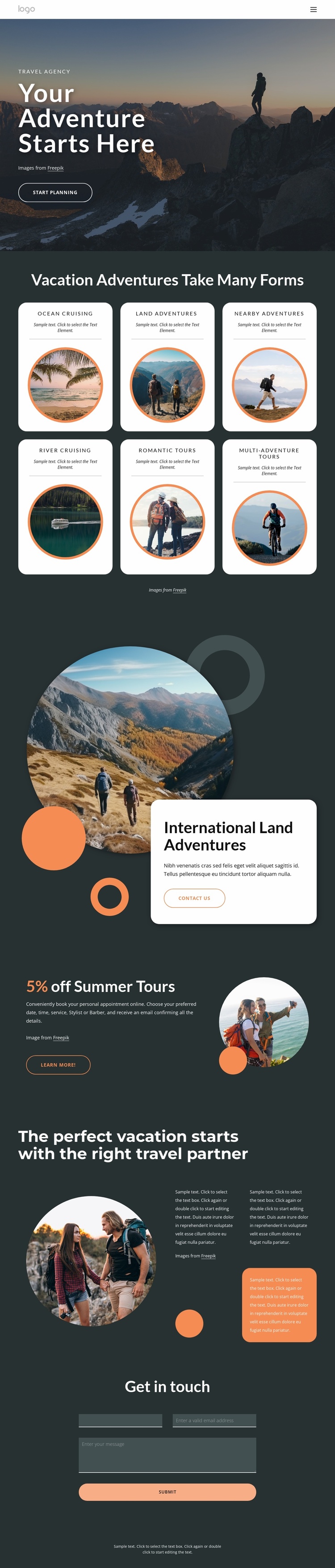
The design already identifies several major content areas that a broader travel website could build around. The six adventure cards create the first layer of site organization: Ocean Cruising, Land Adventures, Nearby Adventures, River Cruising, Romantic Tours, and Multi-Adventure Tours each have a separate visual and informational presence. These groups can act as a starting content map for related destination, service, or experience pages without claiming that those additional pages are already included.
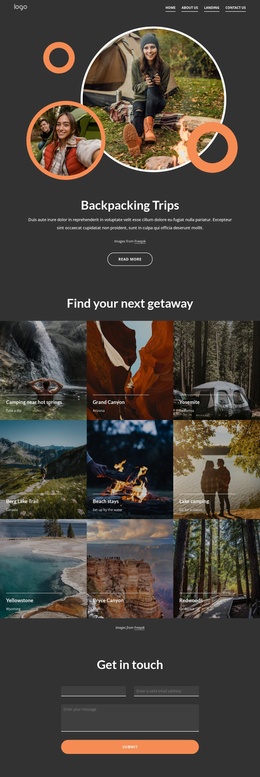
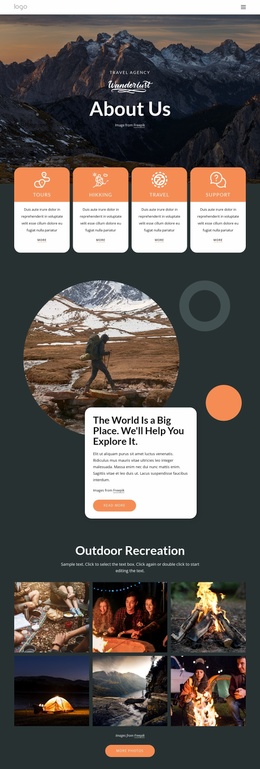
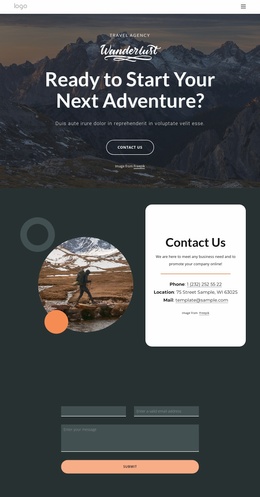
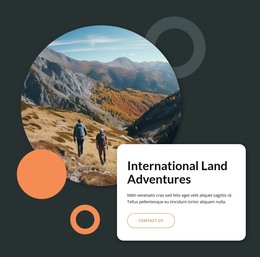
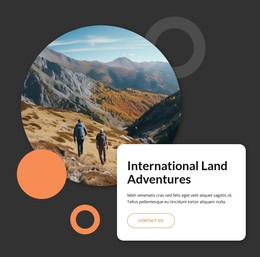
The focused sections add useful project direction. International Land Adventures has its own image-led feature with an overlapping white content card and Contact Us action, while the Summer Tours block introduces a seasonal promotion with a highlighted percentage, travel photograph, and Learn More button. The About Us area supplies a separate relationship-focused region about selecting the right travel partner, using supporting text panels alongside a large circular image. Navigation links for Home, About Us, Landing, and Contact Us provide the visible route between the main project areas, and the closing Get in touch section gives the site a defined inquiry destination through its contact form. The dark background, white type, orange accents, rounded cards, and circular imagery can carry these relationships into future pages or related sections. In this way, the template is more useful as a project foundation than as an isolated visual treatment, while its verified scope remains the single analyzed page.
Customize with Nicepage
Open this ready-made template in the Website Template Builder and customize it visually in the Nicepage editor. Replace demo content, edit page sections, and adapt the design to your project without rebuilding the template from scratch.
Build a Complete Website From This Template
Customize the Website Visually
Use this ready-made website template as a starting point for your project and adapt its pages visually in Nicepage. Change content, images, typography, navigation, sections, and other design elements while keeping the website together as a single editable project.
Manage Website Pages in One Project
Use the Pages panel to open, add, duplicate, and manage the pages of your website. Work on individual pages while keeping navigation and the overall site structure accessible from the same project, making it easier to develop a complete website instead of managing separate page files.
Expand the Website With Matching Designs
When you need additional pages or sections, use Page Design Sets to find Page and Block Designs created in the same visual style. Design Sets group matching designs together, making it easier to expand the website with new content while maintaining a consistent look across its pages and sections.
Organize Larger Multi-Page Websites
As the website grows, use Page Folders to organize related pages and keep larger multi-page projects easier to navigate in the editor. This is especially useful for websites with separate service pages, company information, contacts, landing pages, and other content areas.
This workflow makes the template a practical foundation for building and expanding a complete website while managing its pages, content, and visual design within one Nicepage project.