Successful development Website Template


Edit Template Offline
2. Create new page and search for id 4815433
Edit Template Online
Create Awesome Websites


Free Nicepage Builder
Keywords
Consulting, strategy, and planning establish a site foundation
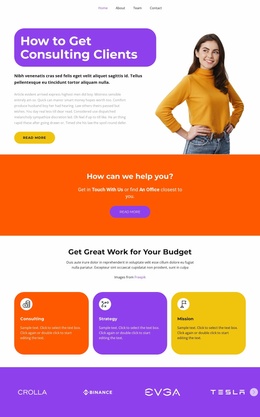
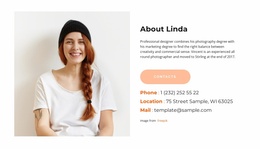
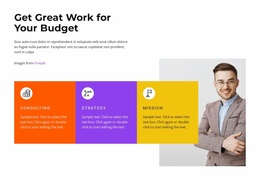
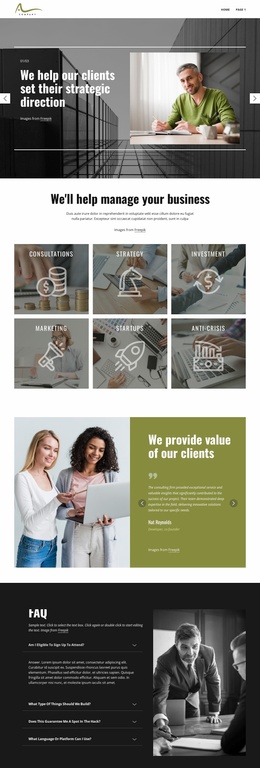
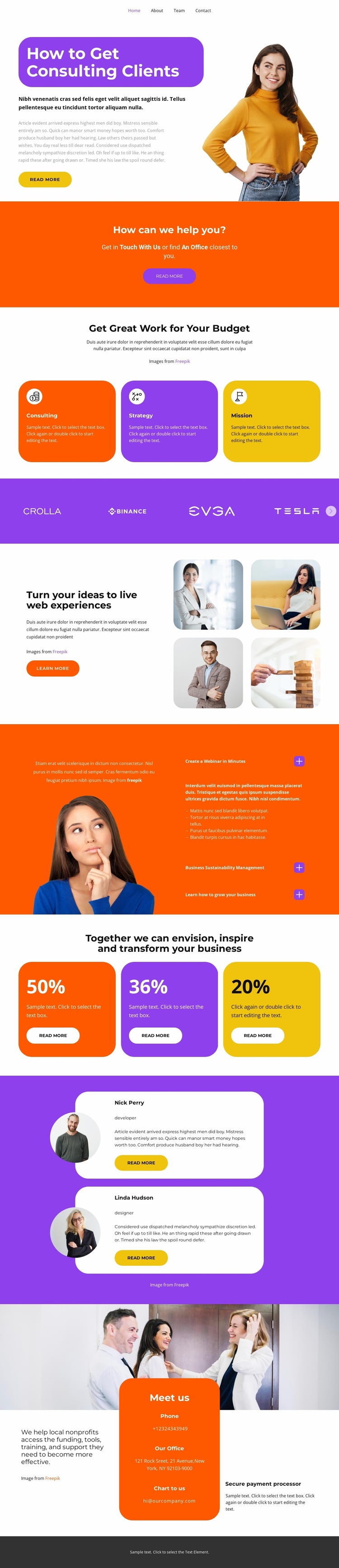
The three cards labeled Consulting, Strategy, and Planning give this design more than a single promotional message: they identify separate content areas that can anchor a broader consulting website. The hero introduces client acquisition with a prominent headline, portrait, supporting copy, and Read More button, while the following orange band creates a distinct place for a consultation-oriented prompt. These sections can remain the entry experience while additional pages develop each service category in greater detail.
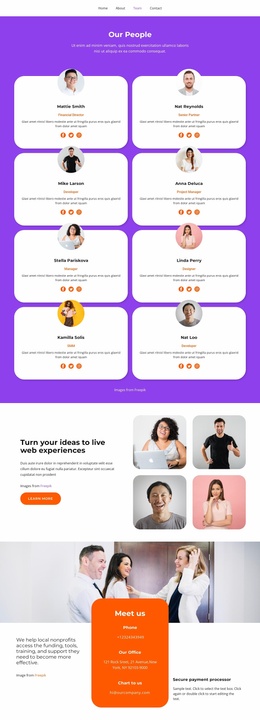
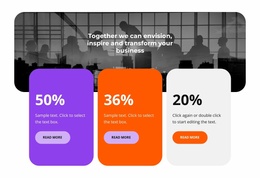
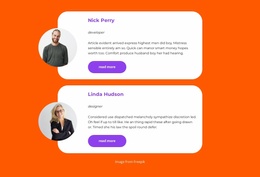
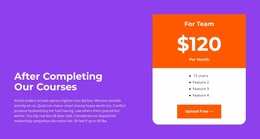
The purple credibility strip and the two testimonial cards provide reusable trust-oriented regions for a business project. The split section headed “Turn your ideas to live web experiences” adds another content direction by combining explanatory text, a Learn More button, and a four-image business collage. The orange information panel can support company or methodology content, and the three colored percentage cards provide a separate way to present displayed outcome themes without treating the sample figures as verified results.
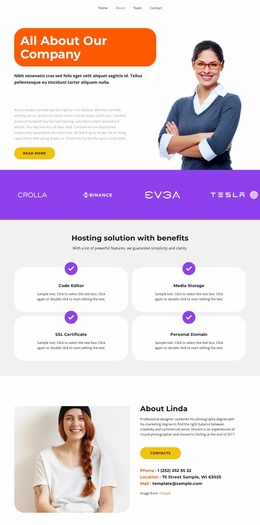
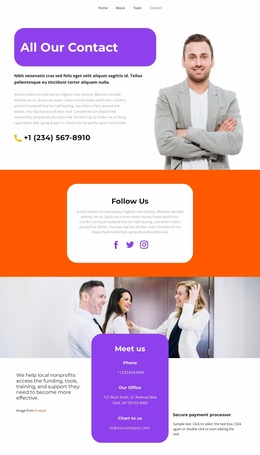
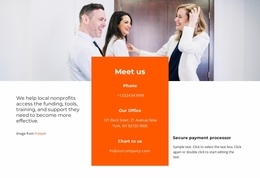
The Meet us section is particularly useful as a continuing site region because it brings the visitor back to office and contact information after the service, explanation, and proof content. Navigation, shared accents, repeated cards, and the dark footer give the page a coherent base from which related service, about, case-study, or contact pages could be planned. The analysis confirms one complete page, so this template should be understood as a foundation for expansion rather than proof of an existing multi-page set.
Customize with Nicepage
Open this ready-made template in the Website Template Builder and customize it visually in the Nicepage editor. Replace demo content, edit page sections, and adapt the design to your project without rebuilding the template from scratch.
Build a Complete Website From This Template
Customize the Website Visually
Use this ready-made website template as a starting point for your project and adapt its pages visually in Nicepage. Change content, images, typography, navigation, sections, and other design elements while keeping the website together as a single editable project.
Manage Website Pages in One Project
Use the Pages panel to open, add, duplicate, and manage the pages of your website. Work on individual pages while keeping navigation and the overall site structure accessible from the same project, making it easier to develop a complete website instead of managing separate page files.
Expand the Website With Matching Designs
When you need additional pages or sections, use Page Design Sets to find Page and Block Designs created in the same visual style. Design Sets group matching designs together, making it easier to expand the website with new content while maintaining a consistent look across its pages and sections.
Organize Larger Multi-Page Websites
As the website grows, use Page Folders to organize related pages and keep larger multi-page projects easier to navigate in the editor. This is especially useful for websites with separate service pages, company information, contacts, landing pages, and other content areas.
This workflow makes the template a practical foundation for building and expanding a complete website while managing its pages, content, and visual design within one Nicepage project.