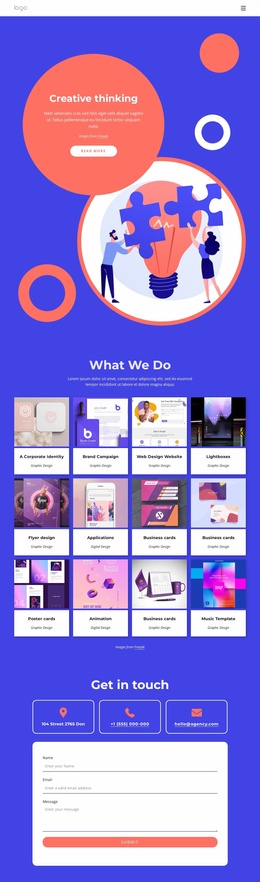
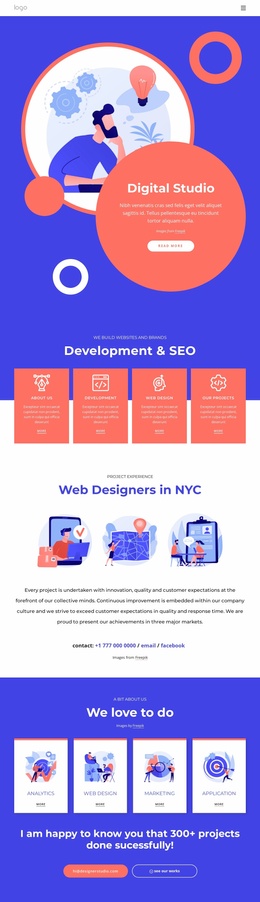
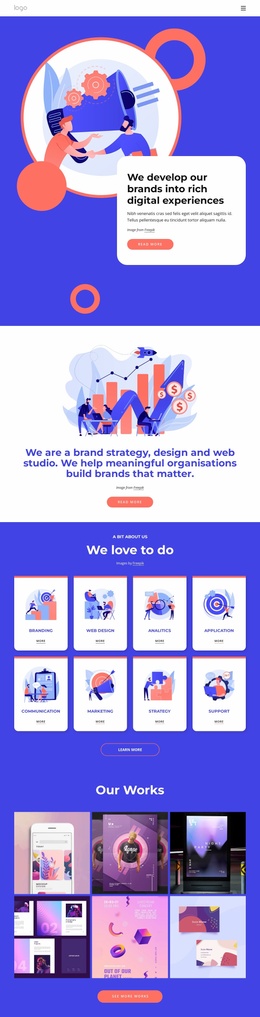
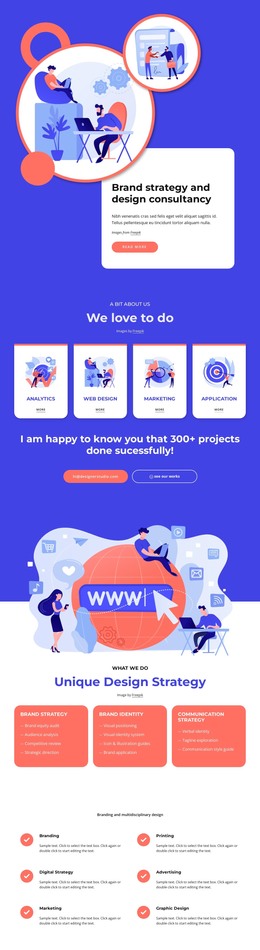
Branding and visual identities Website Template



A vivid engagement section for broader website projects
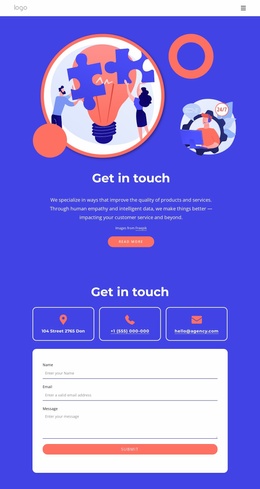
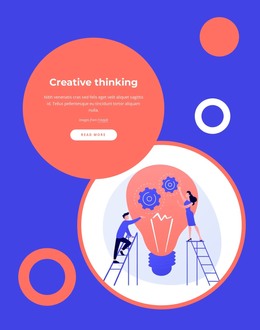
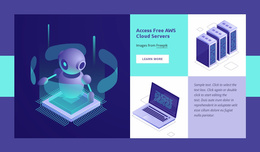
The composition concentrates one message in a clearly bounded area: a large illustration draws attention first, the “Get in touch” heading names the purpose, and the supporting paragraph supplies context before the rounded coral “Read more” button. The centered alignment keeps the illustration, text, attribution, and action visually connected, while the blue background separates this section from neighboring content. Its static interaction model also keeps the experience straightforward; the block presents one route forward rather than a collection of competing controls.
Within a broader website project, this arrangement can operate as a reusable engagement or transition section. It may follow informational content that explains a service or approach, then offer a concise invitation to continue without carrying the surrounding project’s navigation, footer, or other page-level structure. The vivid blue field and coral-and-white treatment create a strong visual marker that can help distinguish the section from quieter content areas. The message about empathy, intelligent data, and improving product and service quality gives the block more substance than a purely decorative banner. The “Images from Freepik” attribution remains part of the section and should be preserved when the illustration is used.
Customize with Nicepage
Open this ready-made template in the Website Template Builder and customize it visually in the Nicepage editor. Replace demo content, edit page sections, and adapt the design to your project without rebuilding the template from scratch.
Edit Template Offline
2. Create a new page or select existing
3. Click Add new block, search for id 4438209 and click enter
Edit Template Online
Create Awesome Websites


Free Nicepage Builder
Keywords
Build a Complete Website From This Template
Customize the Website Visually
Use this ready-made website template as a starting point for your project and adapt its pages visually in Nicepage. Change content, images, typography, navigation, sections, and other design elements while keeping the website together as a single editable project.
Manage Website Pages in One Project
Use the Pages panel to open, add, duplicate, and manage the pages of your website. Work on individual pages while keeping navigation and the overall site structure accessible from the same project, making it easier to develop a complete website instead of managing separate page files.
Expand the Website With Matching Designs
When you need additional pages or sections, use Page Design Sets to find Page and Block Designs created in the same visual style. Design Sets group matching designs together, making it easier to expand the website with new content while maintaining a consistent look across its pages and sections.
Organize Larger Multi-Page Websites
As the website grows, use Page Folders to organize related pages and keep larger multi-page projects easier to navigate in the editor. This is especially useful for websites with separate service pages, company information, contacts, landing pages, and other content areas.
This workflow makes the template a practical foundation for building and expanding a complete website while managing its pages, content, and visual design within one Nicepage project.

Design Set (26)
-

-
-
-
-
-
-
-
-
-
-
-
-
-
-
Customize Any TemplateDownload
-
-
-
-
-
-