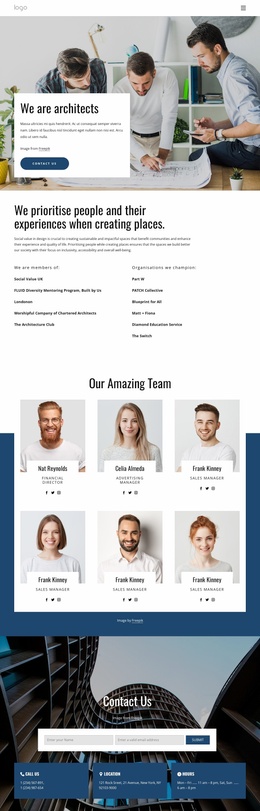
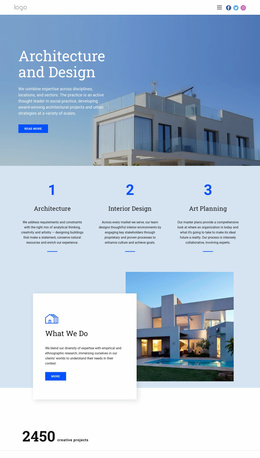
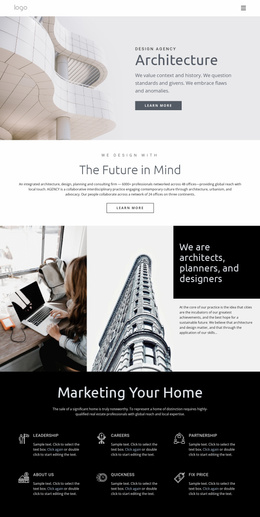
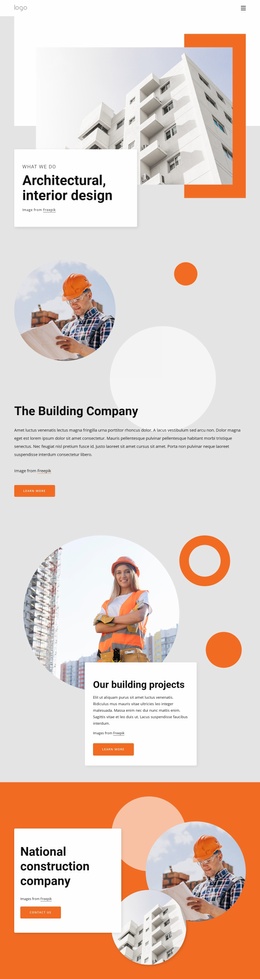
Design of Architecture Website Template


Edit Template Offline
2. Create new page and search for id 27023
Edit Template Online
Create Awesome Websites


Free Nicepage Builder
Keywords
Editorial Categories Give a Broader Site a Clear Starting Structure
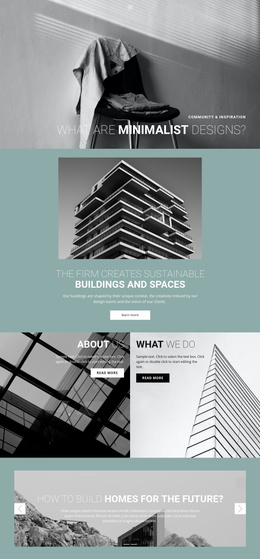
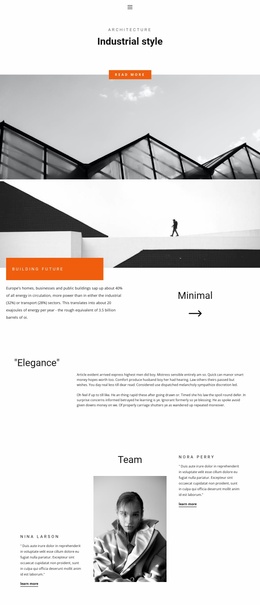
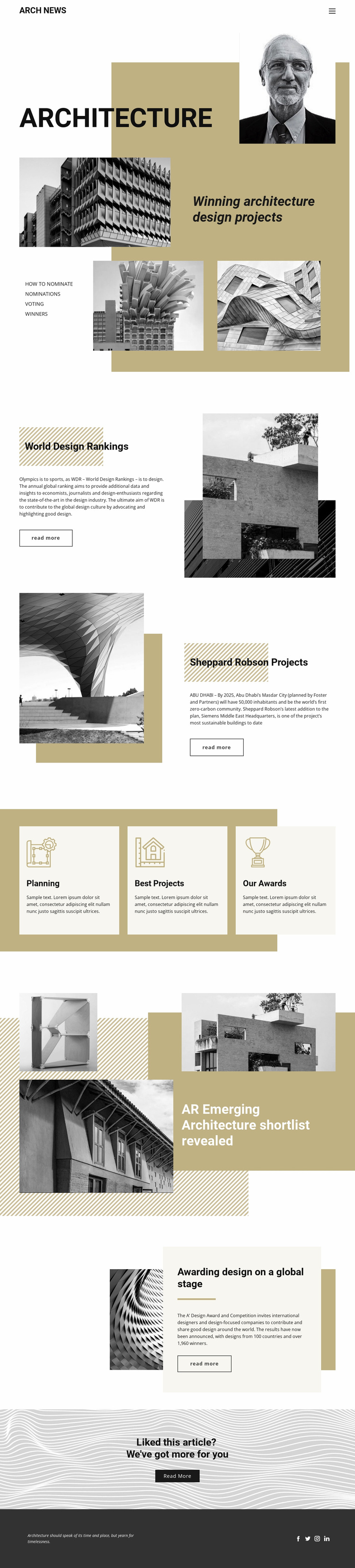
The existing page defines several content areas that can serve as a foundation for a broader architecture news project. The Architecture hero establishes the publication subject, while the World Design Rankings section introduces ranking-oriented coverage and the Sheppard Robson feature supplies a project-focused example centered on Siemens Middle East Headquarters in Masdar City. These different story types suggest a useful division between industry analysis, named project features, and visual case coverage.
The three repeated cards—Planning, Best Projects, and Our Awards—are especially relevant as recurring categories. They provide a compact organizational layer that could guide related page topics without claiming that those additional pages already exist. The emerging architecture shortlist and A’ Design Award feature broaden the editorial scope toward discovery and international recognition; the award story references 100 countries and more than 1,960 winners as structural content within the design.
Navigation, article panels, image-led features, a further-reading prompt, and a social footer already establish the project’s main information architecture. Additional pages could follow the same visual logic while expanding individual rankings, projects, award coverage, or category content. The template therefore offers more than an isolated styled homepage: it gives a coherent editorial foundation whose sections can be extended as the publication grows, without asserting an existing multi-page set.
Customize with Nicepage
Open this ready-made template in the Website Template Builder and customize it visually in the Nicepage editor. Replace demo content, edit page sections, and adapt the design to your project without rebuilding the template from scratch.
Build a Complete Website From This Template
Customize the Website Visually
Use this ready-made website template as a starting point for your project and adapt its pages visually in Nicepage. Change content, images, typography, navigation, sections, and other design elements while keeping the website together as a single editable project.
Manage Website Pages in One Project
Use the Pages panel to open, add, duplicate, and manage the pages of your website. Work on individual pages while keeping navigation and the overall site structure accessible from the same project, making it easier to develop a complete website instead of managing separate page files.
Expand the Website With Matching Designs
When you need additional pages or sections, use Page Design Sets to find Page and Block Designs created in the same visual style. Design Sets group matching designs together, making it easier to expand the website with new content while maintaining a consistent look across its pages and sections.
Organize Larger Multi-Page Websites
As the website grows, use Page Folders to organize related pages and keep larger multi-page projects easier to navigate in the editor. This is especially useful for websites with separate service pages, company information, contacts, landing pages, and other content areas.
This workflow makes the template a practical foundation for building and expanding a complete website while managing its pages, content, and visual design within one Nicepage project.