Aromatherapy and fitness spa Website Template



Edit Template Offline
2. Create new page and search for id 195862
Edit Template Online
Create Awesome Websites


Free Nicepage Builder
Keywords
Service Families Give a Broader Spa Website a Clear Starting Structure
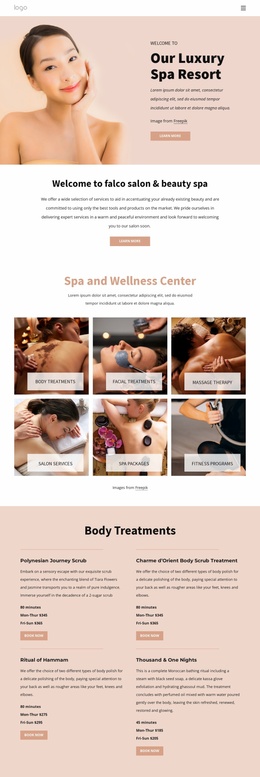
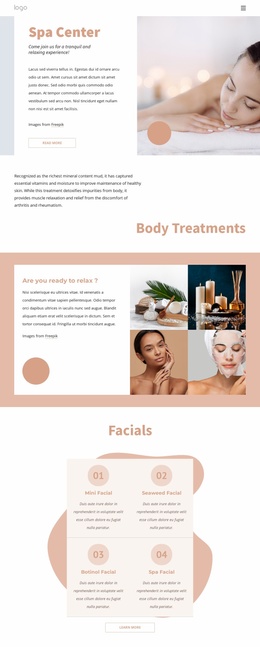
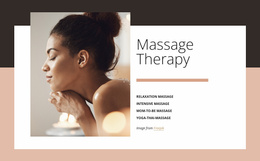
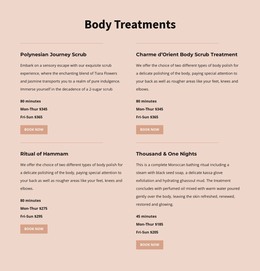
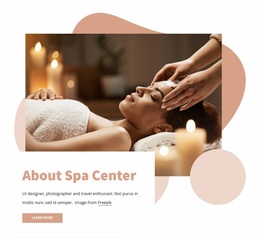
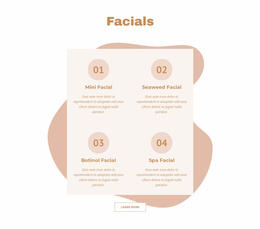
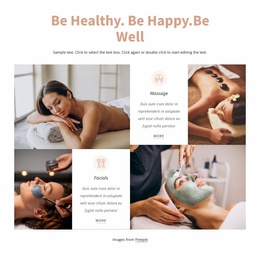
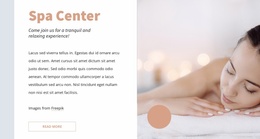
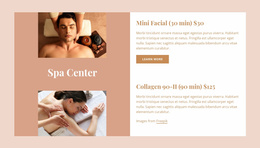
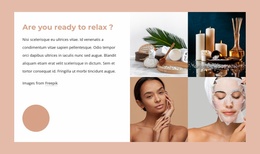
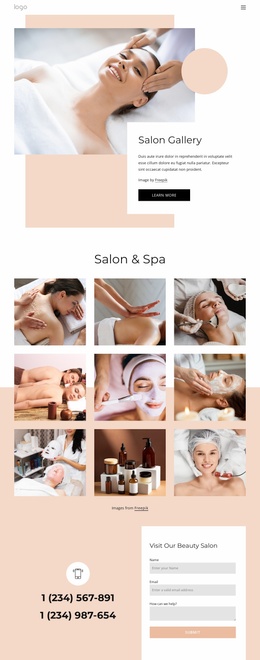
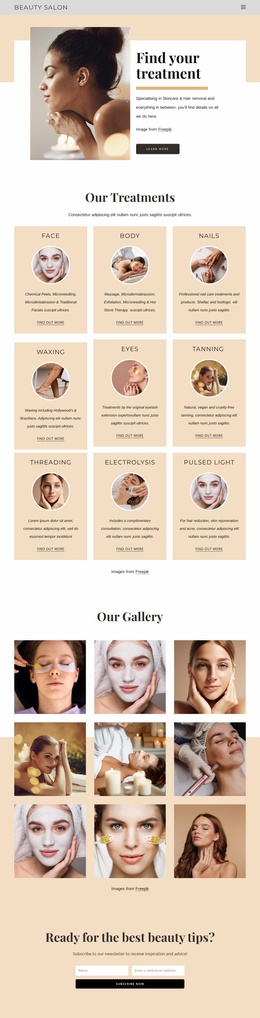
The design already separates several major content areas that a larger spa or salon project could build around. The opening Spa Center section provides an introductory foundation, while Body Treatments and the four-image relaxation collage establish the page's central wellness subject. The Facials group then creates a distinct service family with Mini Facial, Seaweed Facial, Botinol Facial, and Spa Facial presented as four repeated choices.
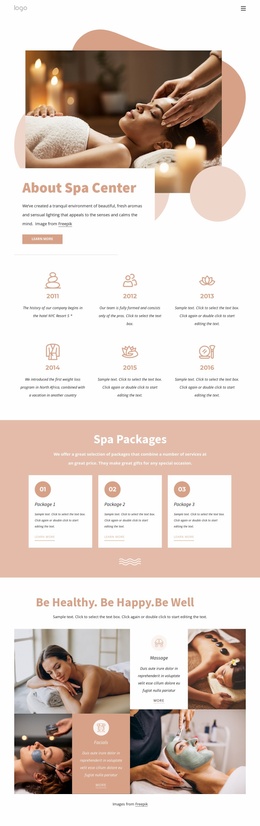
Additional categories make the structure suitable for expansion beyond a single treatment list. The Hair and Beauty Services area introduces Makeup & Lashes, Hair Care, and Nails & Pedicure, while the over-grid section adds Foot massage, Glow Facial, Stone Massage, and Luxury spa. A featured treatment section supplies another content pattern by pairing imagery with two treatment listings. These existing relationships suggest possible directions for related service, treatment, or information pages without claiming that those extra pages are already included.
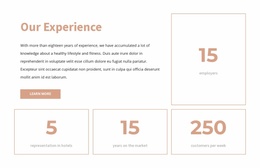
The shared visual language provides continuity for such a project. Pale peach, cream, white, and muted pink surfaces, dark text accents, rounded shapes, spacious layouts, and large lifestyle images can connect additional content to the same design character. The final Contact Us section adds practical site content through opening hours, social links, contact details, and an inquiry form. As a website foundation, the template therefore offers both a recognizable visual direction and several clearly separated content categories from which a broader spa project could grow.
Customize with Nicepage
Open this ready-made template in the Website Template Builder and customize it visually in the Nicepage editor. Replace demo content, edit page sections, and adapt the design to your project without rebuilding the template from scratch.
Build a Complete Website From This Template
Customize the Website Visually
Use this ready-made website template as a starting point for your project and adapt its pages visually in Nicepage. Change content, images, typography, navigation, sections, and other design elements while keeping the website together as a single editable project.
Manage Website Pages in One Project
Use the Pages panel to open, add, duplicate, and manage the pages of your website. Work on individual pages while keeping navigation and the overall site structure accessible from the same project, making it easier to develop a complete website instead of managing separate page files.
Expand the Website With Matching Designs
When you need additional pages or sections, use Page Design Sets to find Page and Block Designs created in the same visual style. Design Sets group matching designs together, making it easier to expand the website with new content while maintaining a consistent look across its pages and sections.
Organize Larger Multi-Page Websites
As the website grows, use Page Folders to organize related pages and keep larger multi-page projects easier to navigate in the editor. This is especially useful for websites with separate service pages, company information, contacts, landing pages, and other content areas.
This workflow makes the template a practical foundation for building and expanding a complete website while managing its pages, content, and visual design within one Nicepage project.