The best places to travel Website Template


Edit Template Offline
2. Create new page and search for id 179663
Edit Template Online
Create Awesome Websites


Free Nicepage Builder
Keywords
Adventure Activities and Scenic Content Establish a Broader Site Foundation
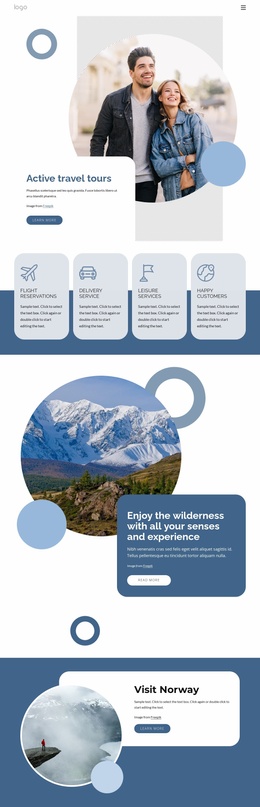
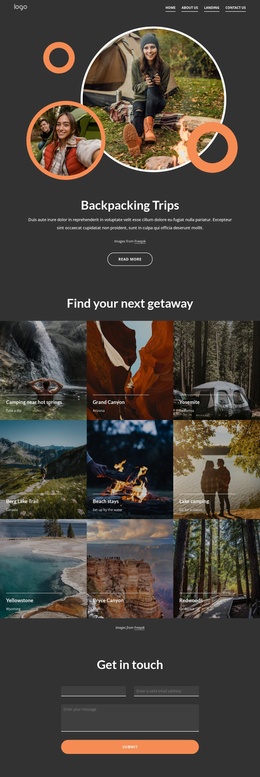
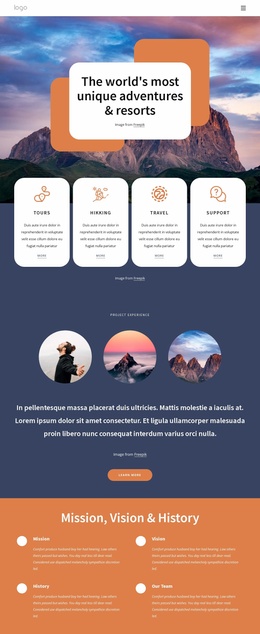
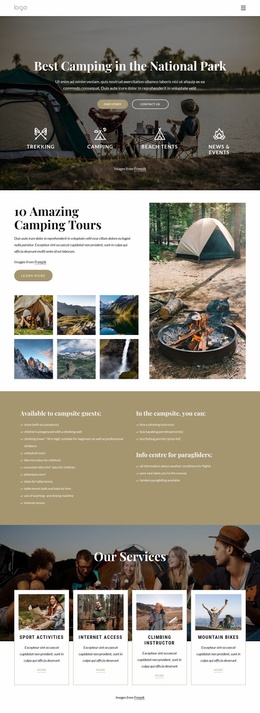
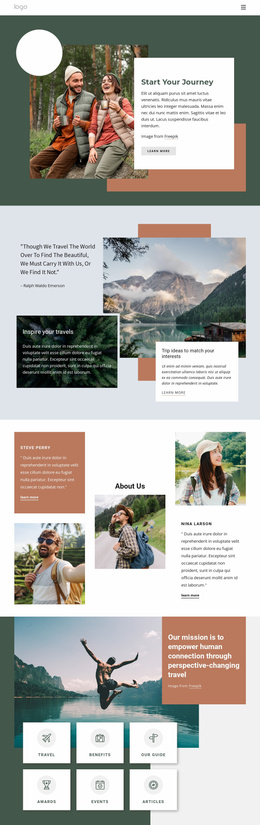
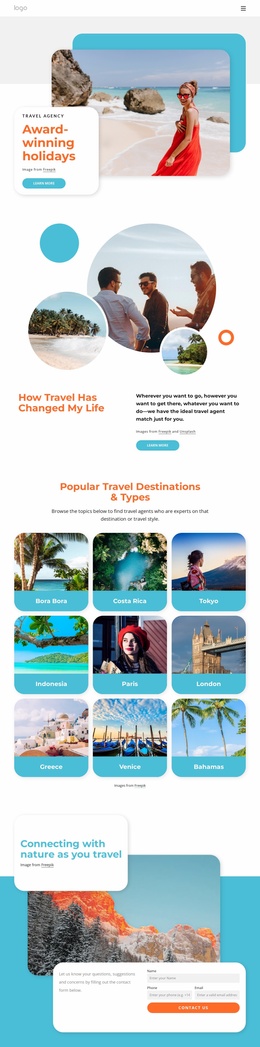
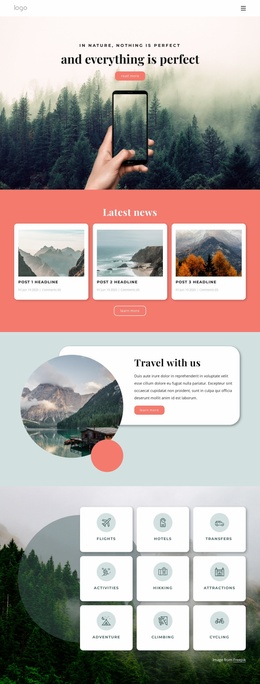
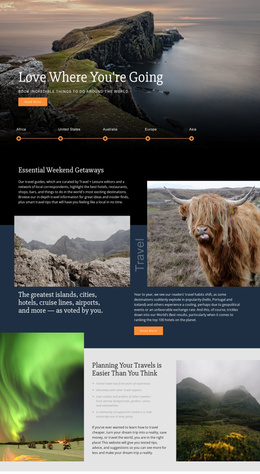
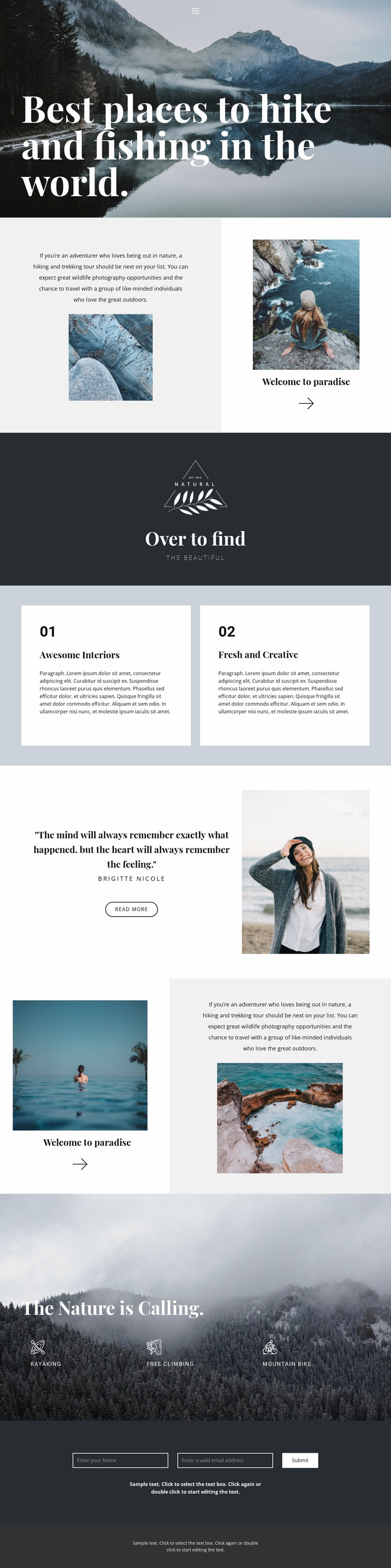
The design already defines several content areas that can guide a wider outdoor travel project. The hero introduces the overall nature and adventure direction, while the split sections provide room for destination storytelling, hiking and trekking information, and supporting photographs. These areas can serve as the visual and informational basis for additional content without claiming that separate pages are already included.
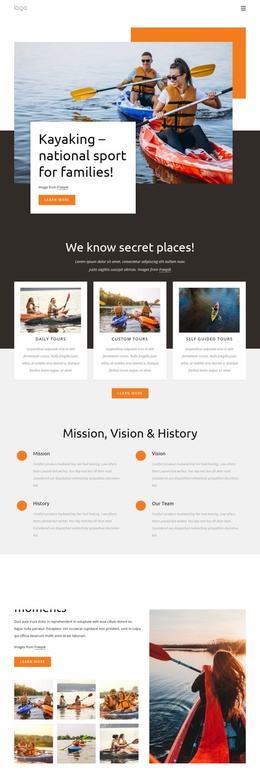
The two numbered feature cards create a repeatable pattern for selected highlights, and the quotation with portrait offers a distinct personal or editorial section. Together, these blocks show how the project could balance practical activity information with atmosphere and human perspective. The later landscape section then supplies a focused activity area for kayaking, free climbing, and mountain biking, giving the design a clear category direction that could be expanded into more detailed site content.
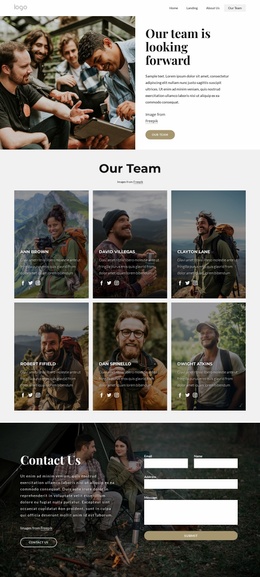
Navigation, mobile navigation, contact content, and the footer provide shared regions around those subject areas. The centered form can anchor inquiries, while the scenic sections can remain the recognizable visual thread across related pages. As a website-project foundation, the value is therefore in the existing content coverage and recurring visual relationships: introduction, imagery, highlights, personal perspective, activities, and contact. A broader site could grow from those areas, but the analysis confirms one page rather than a complete multi-page set.
Customize with Nicepage
Open this ready-made template in the Website Template Builder and customize it visually in the Nicepage editor. Replace demo content, edit page sections, and adapt the design to your project without rebuilding the template from scratch.
Build a Complete Website From This Template
Customize the Website Visually
Use this ready-made website template as a starting point for your project and adapt its pages visually in Nicepage. Change content, images, typography, navigation, sections, and other design elements while keeping the website together as a single editable project.
Manage Website Pages in One Project
Use the Pages panel to open, add, duplicate, and manage the pages of your website. Work on individual pages while keeping navigation and the overall site structure accessible from the same project, making it easier to develop a complete website instead of managing separate page files.
Expand the Website With Matching Designs
When you need additional pages or sections, use Page Design Sets to find Page and Block Designs created in the same visual style. Design Sets group matching designs together, making it easier to expand the website with new content while maintaining a consistent look across its pages and sections.
Organize Larger Multi-Page Websites
As the website grows, use Page Folders to organize related pages and keep larger multi-page projects easier to navigate in the editor. This is especially useful for websites with separate service pages, company information, contacts, landing pages, and other content areas.
This workflow makes the template a practical foundation for building and expanding a complete website while managing its pages, content, and visual design within one Nicepage project.