From idea to experience Website Template



Edit Template Offline
2. Create new page and search for id 1558585
Edit Template Online
Create Awesome Websites


Free Nicepage Builder
Keywords
Service, Software, and Team Areas Give the Project Room to Grow
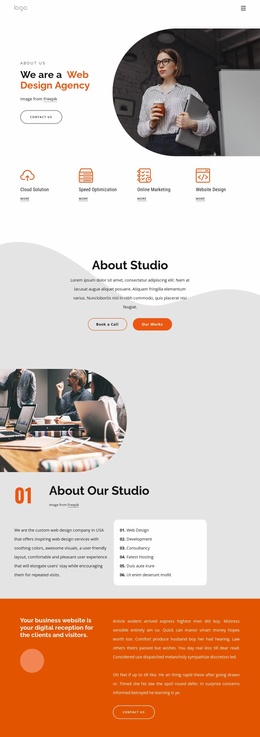
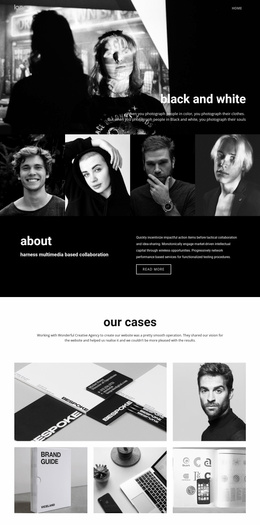
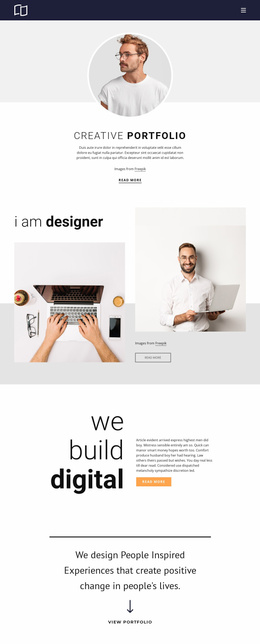
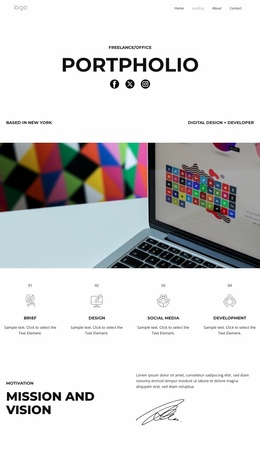
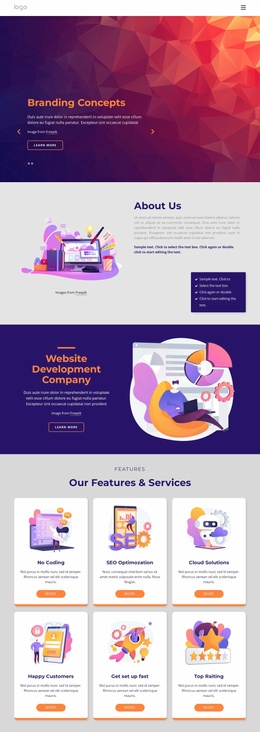
The page establishes several major website content categories before any broader expansion is considered. Four equal cards define the core service vocabulary—Advisory, Development, Planning, and Strategy—while the Mission and Goals section adds context through a three-panel composition. This creates an initial information structure that is more specific than a single generic business introduction.
The design also separates technology-related offerings from creative services. SQL Reporting Software and Excel Dashboard content occupies a dark, image-led area with overlapping cards, while the Heat Transfer Printing Techniques block presents a different production subject through a photograph, white text panel, and action button. A separate statement about collaborating with brands and agencies connects these varied offerings through a shared creative-business direction. These areas could provide a visual foundation for additional service, offering, or company-information pages as a project develops; the analysis does not establish that such extra pages already exist.
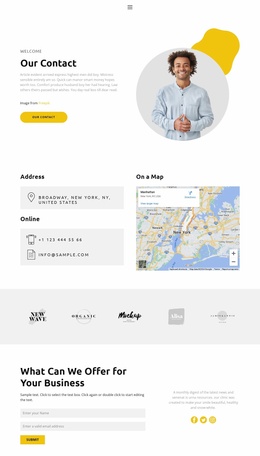
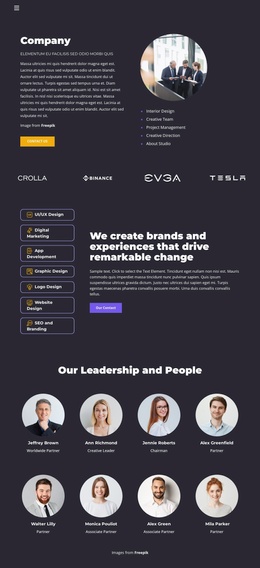
The four profile cards and social-link icons add a people-oriented content category, and the four displayed percentage values create a distinct metrics region whose sample figures should be replaced with verified project data. Repeated Contact us, Learn more, and read more actions identify natural destinations for future content or inquiry paths. The combination gives a broader site project clear starting regions without overstating the current page as a complete multi-page set.
Customize with Nicepage
Open this ready-made template in the Website Template Builder and customize it visually in the Nicepage editor. Replace demo content, edit page sections, and adapt the design to your project without rebuilding the template from scratch.
Build a Complete Website From This Template
Customize the Website Visually
Use this ready-made website template as a starting point for your project and adapt its pages visually in Nicepage. Change content, images, typography, navigation, sections, and other design elements while keeping the website together as a single editable project.
Manage Website Pages in One Project
Use the Pages panel to open, add, duplicate, and manage the pages of your website. Work on individual pages while keeping navigation and the overall site structure accessible from the same project, making it easier to develop a complete website instead of managing separate page files.
Expand the Website With Matching Designs
When you need additional pages or sections, use Page Design Sets to find Page and Block Designs created in the same visual style. Design Sets group matching designs together, making it easier to expand the website with new content while maintaining a consistent look across its pages and sections.
Organize Larger Multi-Page Websites
As the website grows, use Page Folders to organize related pages and keep larger multi-page projects easier to navigate in the editor. This is especially useful for websites with separate service pages, company information, contacts, landing pages, and other content areas.
This workflow makes the template a practical foundation for building and expanding a complete website while managing its pages, content, and visual design within one Nicepage project.