We are creative branding professionals Website Template



Edit Template Offline
2. Create new page and search for id 114440
Edit Template Online
Create Awesome Websites


Free Nicepage Builder
Keywords
A Team-Led Foundation Extending From Studio Story to Offers
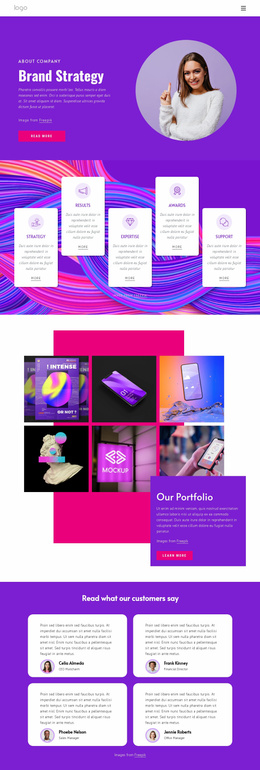
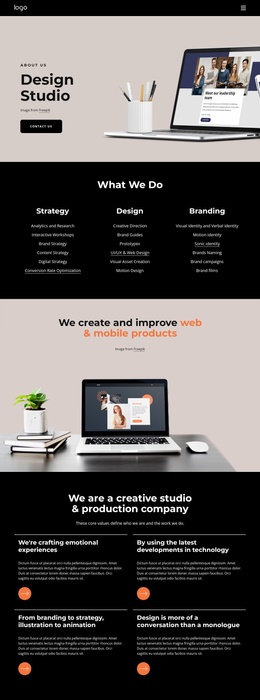
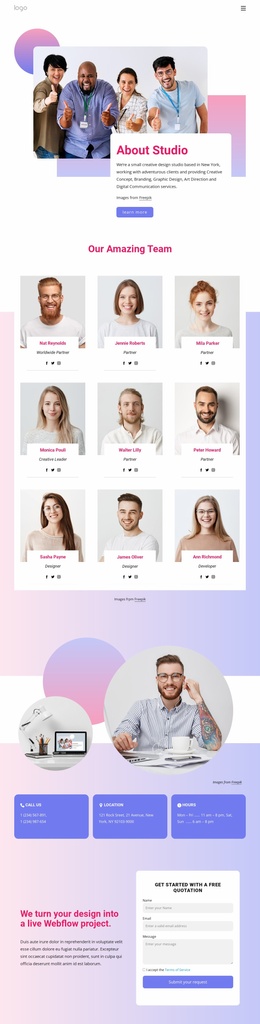
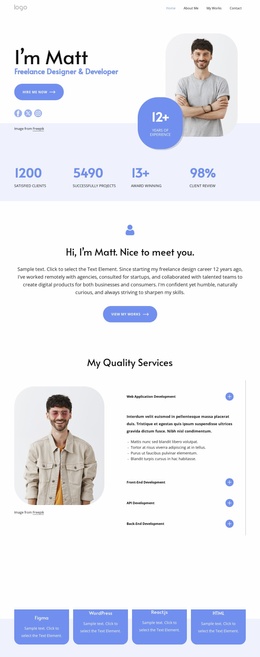
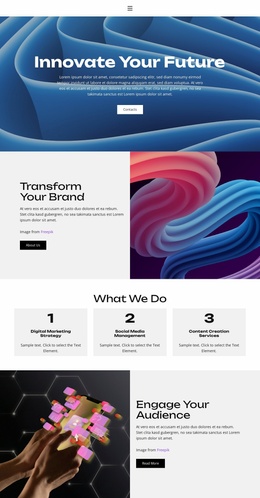
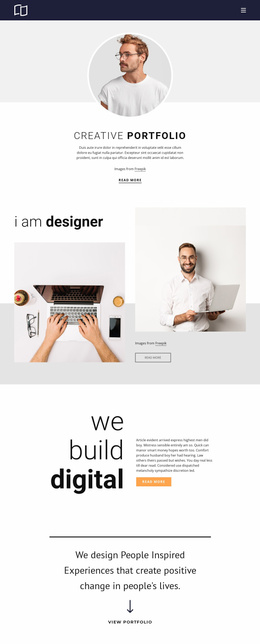
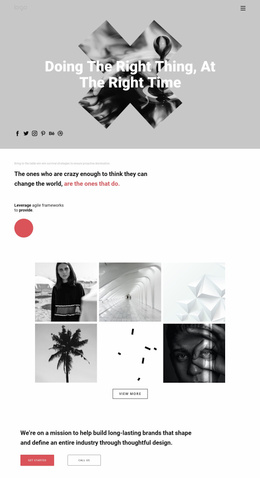
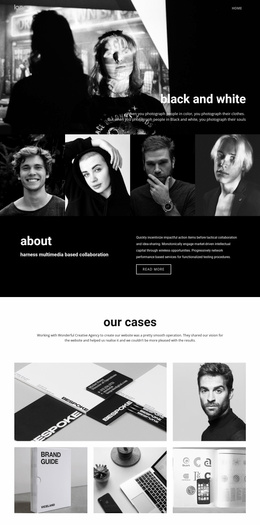
The page already defines several major content areas that can anchor a broader creative studio website. Its monochrome team hero introduces the company with a strong visual statement, while the three colored capability cards create a compact place for describing services and directing visitors toward more information. The dated company history area adds institutional context, making the design useful for presenting not only what the studio does but also how its story is organized.
The four circular team portraits provide a people-focused section that could support fuller team or company information as a project expands. The digital experience marketing showcase then shifts from identity to capability, using overlapping project imagery and supporting text to make visual work part of the site’s core structure. A three-item latest projects feed adds a repeatable content pattern with thumbnails, headlines, dates, and comment metadata.
Commercial information is also accounted for through three displayed package cards. Their prices, feature lists, and buy-now actions give the foundation a clear place for presenting service levels or packaged offers, while the surrounding callout helps separate the decision point from the earlier studio story. Additional pages could follow the same visual language for individual services, projects, team details, or company information. The existing footer’s three text columns and social links provide shared supporting content for that wider project structure.
Customize with Nicepage
Open this ready-made template in the Website Template Builder and customize it visually in the Nicepage editor. Replace demo content, edit page sections, and adapt the design to your project without rebuilding the template from scratch.
Build a Complete Website From This Template
Customize the Website Visually
Use this ready-made website template as a starting point for your project and adapt its pages visually in Nicepage. Change content, images, typography, navigation, sections, and other design elements while keeping the website together as a single editable project.
Manage Website Pages in One Project
Use the Pages panel to open, add, duplicate, and manage the pages of your website. Work on individual pages while keeping navigation and the overall site structure accessible from the same project, making it easier to develop a complete website instead of managing separate page files.
Expand the Website With Matching Designs
When you need additional pages or sections, use Page Design Sets to find Page and Block Designs created in the same visual style. Design Sets group matching designs together, making it easier to expand the website with new content while maintaining a consistent look across its pages and sections.
Organize Larger Multi-Page Websites
As the website grows, use Page Folders to organize related pages and keep larger multi-page projects easier to navigate in the editor. This is especially useful for websites with separate service pages, company information, contacts, landing pages, and other content areas.
This workflow makes the template a practical foundation for building and expanding a complete website while managing its pages, content, and visual design within one Nicepage project.