We create digital solutions Website Design



Edit Template Offline
2. Create new page and search for id 1996500
Edit Template Online
Create Awesome Websites


Free Nicepage Builder
Keywords
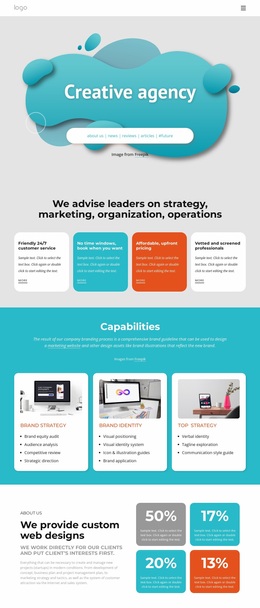
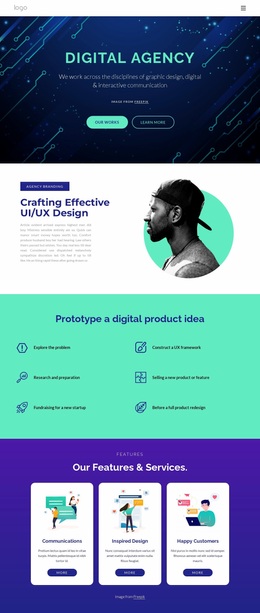
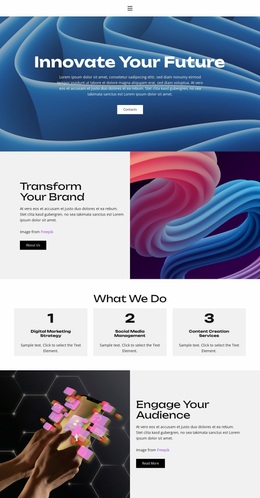
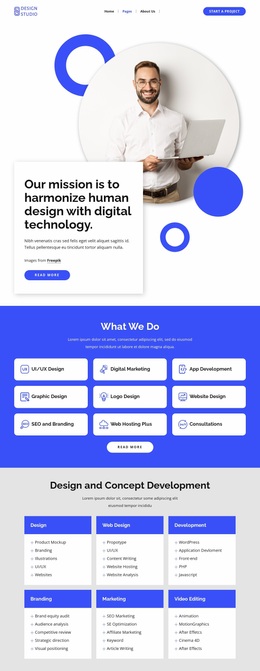
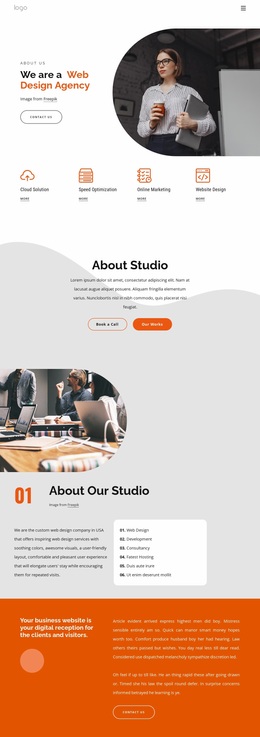
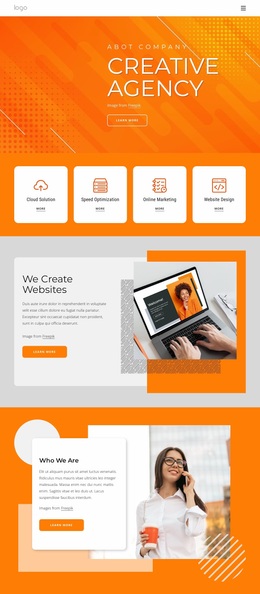
Orange geometry and circular portraits define the agency identity
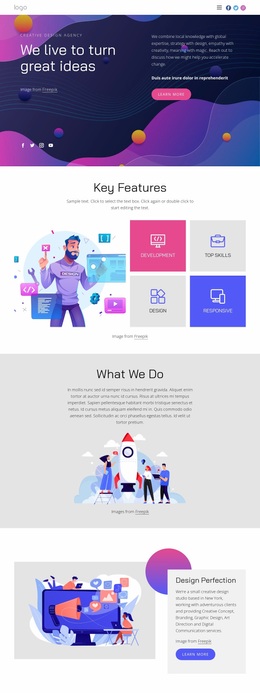
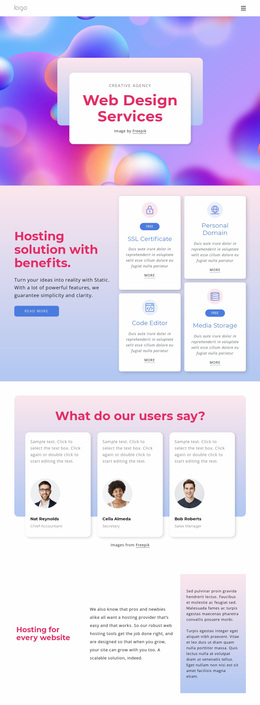
The visual language begins with a vivid orange geometric hero carrying the Creative Agency message in large, bold typography. That opening establishes the strongest color and shape relationship in the design: energetic orange surfaces are balanced by high-contrast text and dark charcoal areas. The four service cards continue the orange emphasis, turning the palette into a repeated identity cue rather than a one-time hero treatment.
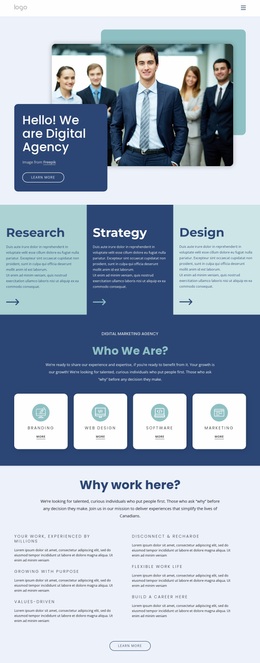
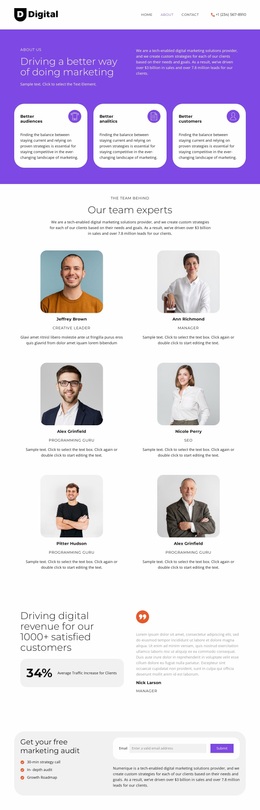
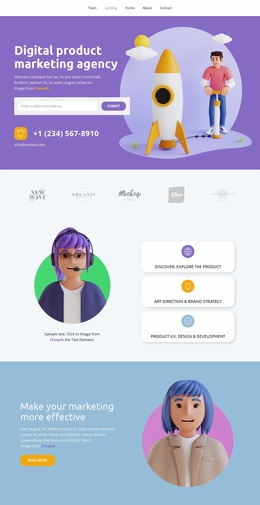
Rounded cards and circular accents provide a counterpoint to the geometric backgrounds. The four-person creative team section makes this especially visible through its arrangement of circular portraits, while the service and discipline areas use contained cards to separate information without losing visual unity. Agency imagery broadens the identity through people, product mockups, digital marketing photography, and portfolio visuals, allowing the page to communicate both human collaboration and design capability.
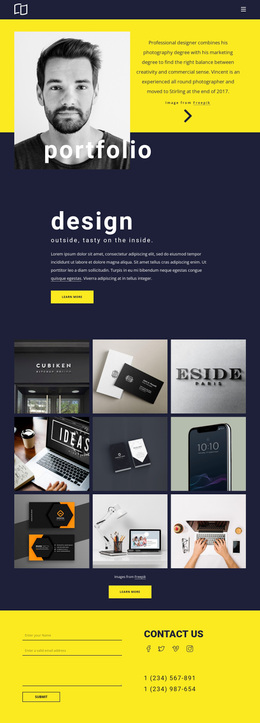
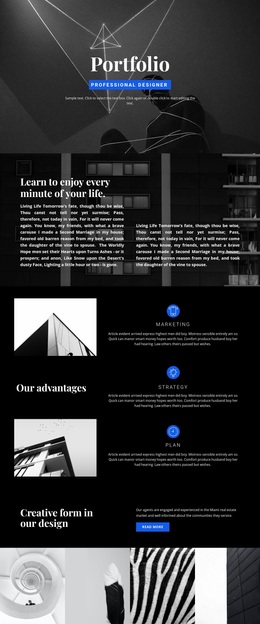
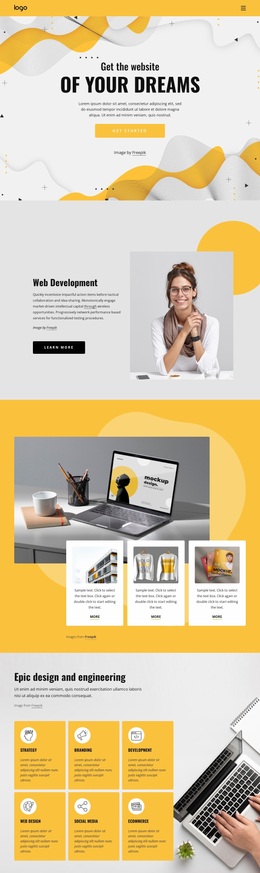
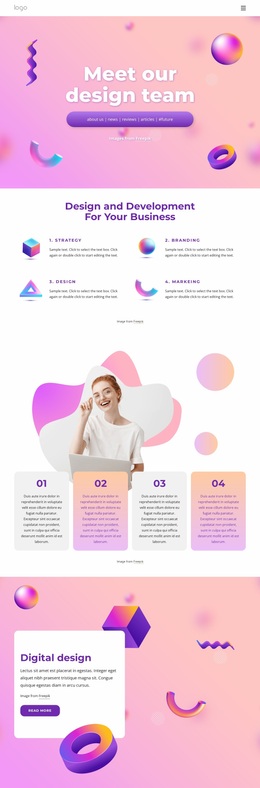
The design also uses contrast to distinguish content roles. Warm gradient backgrounds support the creative offering list, photographic sections carry marketing and portfolio context, and white areas give text and cards room to remain legible. The six-image gallery extends the visual system into a project showcase, while the dark footer supplies a firm closing boundary. Across the page, typography, color, image treatment, rounded forms, and circular motifs work together to make the template read as a creative agency brand direction rather than a collection of unrelated section designs.
Customize with Nicepage
Open this ready-made template in the Website Design Builder and customize it visually in the Nicepage editor. Replace demo content, edit page sections, and adapt the design to your project without rebuilding the template from scratch.
Create a Consistent Design Across the Website
Define a Site-Wide Visual Style
Use Theme Settings to establish the visual foundation of the website across its pages and sections. Set global Colors, Fonts, and Typography so the site follows the same design direction instead of styling each page independently.
Coordinate Colors and Typography
Choose a color scheme and font combination that fit the character of the website, then fine-tune Headings H1-H6, regular Text, links, buttons, quotes, lists, and other typography styles. Consistent use of these settings helps create a clear visual hierarchy and keeps recurring design elements recognizable throughout the website.
Add Motion and Interaction
Use Animation Effects to make the website design more dynamic and interactive. Elements and Containers can use effects such as Run On Display, Animation On Hover, and Animation Sync With Scroll to introduce content as visitors move through the site or respond to user interaction. Animation Presets provide ready-made effects that can be adapted to the visual style of the website.
Keep the Website Visually Consistent
Apply the same design direction to shared website elements such as the Header, Menu, and Footer. The Theme Settings Panel brings common site-wide styling controls together, making it easier to maintain a coordinated look as the website expands across multiple pages.
This workflow makes the template a useful starting point for creating a website with a consistent visual identity, coordinated colors and typography, shared design rules, and interactive effects across its pages.