Original design studio Website Design


Edit Template Offline
2. Create new page and search for id 2417414
Edit Template Online
Create Awesome Websites


Free Nicepage Builder
Keywords
Abstract Imagery and Rounded Color Panels Establish a Creative Identity
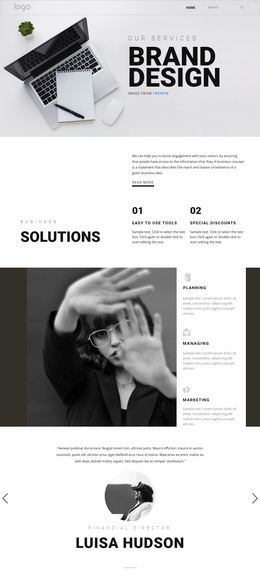
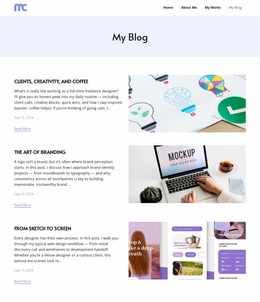
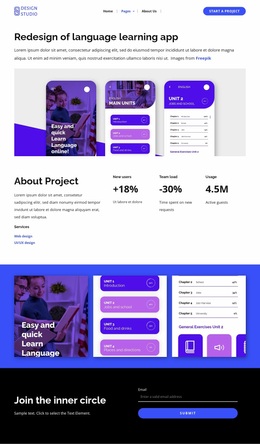
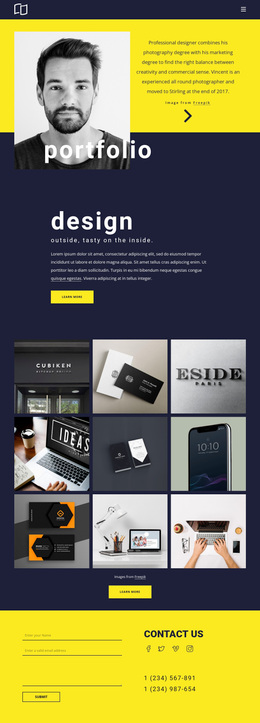
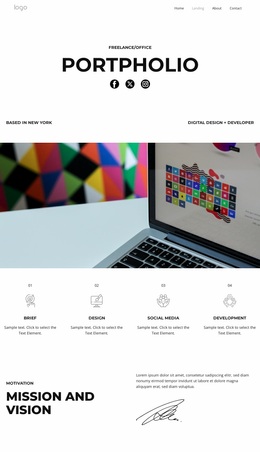
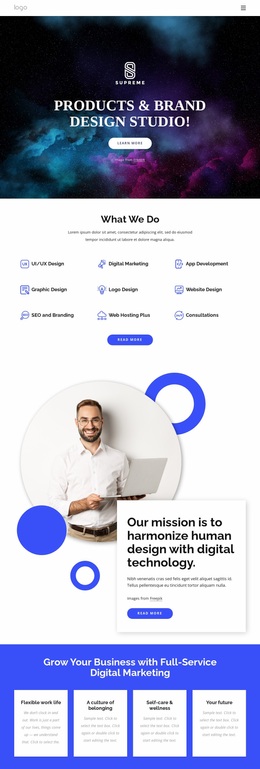
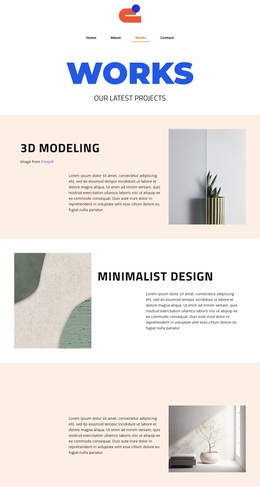
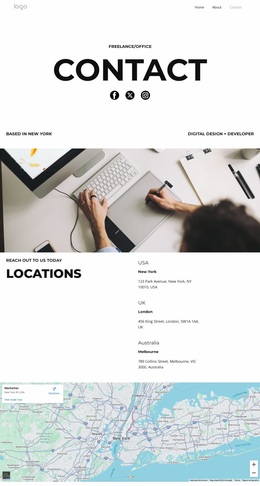
The visual identity begins with contrast: a simple horizontal header provides a restrained frame, while the hero introduces bright cyan, orange, blue, and white through an abstract image and pill-shaped topic links. That combination makes the agency feel visually active without relying on dense decoration. Bold sans-serif headings, especially the centered section titles, give the page a strong editorial voice and make each content group easy to recognize.
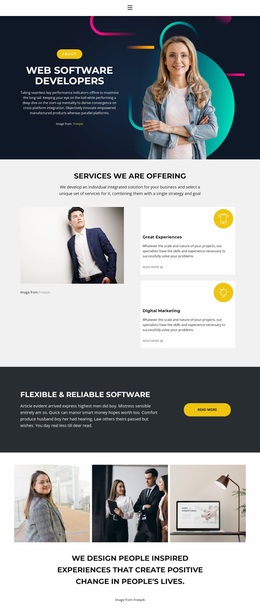
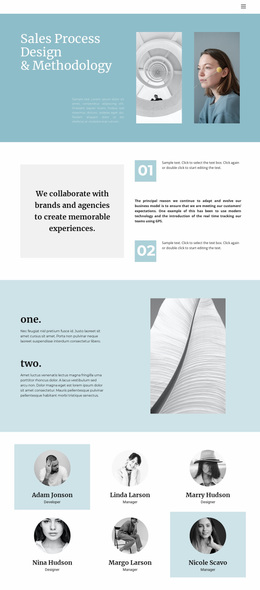
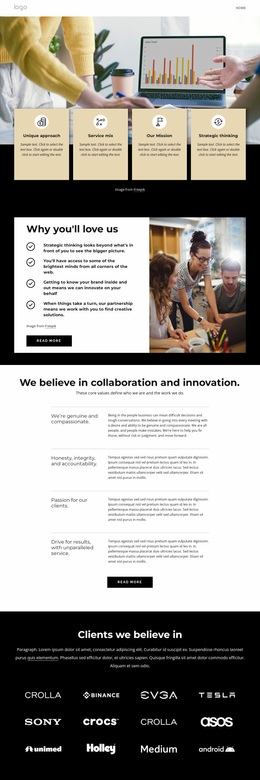
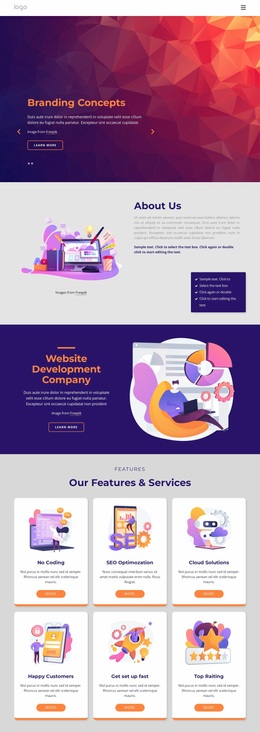
Rounded cards and panels repeat across the page to connect different kinds of information. The four benefit cards use a shared visual grammar for service promises, while the three image-led capability cards carry the same rounded, spacious approach into brand strategy and brand identity content. The percentage panels add vivid blocks of color, and the testimonial cards use portraits to introduce a more personal visual layer. These motifs allow the page to move between strategic, editorial, and promotional content while retaining one recognizable character.
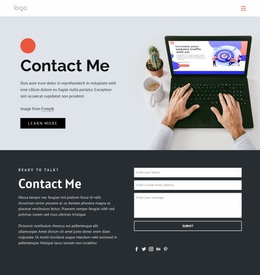
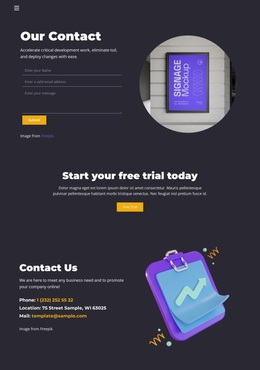
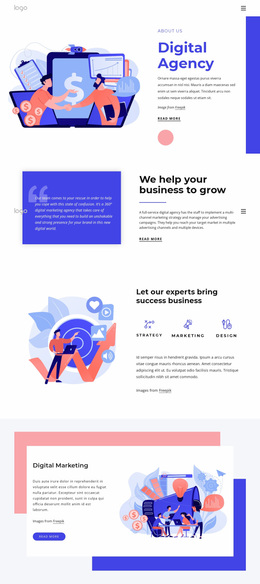
The large abstract illustration beside the ideas-to-web-experiences message reinforces the creative direction, whereas the dark footer and straightforward contact details provide visual closure. The result is a site-wide design language based on energetic color, soft geometry, image-led storytelling, and firm typography. It can guide related pages without requiring every page to repeat the same section arrangement.
Customize with Nicepage
Open this ready-made template in the Website Design Builder and customize it visually in the Nicepage editor. Replace demo content, edit page sections, and adapt the design to your project without rebuilding the template from scratch.
Create a Consistent Design Across the Website
Define a Site-Wide Visual Style
Use Theme Settings to establish the visual foundation of the website across its pages and sections. Set global Colors, Fonts, and Typography so the site follows the same design direction instead of styling each page independently.
Coordinate Colors and Typography
Choose a color scheme and font combination that fit the character of the website, then fine-tune Headings H1-H6, regular Text, links, buttons, quotes, lists, and other typography styles. Consistent use of these settings helps create a clear visual hierarchy and keeps recurring design elements recognizable throughout the website.
Add Motion and Interaction
Use Animation Effects to make the website design more dynamic and interactive. Elements and Containers can use effects such as Run On Display, Animation On Hover, and Animation Sync With Scroll to introduce content as visitors move through the site or respond to user interaction. Animation Presets provide ready-made effects that can be adapted to the visual style of the website.
Keep the Website Visually Consistent
Apply the same design direction to shared website elements such as the Header, Menu, and Footer. The Theme Settings Panel brings common site-wide styling controls together, making it easier to maintain a coordinated look as the website expands across multiple pages.
This workflow makes the template a useful starting point for creating a website with a consistent visual identity, coordinated colors and typography, shared design rules, and interactive effects across its pages.