Nossos serviços médicos Modelo


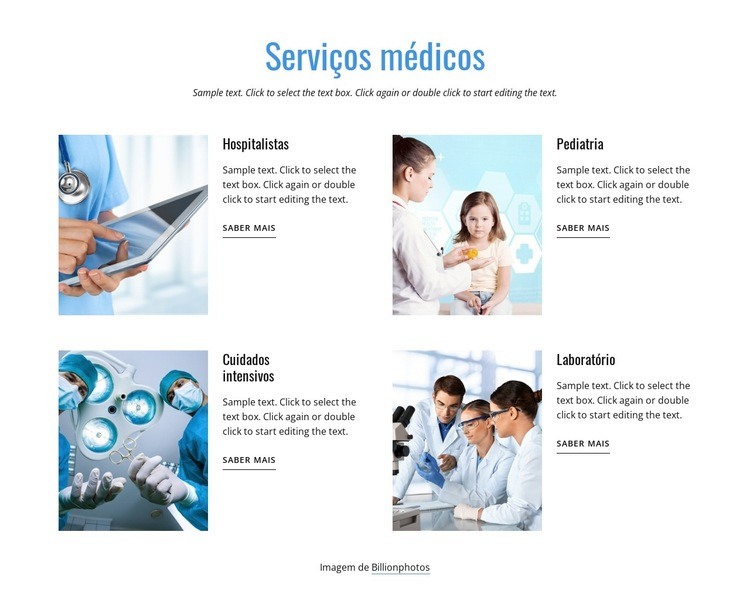
Personalize com Nicepage
Ao usar o Construtor de Modelos, você poderá ajustar cores, fontes, cabeçalho e base, layout, colunas e outros elementos de design, bem como conteúdo e imagens.
Editar modelo offline
2. Crie uma nova página ou selecione existente
3. Clique em Adicionar novo bloco, pesquise a id 1267793 e clique em entrar
Editar modelo online
Crie sites incríveis


Construtor Nicepage grátis
Palavras-chave
Comece com um Modelo Pronto
Escolha um Design para uma Nova Página
Use um modelo pronto como ponto de partida em vez de criar cada página do zero. Ao adicionar uma nova página no Nicepage, navegue pelos designs disponíveis, compare diferentes layouts e escolha uma opção que já se encaixe no propósito geral e na direção visual do seu projeto.
Navegue por Diferentes Designs de Página
Explore os Designs de Página usando a busca, categorias temáticas, Conjuntos de Design e pré-visualizações de página inteira. A coleção inclui layouts para diferentes assuntos e finalidades de página, facilitando a comparação de alternativas antes de selecionar um design para personalizar.
Personalize o Modelo Selecionado
Após escolher um design, crie a página e continue editando-a visualmente no Nicepage. Substitua o conteúdo de demonstração, ajuste imagens, tipografia, cores, seções e outros elementos e adapte o layout pronto ao seu próprio conteúdo em vez de reconstruir o design do zero.
Explore Mais Opções de Design
Se a primeira opção não se adequar ao seu projeto, volte à coleção de designs e compare outros modelos antes de escolher um layout. Isso torna a biblioteca de modelos útil não apenas para agilizar a criação de páginas, mas também para explorar diferentes abordagens visuais e encontrar um ponto de partida adequado para um novo projeto.
Esse fluxo de trabalho dá acesso a uma ampla coleção de designs prontos que podem ser selecionados, comparados e personalizados de acordo com as necessidades de cada nova página ou projeto.

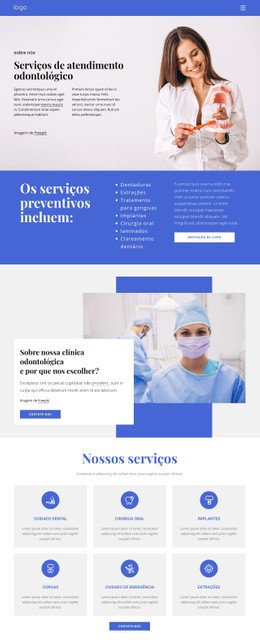

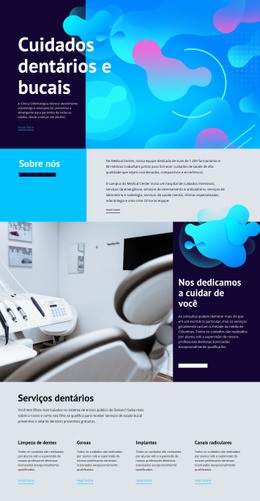


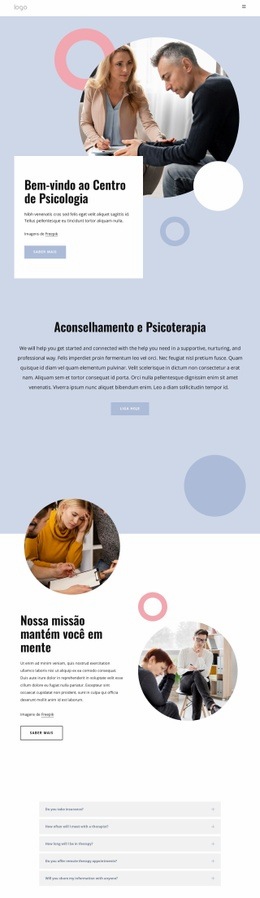

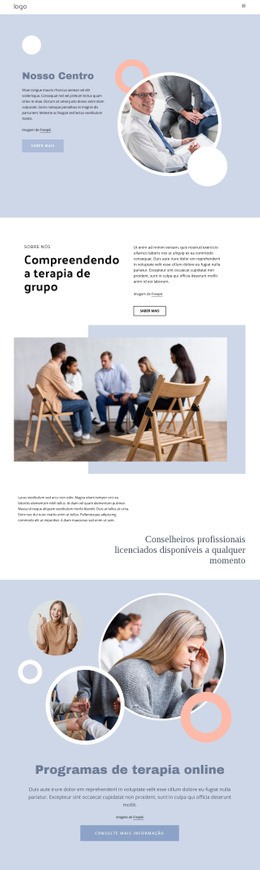




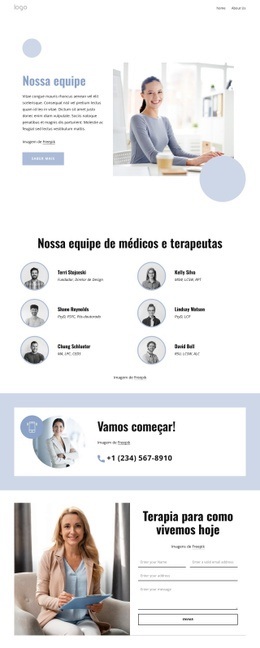

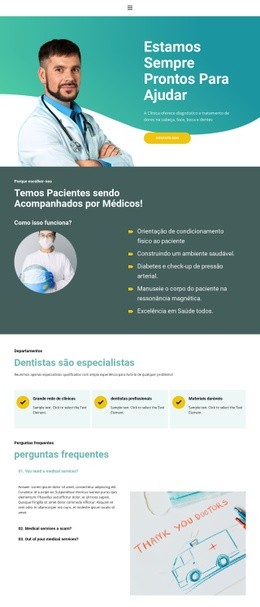
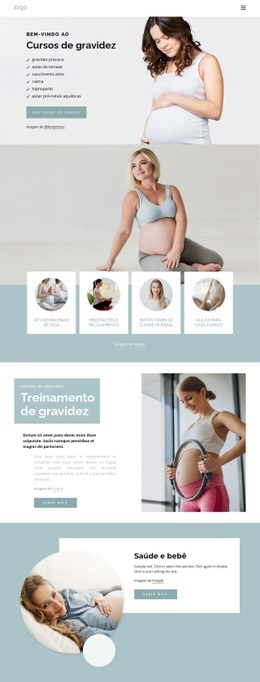


Mais de Medicina e Ciência Blocks
-
EN

-

-
EN
-
-
EN
-
EN
-
-
EN
-
-
-
EN
-
EN
-
EN
-
EN
-
EN
-
EN
-
EN
-
-
EN
-















Mais de Repetidor de grade Blocks
-
-
EN
-
EN
-
EN
-
EN
-
-
EN
-
EN
-
-
EN
-
EN
-
EN
-
EN
-
-
EN
-
-
EN
-
EN
-
-
EN