Flower delivery in NYC Web Page Design


Edit Template Offline
2. Create new page and search for id 6349541
Edit Template Online
Create Awesome Websites


Free Nicepage Builder
Keywords
Product Rows, Dark Galleries, and Closing Form Shape the Page Rhythm
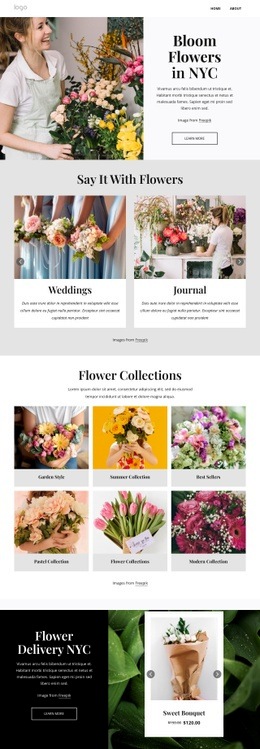
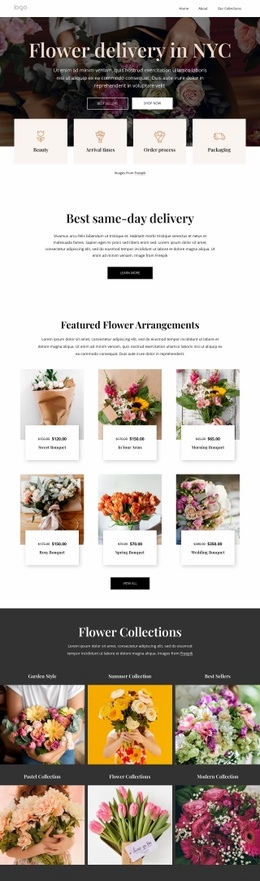
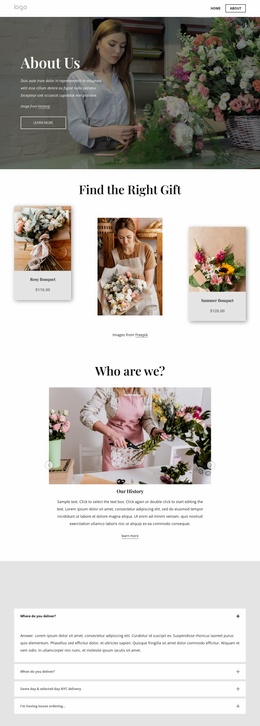
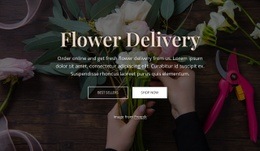
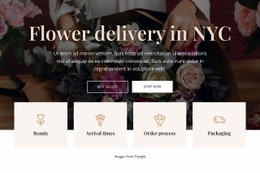
The composition uses changes in width, density, and visual treatment to keep the long page legible. A horizontal navigation header opens into a full-width floral hero with a centered title, supporting copy, paired actions, and four compact feature tiles. That large image-led introduction is followed by a narrower same-day delivery block, creating a deliberate transition from visual impact to concise explanation.
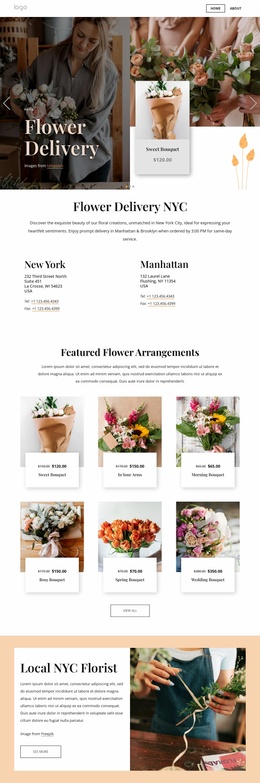
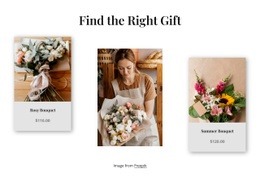
The six featured arrangement cards establish a regular product rhythm, while the six collection tiles move into a dark full-width gallery with image-led categories. This contrast separates product browsing from collection discovery. The four benefit columns then reduce the density again before the testimonial section places a carousel beside a large floral photograph. Three event service cards restore a clear repeated pattern for Events, Weddings, and Workshops.
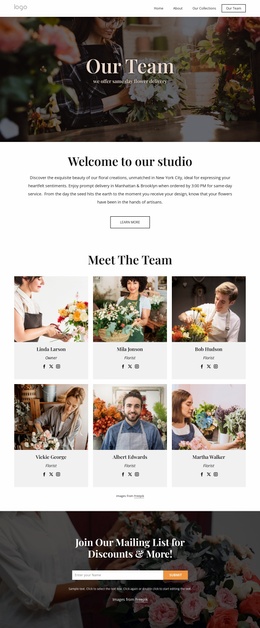
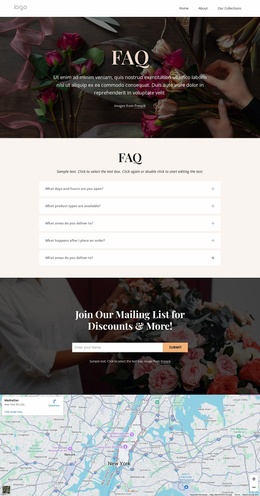
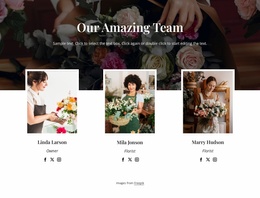
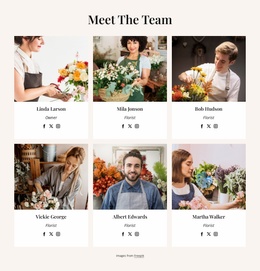
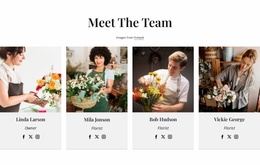
Later sections alternate between visual display and information: the nine-image gallery expands the image field, six team cards introduce people in a repeated grid, and five FAQ rows compress common questions into an accordion format. The mailing-list section returns to a centered text-and-form composition over a dark floral background, followed by a full-width map and minimal footer. These transitions give the single page a readable presentation sequence rather than repeating one card layout from beginning to end.
Customize with Nicepage
Open this ready-made template in the Web Page Design Builder and customize it visually in the Nicepage editor. Replace demo content, edit page sections, and adapt the design to your project without rebuilding the template from scratch.
Design a Web Page Section by Section
Choose a Design for Each Section
Build the page from individual content sections instead of starting with a fixed full-page layout. Use Block Designs to browse ready-made sections for different purposes, including introductions, services, galleries, testimonials, contact forms, pricing, and other common parts of a web page. Search or filter the available designs to find a layout that fits the content you want to add.
Combine Blocks and Page Elements
Add selected Blocks to the page and arrange them in the order that supports the page's purpose. A hero section can introduce the main message, followed by services, benefits, portfolio content, testimonials, calls to action, or contact information.
Inside each section, use Web Page Elements such as Text, Image, Hyperlink, Grid, Gallery, and other elements to build and present the page content. Individual elements can be added and adjusted within the Blocks, giving you more control over the composition of each section without having to create the complete layout from scratch.
Refine the Page Layout and Flow
After assembling the main sections, adjust their content, spacing, backgrounds, images, typography, and element placement in the Nicepage editor. Reorder Blocks when necessary and refine the transition from one section to the next so the information hierarchy and visual flow remain clear throughout the page.
This workflow makes the template useful as a web page design that can be composed from ready-made sections, customized with individual page elements, rearranged, and adapted to the content and purpose of an individual page.