Barber team Web Page Design


Edit Template Offline
2. Create new page and search for id 5252569
Edit Template Online
Create Awesome Websites


Free Nicepage Builder
Keywords
Dark Hero Contrast Leads into Portrait Cards and a Focused Form
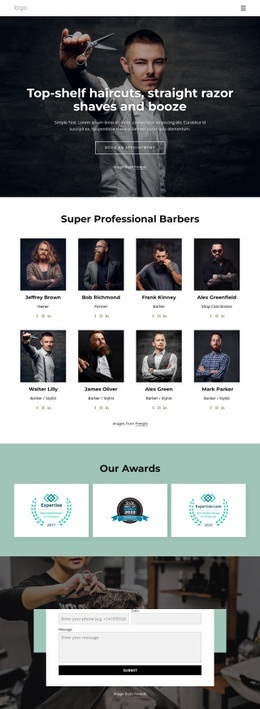
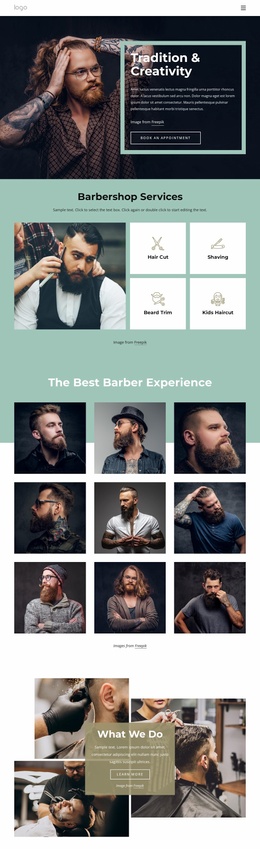
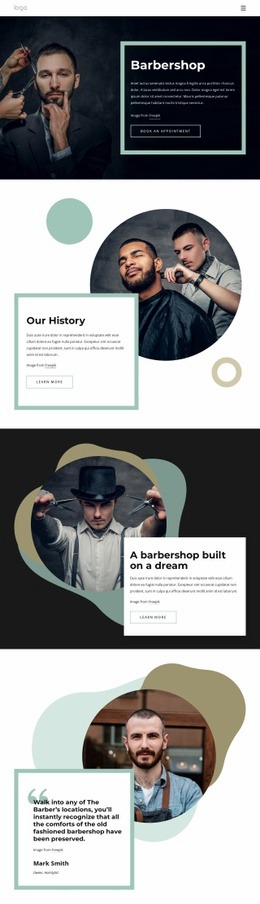
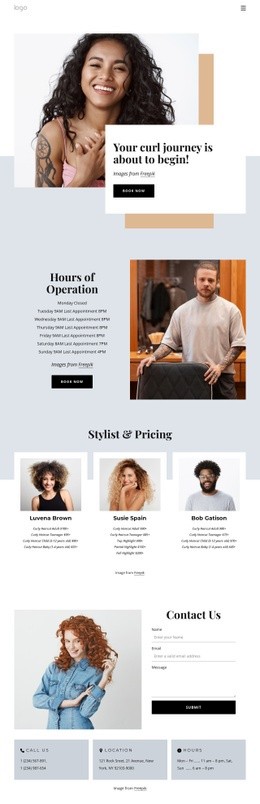
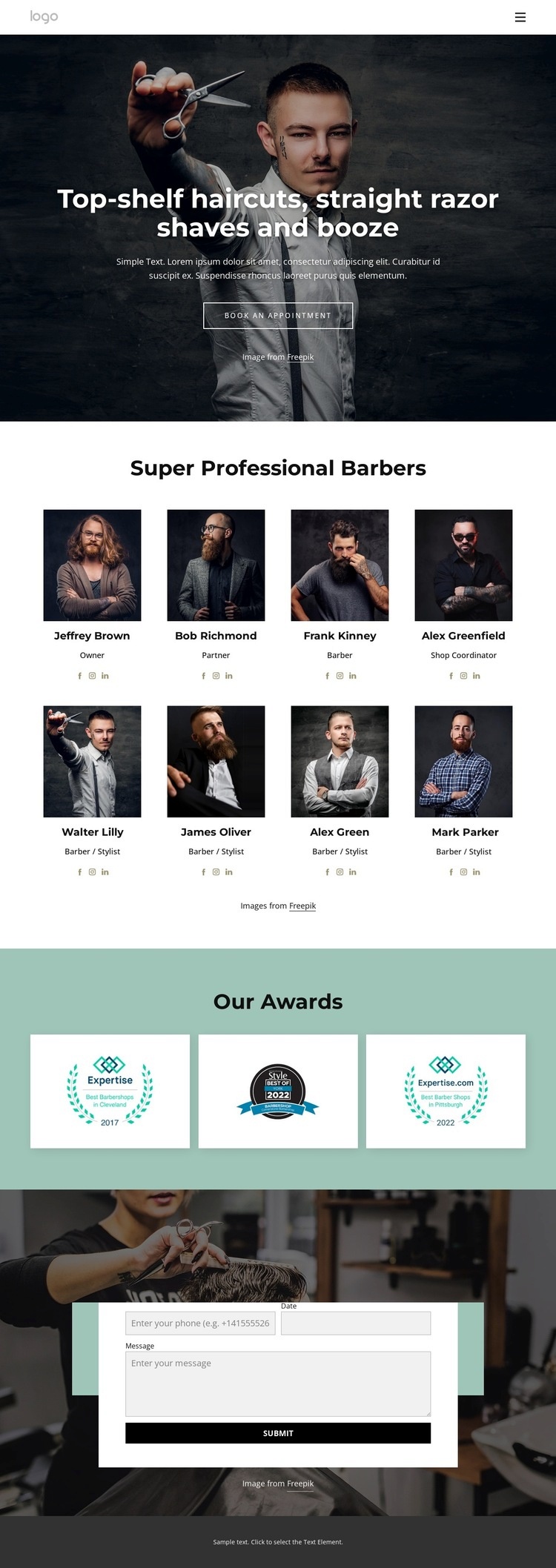
The page composition begins with a high-impact visual frame: a dark photographic hero, centered white typography, and an outlined appointment button create a concentrated opening area. The large image and limited text keep the first section visually direct, while the centered alignment gives the headline and action a single focal axis. The following team section changes the rhythm through a centered heading and eight smaller portrait cards arranged in repeated rows.
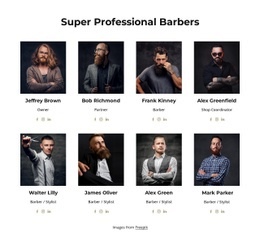
That repeated grid introduces greater content density without overwhelming the page because each card remains compact and consistent. Names, roles, and social links sit within the same visual pattern, allowing visitors to scan the team as a group. The three award tiles then reduce the number of repeated items and spread recognition content across a muted teal field, creating a lighter transition before the final interaction block.
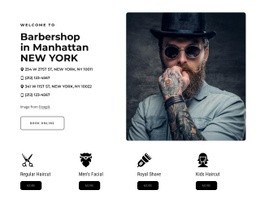
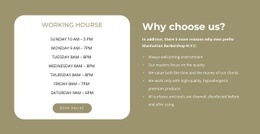
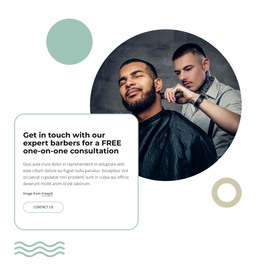
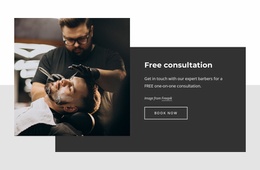
The Contact Us section returns to a strong contrast relationship: a white form panel is placed over a barber-themed background image and supported by an accent shape. This makes the request area visually distinct from both the team grid and award gallery. The page therefore uses changes in scale, repetition, background treatment, and alignment to control information flow. Its composition is specifically effective as one page because each transition introduces a new content role without losing the centered visual logic.
Customize with Nicepage
Open this ready-made template in the Web Page Design Builder and customize it visually in the Nicepage editor. Replace demo content, edit page sections, and adapt the design to your project without rebuilding the template from scratch.
Design a Web Page Section by Section
Choose a Design for Each Section
Build the page from individual content sections instead of starting with a fixed full-page layout. Use Block Designs to browse ready-made sections for different purposes, including introductions, services, galleries, testimonials, contact forms, pricing, and other common parts of a web page. Search or filter the available designs to find a layout that fits the content you want to add.
Combine Blocks and Page Elements
Add selected Blocks to the page and arrange them in the order that supports the page's purpose. A hero section can introduce the main message, followed by services, benefits, portfolio content, testimonials, calls to action, or contact information.
Inside each section, use Web Page Elements such as Text, Image, Hyperlink, Grid, Gallery, and other elements to build and present the page content. Individual elements can be added and adjusted within the Blocks, giving you more control over the composition of each section without having to create the complete layout from scratch.
Refine the Page Layout and Flow
After assembling the main sections, adjust their content, spacing, backgrounds, images, typography, and element placement in the Nicepage editor. Reorder Blocks when necessary and refine the transition from one section to the next so the information hierarchy and visual flow remain clear throughout the page.
This workflow makes the template useful as a web page design that can be composed from ready-made sections, customized with individual page elements, rearranged, and adapted to the content and purpose of an individual page.