Bowl menu Web Page Design


Edit Template Offline
2. Create new page and search for id 6083111
Edit Template Online
Create Awesome Websites


Free Nicepage Builder
Keywords
Centered Cards and Gallery Imagery Shape the Page Rhythm
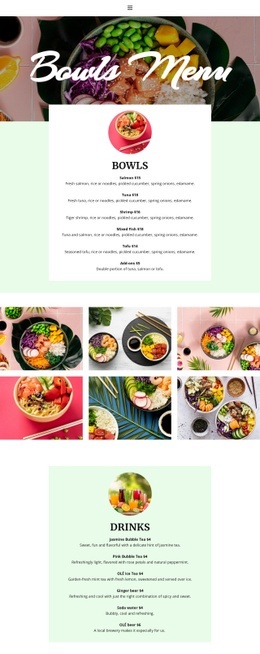
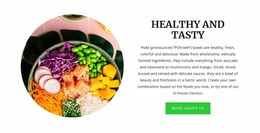
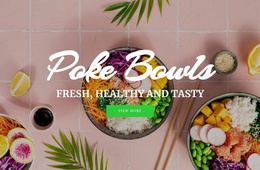
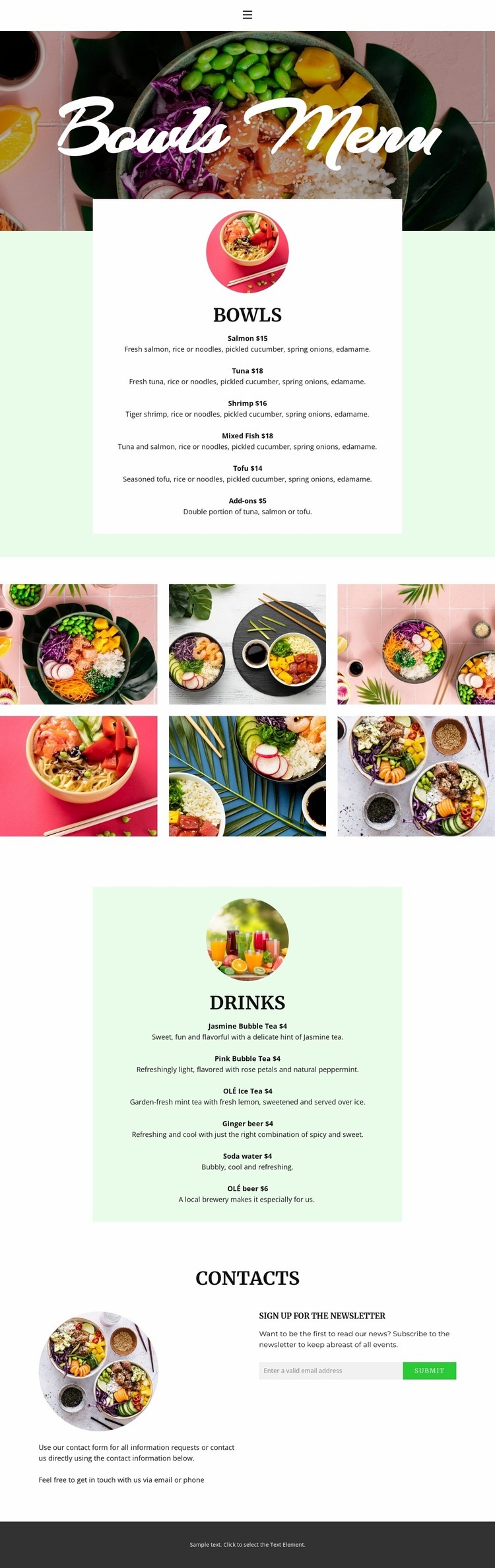
The composition begins with a compact navigation header, leaving most of the visual weight to the full-width hero. Placing the Bowls Menu title over a food photograph creates a broad opening field, while the centered content below shifts into a more focused reading scale. The white bowls card uses a circular food image above a vertical list, allowing the eye to move from category cue to individual dishes such as salmon, tuna, shrimp, mixed fish, tofu, and add-ons.
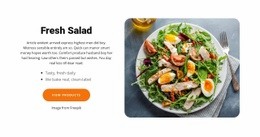
The six-image gallery changes the page density and provides a visual pause between the two menu cards. Its compact multi-row arrangement introduces several images at once, contrasting with the single circular image used above each menu list. The drinks section then returns to the centered card pattern, but its pale-green background separates it from the white bowls area. Bubble tea, iced tea, ginger beer, soda water, and beer are thereby presented as a second category without losing the established alignment.
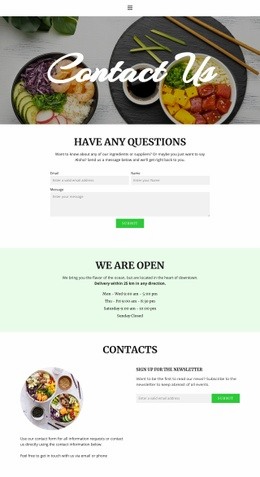
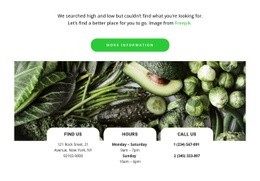
The closing contact block changes the composition again through two columns: explanatory text occupies one side while the newsletter signup panel occupies the other. This creates a clear final interaction before the dark footer. The page’s visual flow depends on alternation—wide image, centered list, image grid, centered list, then two-column contact—so the long vertical presentation avoids becoming a uniform stack of text.
Customize with Nicepage
Open this ready-made template in the Web Page Design Builder and customize it visually in the Nicepage editor. Replace demo content, edit page sections, and adapt the design to your project without rebuilding the template from scratch.
Design a Web Page Section by Section
Choose a Design for Each Section
Build the page from individual content sections instead of starting with a fixed full-page layout. Use Block Designs to browse ready-made sections for different purposes, including introductions, services, galleries, testimonials, contact forms, pricing, and other common parts of a web page. Search or filter the available designs to find a layout that fits the content you want to add.
Combine Blocks and Page Elements
Add selected Blocks to the page and arrange them in the order that supports the page's purpose. A hero section can introduce the main message, followed by services, benefits, portfolio content, testimonials, calls to action, or contact information.
Inside each section, use Web Page Elements such as Text, Image, Hyperlink, Grid, Gallery, and other elements to build and present the page content. Individual elements can be added and adjusted within the Blocks, giving you more control over the composition of each section without having to create the complete layout from scratch.
Refine the Page Layout and Flow
After assembling the main sections, adjust their content, spacing, backgrounds, images, typography, and element placement in the Nicepage editor. Reorder Blocks when necessary and refine the transition from one section to the next so the information hierarchy and visual flow remain clear throughout the page.
This workflow makes the template useful as a web page design that can be composed from ready-made sections, customized with individual page elements, rearranged, and adapted to the content and purpose of an individual page.