Delicious and healthy food Web Page Design


Edit Template Offline
2. Create new page and search for id 583333
Edit Template Online
Create Awesome Websites


Free Nicepage Builder
Keywords
Centered Introduction, Repeated Cards, and Split Bands Shape the Page
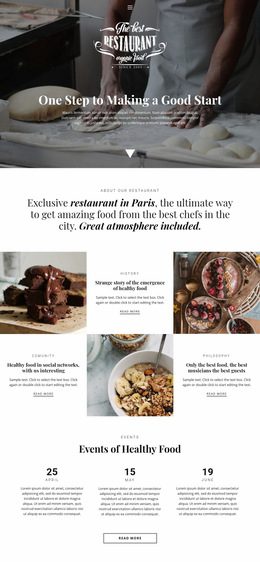
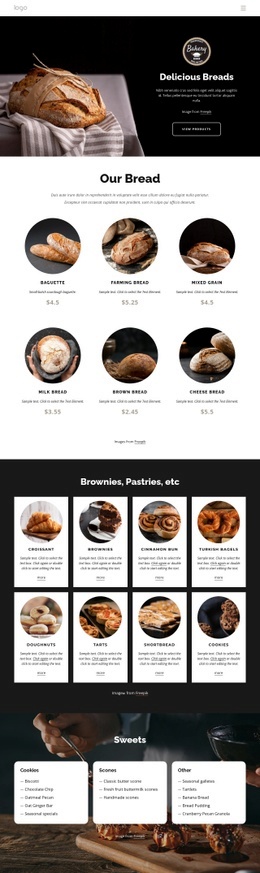
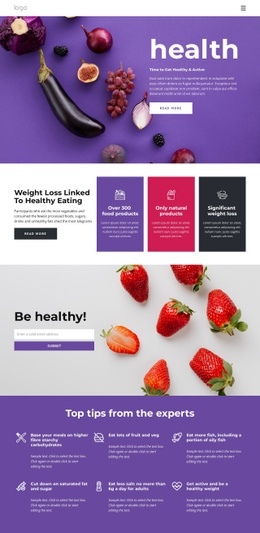
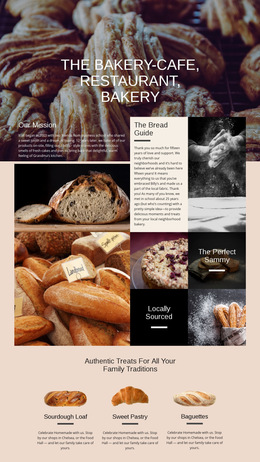
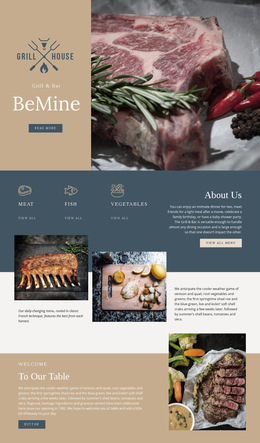
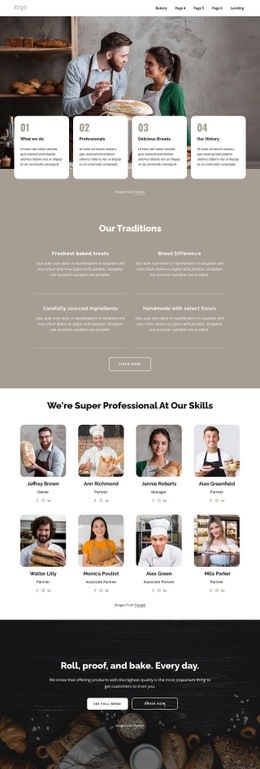
The page composition depends on controlled shifts between dense groups and spacious feature sections. The opening Text On Image block centers white copy over a large food photograph, creating a strong first layer before the visitor reaches the four-card grid. That grid compresses information into a horizontal peer group: each food card repeats the same basic relationship between image, name, price, and description, allowing several offerings to be compared within one compact area.
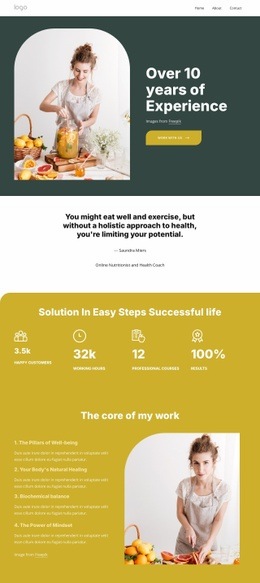
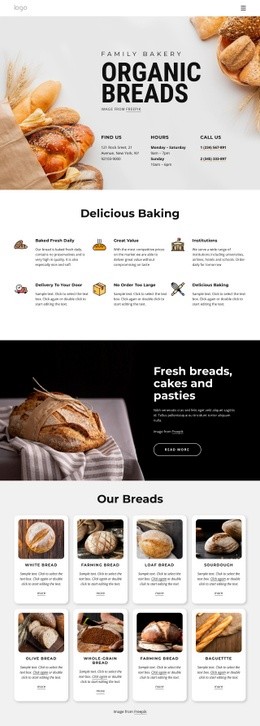
After the card collection, the composition opens into wider split sections. Healthy Evening pairs left-aligned text and a call to action with a colorful food image, while Our Ice Cream uses a circular visual to create a different proportion and silhouette. Learn Cooking Online introduces a centered heading and supporting copy above a two-slide image carousel, adding movement and navigation to the otherwise vertical progression. The produce promotion uses a circular discount badge beside a large image, and the organic statement returns to centered text over a wide food background. Finally, the subscription form centers the heading, copy, email input, and button before the narrow dark footer. These transitions keep the single page from feeling like a flat sequence of identical blocks and give each content purpose a distinct spatial treatment.
Customize with Nicepage
Open this ready-made template in the Web Page Design Builder and customize it visually in the Nicepage editor. Replace demo content, edit page sections, and adapt the design to your project without rebuilding the template from scratch.
Design a Web Page Section by Section
Choose a Design for Each Section
Build the page from individual content sections instead of starting with a fixed full-page layout. Use Block Designs to browse ready-made sections for different purposes, including introductions, services, galleries, testimonials, contact forms, pricing, and other common parts of a web page. Search or filter the available designs to find a layout that fits the content you want to add.
Combine Blocks and Page Elements
Add selected Blocks to the page and arrange them in the order that supports the page's purpose. A hero section can introduce the main message, followed by services, benefits, portfolio content, testimonials, calls to action, or contact information.
Inside each section, use Web Page Elements such as Text, Image, Hyperlink, Grid, Gallery, and other elements to build and present the page content. Individual elements can be added and adjusted within the Blocks, giving you more control over the composition of each section without having to create the complete layout from scratch.
Refine the Page Layout and Flow
After assembling the main sections, adjust their content, spacing, backgrounds, images, typography, and element placement in the Nicepage editor. Reorder Blocks when necessary and refine the transition from one section to the next so the information hierarchy and visual flow remain clear throughout the page.
This workflow makes the template useful as a web page design that can be composed from ready-made sections, customized with individual page elements, rearranged, and adapted to the content and purpose of an individual page.