Contacts of our restaurants Web Page Design


Edit Template Offline
2. Create new page and search for id 5707813
Edit Template Online
Create Awesome Websites


Free Nicepage Builder
Keywords
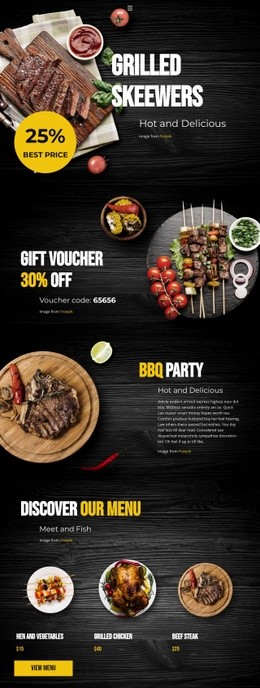
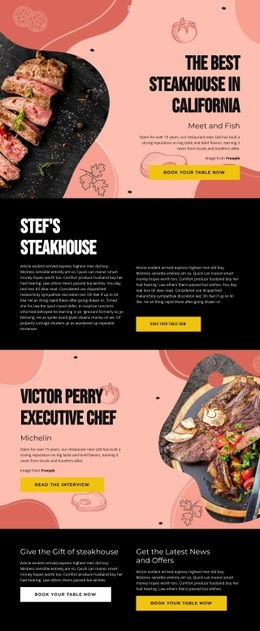
Address details, food imagery, and the reservation form create a compact content rhythm
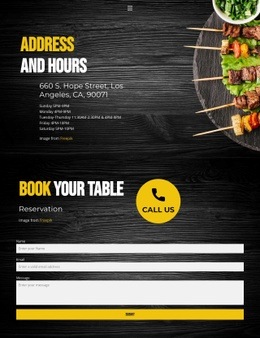
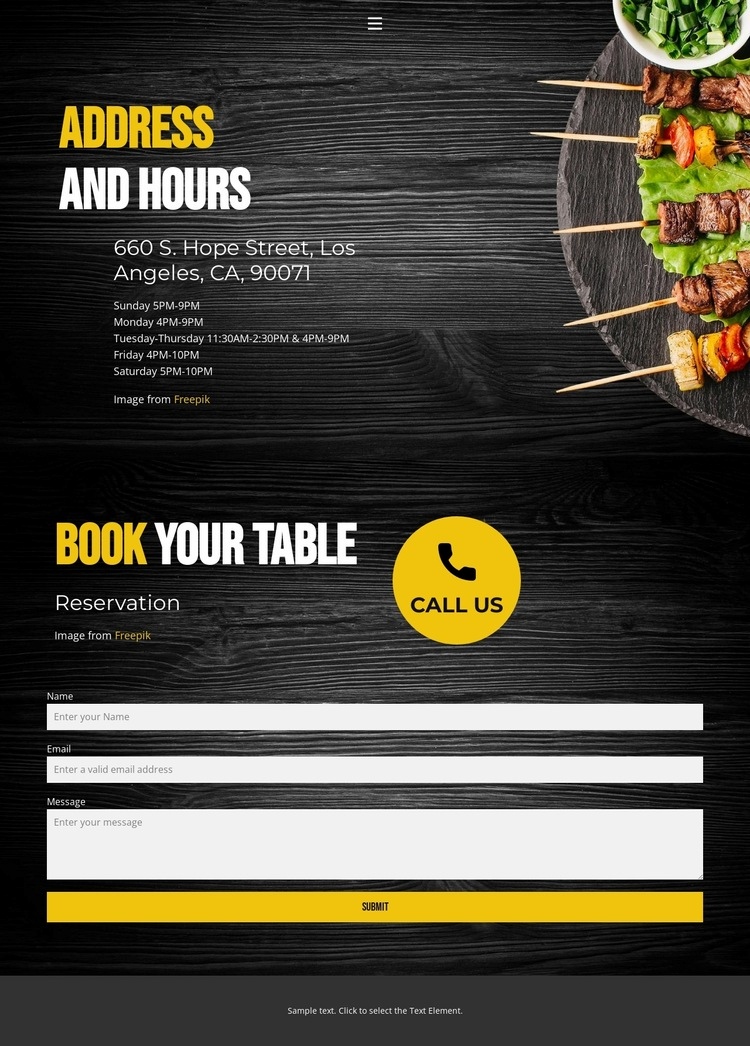
The page composition relies on a clear change in purpose between its main sections. The header is deliberately concise: Home, Landing, and Contact links form a horizontal navigation, while the mobile menu control provides a smaller-screen alternative. The first content area then uses a dark food-themed background to place practical information in a readable order. “Address and Hours” leads with the listed location at 660 S. Hope Street, Los Angeles, CA, 90071, followed by the operating schedule for Sunday through Saturday.
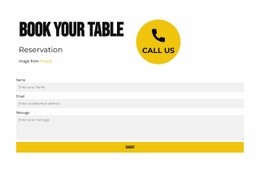
The composition becomes more interactive in the next section. The “Reservation” label and “book your table” heading establish the subject, the “call us” prompt adds a direct verbal cue, and the full-width contact form creates a larger content block below the introductory text. Its name, email, and message fields give the lower section a denser functional rhythm than the preceding schedule. Food imagery supplies a visual transition between the informational restaurant context and the contact task, while yellow and white typography creates contrast against the dark wood tones. The centered footer line provides a restrained ending rather than introducing another content group. As a single web page, the design works through placement and progression: navigation first, location and hours second, reservation interaction third, and closure last.
Customize with Nicepage
Open this ready-made template in the Web Page Design Builder and customize it visually in the Nicepage editor. Replace demo content, edit page sections, and adapt the design to your project without rebuilding the template from scratch.
Design a Web Page Section by Section
Choose a Design for Each Section
Build the page from individual content sections instead of starting with a fixed full-page layout. Use Block Designs to browse ready-made sections for different purposes, including introductions, services, galleries, testimonials, contact forms, pricing, and other common parts of a web page. Search or filter the available designs to find a layout that fits the content you want to add.
Combine Blocks and Page Elements
Add selected Blocks to the page and arrange them in the order that supports the page's purpose. A hero section can introduce the main message, followed by services, benefits, portfolio content, testimonials, calls to action, or contact information.
Inside each section, use Web Page Elements such as Text, Image, Hyperlink, Grid, Gallery, and other elements to build and present the page content. Individual elements can be added and adjusted within the Blocks, giving you more control over the composition of each section without having to create the complete layout from scratch.
Refine the Page Layout and Flow
After assembling the main sections, adjust their content, spacing, backgrounds, images, typography, and element placement in the Nicepage editor. Reorder Blocks when necessary and refine the transition from one section to the next so the information hierarchy and visual flow remain clear throughout the page.
This workflow makes the template useful as a web page design that can be composed from ready-made sections, customized with individual page elements, rearranged, and adapted to the content and purpose of an individual page.