It started with honesty, passion and innovation Web Page Design


Edit Template Offline
2. Create new page and search for id 5196772
Edit Template Online
Create Awesome Websites


Free Nicepage Builder
Keywords
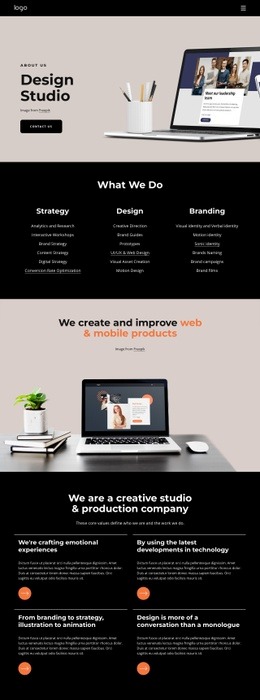
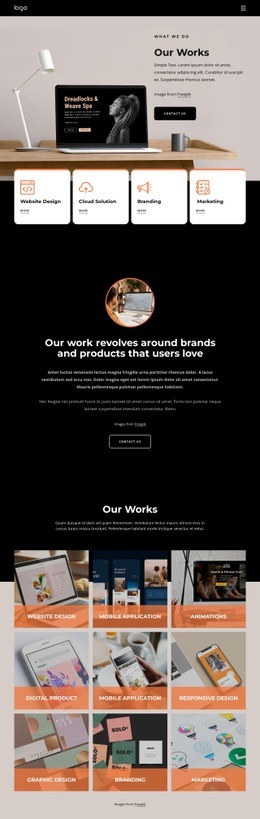
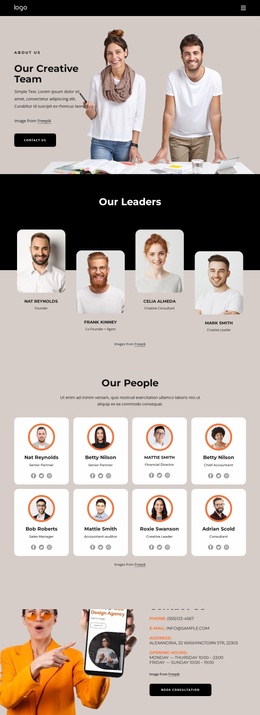
The split opening and four-card grid control information density
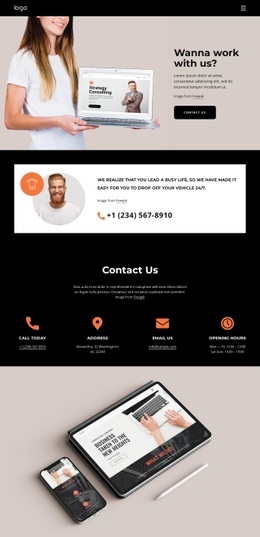
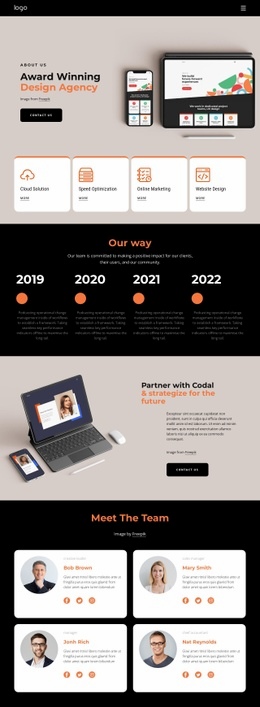
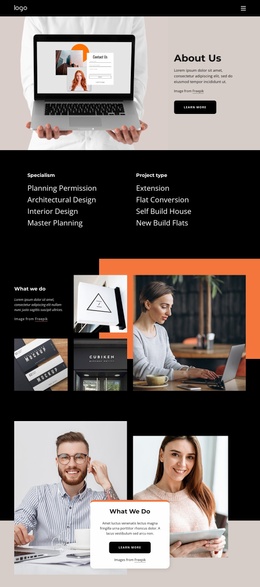
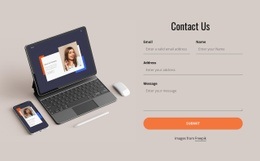
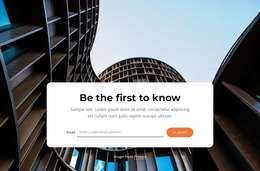
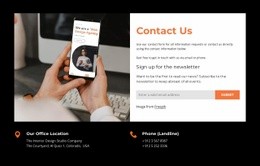
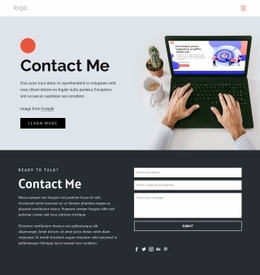
The composition changes visual density as the visitor moves through the page. The opening split section gives the Contact Us message room beside a large image, allowing the main invitation and button to establish the first hierarchy. The next split block becomes more compact: a circular image and icon sit beside a short telephone message, creating a focused transition from general introduction to direct contact.
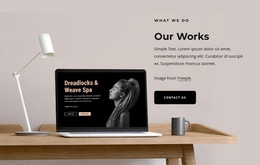
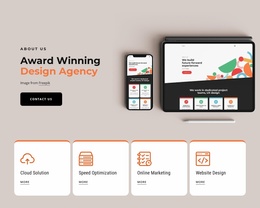
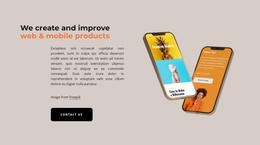
The centered contacts section then broadens the information horizontally through four evenly spaced cards. This arrangement lets Call today, Address, Email Us, and Opening hours remain separate while still reading as one coordinated group. The wide device photograph below the cards creates another change in scale before the muted footer closes the page. Black backgrounds provide continuity between these changes, while warm imagery and orange accents mark contrast points within the composition.
The page therefore works through placement and transition rather than through a dense information inventory. It balances image-led areas with compact contact text, then uses repetition to make four channels scannable. The verified mobile-navigation component also makes navigation part of the composition, although the analysis does not confirm a specific menu behavior on small screens. Nicepage’s Block Designs are relevant as a product bridge for section-based page composition, but the template’s value is the demonstrated arrangement of this particular contact content.
Customize with Nicepage
Open this ready-made template in the Web Page Design Builder and customize it visually in the Nicepage editor. Replace demo content, edit page sections, and adapt the design to your project without rebuilding the template from scratch.
Design a Web Page Section by Section
Choose a Design for Each Section
Build the page from individual content sections instead of starting with a fixed full-page layout. Use Block Designs to browse ready-made sections for different purposes, including introductions, services, galleries, testimonials, contact forms, pricing, and other common parts of a web page. Search or filter the available designs to find a layout that fits the content you want to add.
Combine Blocks and Page Elements
Add selected Blocks to the page and arrange them in the order that supports the page's purpose. A hero section can introduce the main message, followed by services, benefits, portfolio content, testimonials, calls to action, or contact information.
Inside each section, use Web Page Elements such as Text, Image, Hyperlink, Grid, Gallery, and other elements to build and present the page content. Individual elements can be added and adjusted within the Blocks, giving you more control over the composition of each section without having to create the complete layout from scratch.
Refine the Page Layout and Flow
After assembling the main sections, adjust their content, spacing, backgrounds, images, typography, and element placement in the Nicepage editor. Reorder Blocks when necessary and refine the transition from one section to the next so the information hierarchy and visual flow remain clear throughout the page.
This workflow makes the template useful as a web page design that can be composed from ready-made sections, customized with individual page elements, rearranged, and adapted to the content and purpose of an individual page.