Fashion Trends One Page Template


Edit Template Offline
2. Create new page and search for id 12905
Edit Template Online
Create Awesome Websites


Free Nicepage Builder
Keywords
From Spring Styles to Cherry Print in One Continuous Flow
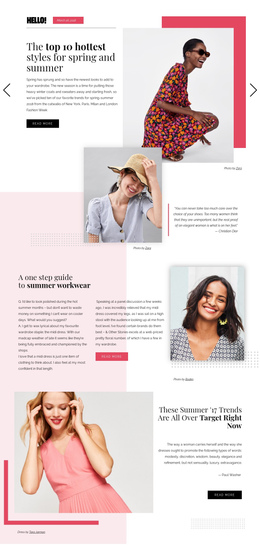
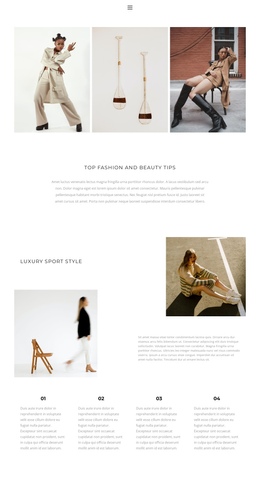
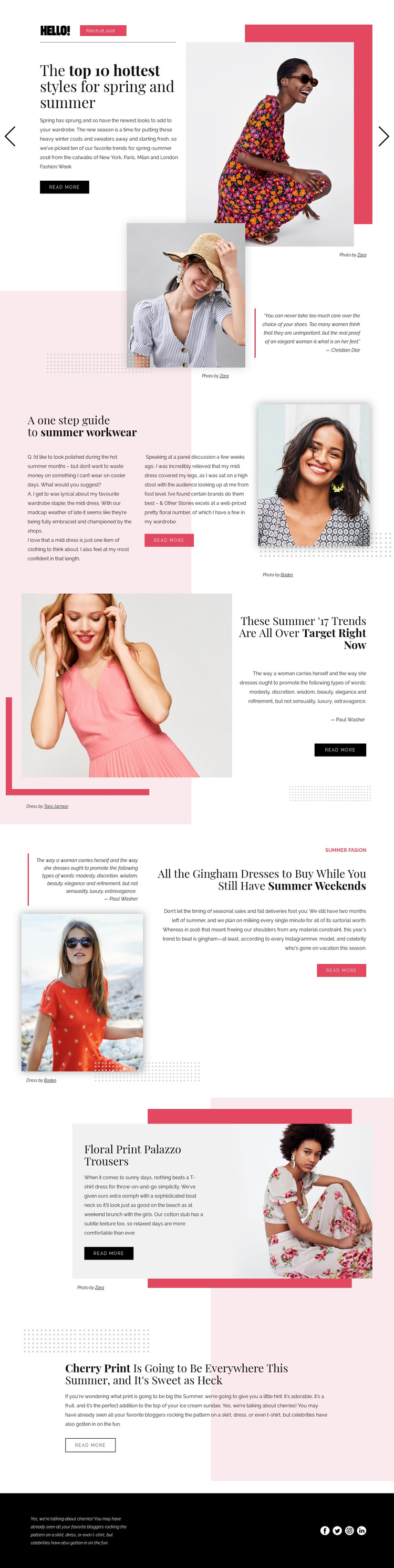
The page has enough distinct editorial destinations to support a one-page content journey. The opening spring-and-summer feature establishes the subject, and the portrait quotation creates a separate visual and reading moment before the workwear guide begins. Visitors can then move through the Target trend article, the gingham dress feature, the image-led pause, the floral print trousers section, and the closing cherry print story. Each topic has its own heading or visual role, so the long page can be understood as a sequence rather than a single article block.
The alternating split layouts help mark those destinations. A large photograph may carry one section, while a compact right-aligned article panel or light text panel carries the next. Repeated read-more actions remain part of individual editorial areas, but they do not erase the broader progression from general seasonal coverage to specific prints, garments, and workwear advice. The footer then acts as the final shared destination, combining supporting copy with four social links.
This structure suits a single-page presentation where several fashion subjects need to remain available without being separated into different pages. The analysis confirms the sections and their order, but it does not confirm anchor navigation, so the page's one-page value rests on its clear content sequence rather than an invented menu behavior.
Customize with Nicepage
Open this ready-made template in the One Page Template Builder and customize it visually in the Nicepage editor. Replace demo content, edit page sections, and adapt the design to your project without rebuilding the template from scratch.
Build a Navigable One-Page Website
Connect the Menu to Page Sections
Organize the website as a sequence of sections on a single page and use the Menu For One-Page Site to connect menu items with individual page Blocks. Visitors can jump directly to sections such as About, Services, Testimonials, or Contact without opening separate pages.
Keep the Website on One URL
A one-page template can combine several parts of a small website within one continuous page. Arrange the Header, introduction, services, portfolio, company information, reviews, contact details, and other relevant sections in the order that fits the project while keeping them accessible through the same page navigation.
Make Long Pages Easier to Navigate
For longer one-page websites, keep navigation labels short and connected to meaningful sections so visitors can move through the page without relying only on scrolling. You can also use the Back To Top element to provide a quick way back to the beginning after longer sections.
This workflow makes the template suitable for compact websites that need several distinct content sections while keeping the complete visitor experience on one URL.