Modern Women's Fashion Shop One Page Template


Edit Template Offline
2. Create new page and search for id 6671490
Edit Template Online
Create Awesome Websites


Free Nicepage Builder
Keywords
Products, categories, and reviews create distinct page destinations
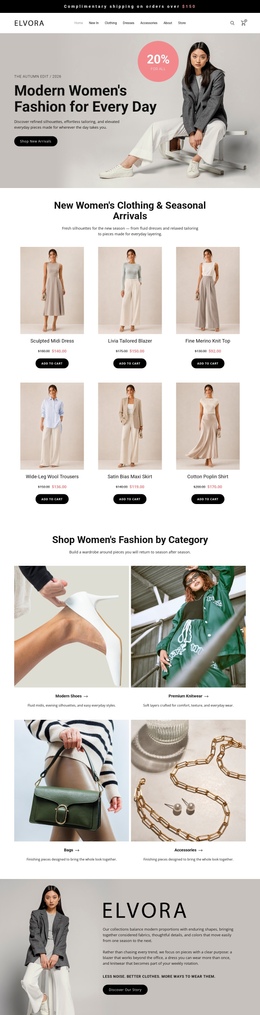
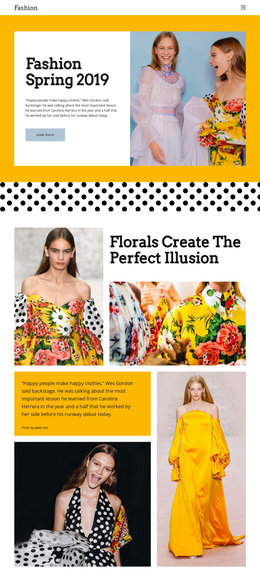
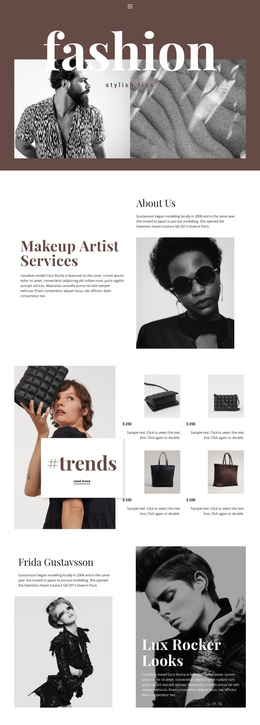
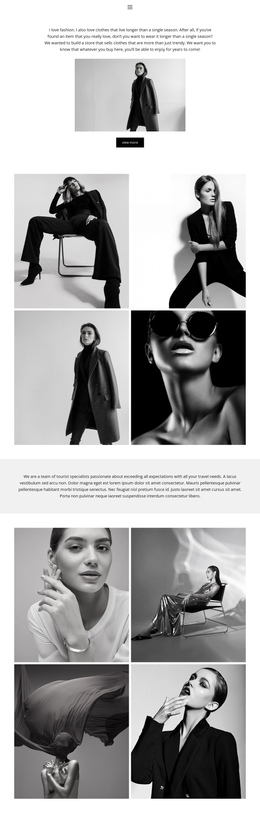
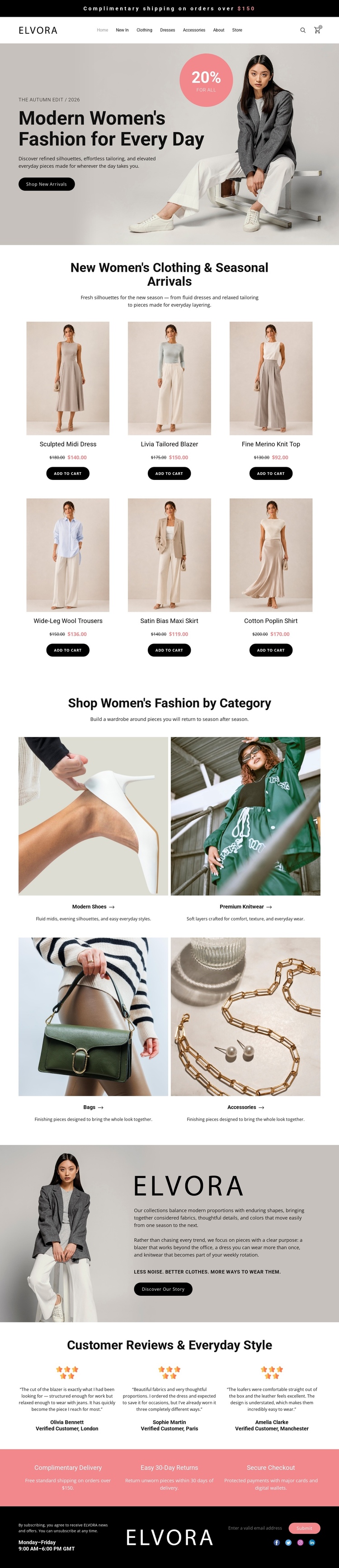
The page's long-form sequence supports several meaningful content stops within one document. The header introduces Elvora and its shopping utilities, while the seasonal hero establishes the opening visual destination. The six clothing cards then form a dedicated new-arrivals section, with repeated product names, displayed prices, imagery, and add-to-cart actions. Visitors can continue to the four category tiles, where Modern Shoes, Premium Knitwear, Bags, and Accessories provide a second browsing destination rather than merely repeating the product grid.
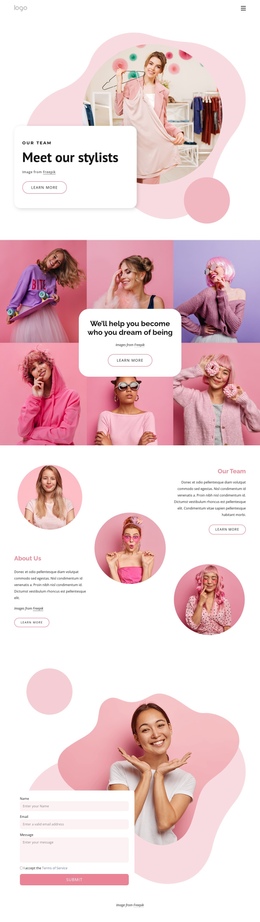
The brand story creates a slower editorial pause after the shopping areas. Its model image, story text, and Discover Story button give the page a different type of content before the three review columns return to customer confidence. The coral band then groups complimentary delivery, 30-day returns, and secure checkout into a compact reassurance destination. Finally, the dark footer provides contact, hours, and social information as the closing region.
This sequence works as a one-page information architecture because multiple subjects remain distinguishable while sharing the same scroll experience. The design does not verify anchor navigation, so the sections should be treated as potential navigation destinations rather than existing linked anchors. Nicepage's Menu For One-Page Site can be relevant if those real sections are later connected through page navigation.
Customize with Nicepage
Open this ready-made template in the One Page Template Builder and customize it visually in the Nicepage editor. Replace demo content, edit page sections, and adapt the design to your project without rebuilding the template from scratch.
Build a Navigable One-Page Website
Connect the Menu to Page Sections
Organize the website as a sequence of sections on a single page and use the Menu For One-Page Site to connect menu items with individual page Blocks. Visitors can jump directly to sections such as About, Services, Testimonials, or Contact without opening separate pages.
Keep the Website on One URL
A one-page template can combine several parts of a small website within one continuous page. Arrange the Header, introduction, services, portfolio, company information, reviews, contact details, and other relevant sections in the order that fits the project while keeping them accessible through the same page navigation.
Make Long Pages Easier to Navigate
For longer one-page websites, keep navigation labels short and connected to meaningful sections so visitors can move through the page without relying only on scrolling. You can also use the Back To Top element to provide a quick way back to the beginning after longer sections.
This workflow makes the template suitable for compact websites that need several distinct content sections while keeping the complete visitor experience on one URL.