Listening your favorite music One Page Template


Edit Template Offline
2. Create new page and search for id 20021
Edit Template Online
Create Awesome Websites


Free Nicepage Builder
Keywords
Six Review Destinations Keep the Product Story on One Page
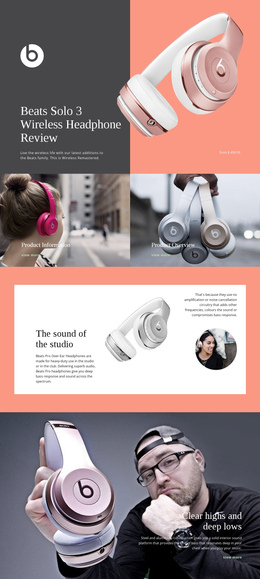
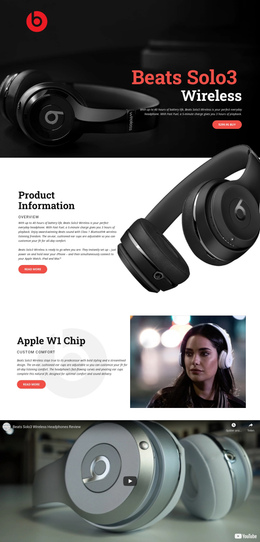
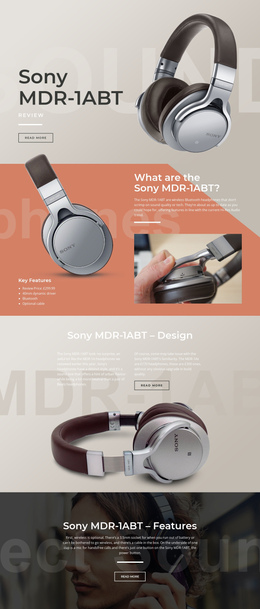
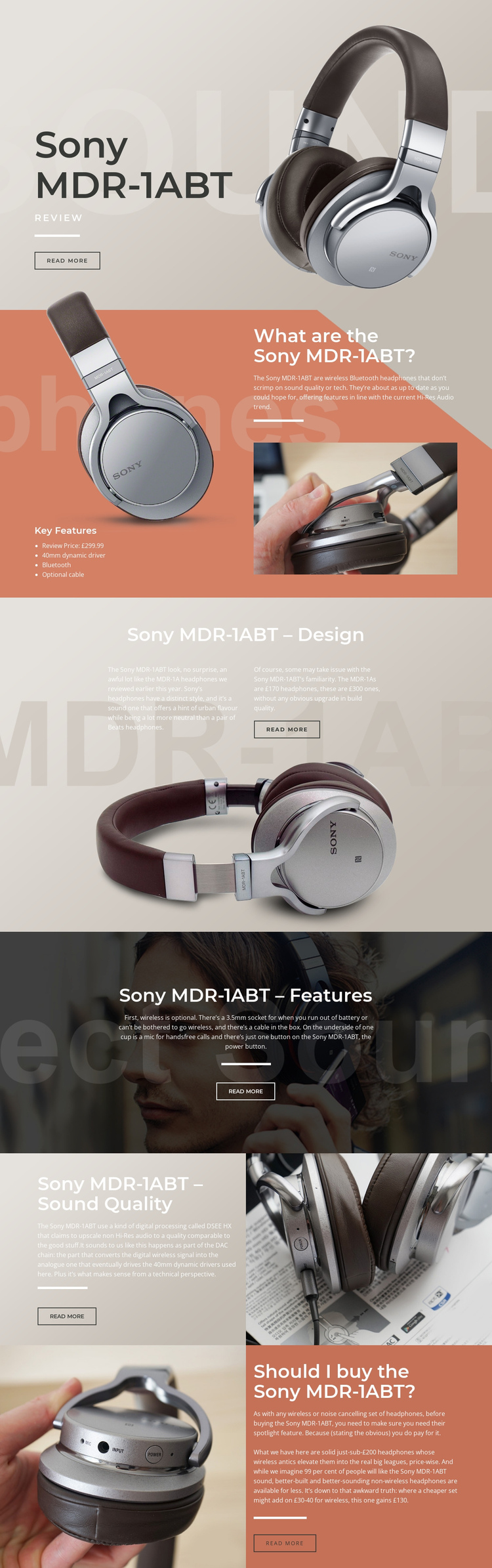
The design naturally divides a continuous review into meaningful destinations. The opening hero establishes the Sony MDR-1ABT, while the overview section gives readers a separate place to find the four-item feature list, 40mm dynamic driver, Bluetooth, optional cable, and £299.99 review price. From there, the page can be explored in a logical order: design, practical features, sound quality, and purchase assessment each have their own heading and visual treatment.
This sequence supports navigation because the sections are substantial enough to represent different questions rather than arbitrary scroll breaks. The design discussion uses two text columns above a wide headphone image, creating a deeper editorial stop. The features block concentrates wireless and wired use, the 3.5mm socket, cable, and hands-free microphone over a lifestyle photograph. The sound-quality section then pairs technical discussion of DSEE HX and 40mm drivers with close-up imagery before the final recommendation panel.
The one-page value comes from keeping these related subjects together while allowing the visitor to move through distinct content zones. The alternating image-and-text rhythm prevents the long document from reading as one uninterrupted text column, and the repeated read-more actions mark places for deeper exploration. The page does not require a claim that anchor navigation already exists; its verified section order alone provides a credible continuous information architecture for a single review URL.
Customize with Nicepage
Open this ready-made template in the One Page Template Builder and customize it visually in the Nicepage editor. Replace demo content, edit page sections, and adapt the design to your project without rebuilding the template from scratch.
Build a Navigable One-Page Website
Connect the Menu to Page Sections
Organize the website as a sequence of sections on a single page and use the Menu For One-Page Site to connect menu items with individual page Blocks. Visitors can jump directly to sections such as About, Services, Testimonials, or Contact without opening separate pages.
Keep the Website on One URL
A one-page template can combine several parts of a small website within one continuous page. Arrange the Header, introduction, services, portfolio, company information, reviews, contact details, and other relevant sections in the order that fits the project while keeping them accessible through the same page navigation.
Make Long Pages Easier to Navigate
For longer one-page websites, keep navigation labels short and connected to meaningful sections so visitors can move through the page without relying only on scrolling. You can also use the Back To Top element to provide a quick way back to the beginning after longer sections.
This workflow makes the template suitable for compact websites that need several distinct content sections while keeping the complete visitor experience on one URL.