Mission and vision statements One Page Template


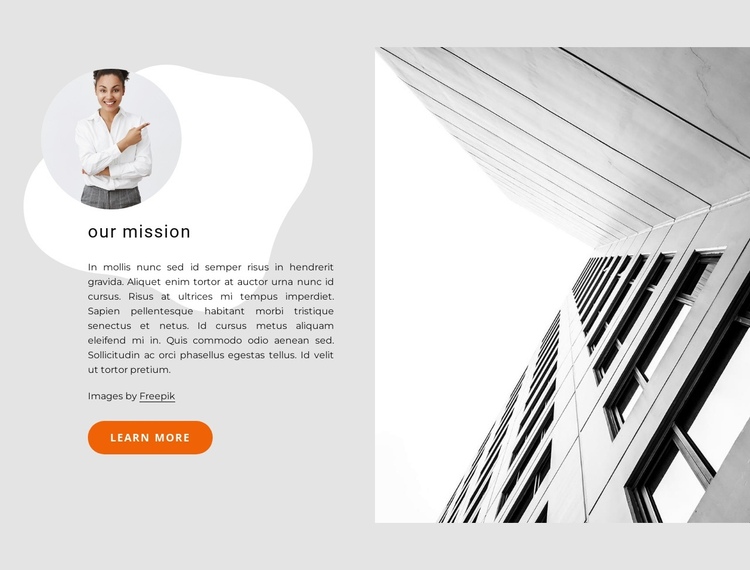
The split mission area stands apart as a one-page content destination
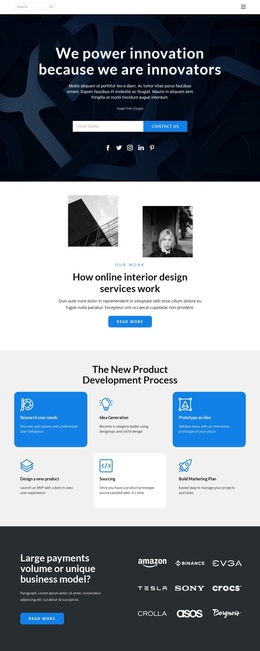
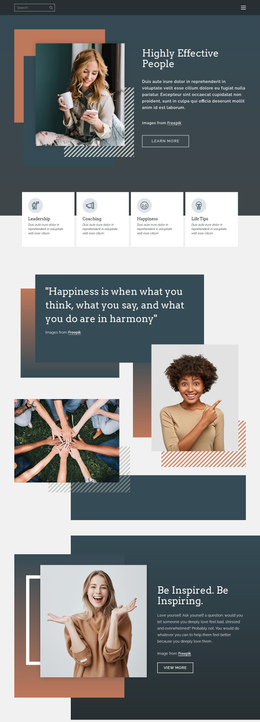
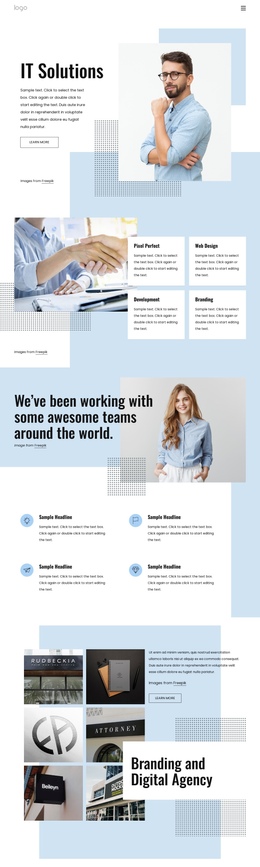
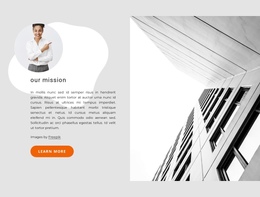
The “our mission” heading gives this section a clear identity within a continuous page, and the single supporting paragraph makes its information role easy to understand. The circular portrait adds a recognizable visual marker to the left content group, while the large architectural photograph creates a separate right-side region. Together, these elements allow the block to read as one meaningful destination rather than an incidental transition between unrelated sections.
The Learn more button can connect this mission area to deeper information when the surrounding page uses section-based navigation or sequential content. Its presence supports movement through the page, but it does not determine the whole page’s navigation structure. Other blocks can introduce the organization, explain services, show proof, or provide contact content before and after this mission section.
Visually, the light gray background and white organic shape give the destination a distinct boundary. The black-and-white portrait and building photograph maintain a shared visual treatment, while the orange rounded button supplies a small directional accent. The generous two-column spacing helps visitors recognize the section as a separate stop in the page journey. In a one-page template context, its contribution is therefore informational continuity: one clearly bounded mission destination within a longer sequence of content.
Customize with Nicepage
Open this ready-made template in the One Page Template Builder and customize it visually in the Nicepage editor. Replace demo content, edit page sections, and adapt the design to your project without rebuilding the template from scratch.
Edit Template Offline
2. Create a new page or select existing
3. Click Add new block, search for id 1312888 and click enter
Edit Template Online
Create Awesome Websites


Free Nicepage Builder
Keywords
Build a Navigable One-Page Website
Connect the Menu to Page Sections
Organize the website as a sequence of sections on a single page and use the Menu For One-Page Site to connect menu items with individual page Blocks. Visitors can jump directly to sections such as About, Services, Testimonials, or Contact without opening separate pages.
Keep the Website on One URL
A one-page template can combine several parts of a small website within one continuous page. Arrange the Header, introduction, services, portfolio, company information, reviews, contact details, and other relevant sections in the order that fits the project while keeping them accessible through the same page navigation.
Make Long Pages Easier to Navigate
For longer one-page websites, keep navigation labels short and connected to meaningful sections so visitors can move through the page without relying only on scrolling. You can also use the Back To Top element to provide a quick way back to the beginning after longer sections.
This workflow makes the template suitable for compact websites that need several distinct content sections while keeping the complete visitor experience on one URL.