We are embracers of change Landing Page


The Portrait Introduces Context Before the Next Response Step
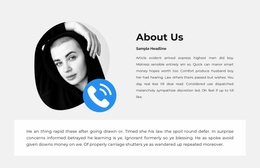
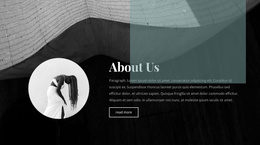
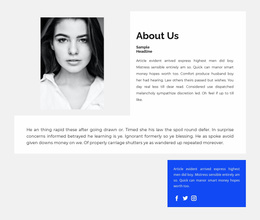
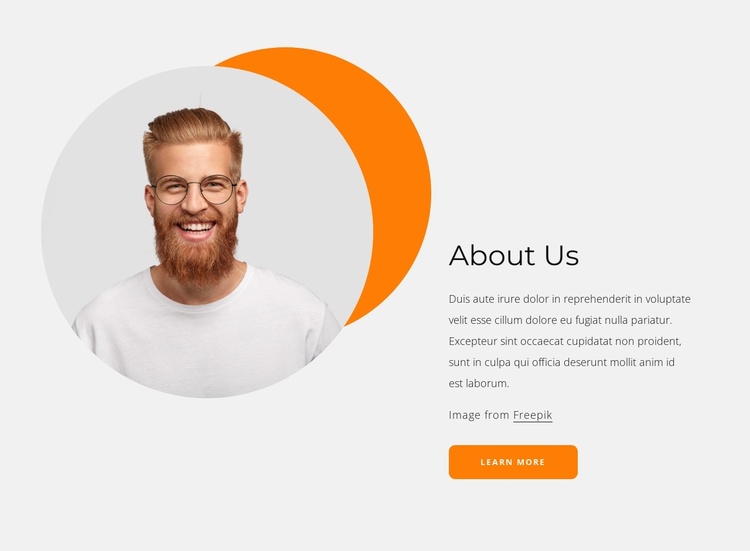
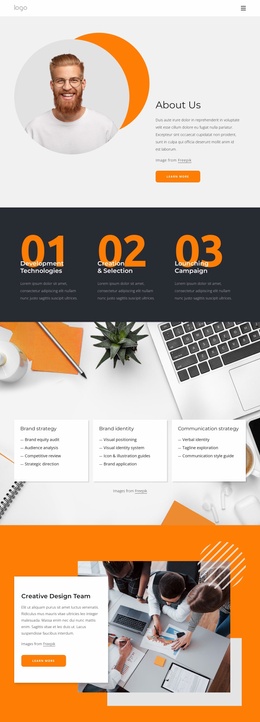
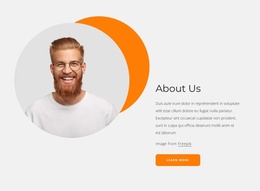
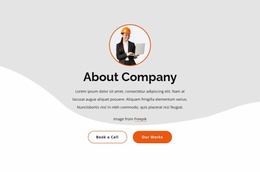
The circular portrait gives the About Us section an immediate human focus, while the overlapping orange circle adds visual emphasis without introducing another content category. To the right, the About Us heading and compact paragraph provide room for a concise introduction. The learn more button then offers a clear next step connected to that explanation, while the Freepik attribution remains a secondary image note.
Within a landing-page sequence, this block can work as an identity or context stage rather than an independent conversion endpoint. It may help visitors understand who stands behind the offer before they reach a separate form, booking area, purchase action, or other primary response point. The button can lead toward more information, but the block itself does not establish the full campaign path or a specific business outcome.
The split layout supports this role by separating recognition from explanation: the portrait attracts attention on the left, and the heading, paragraph, and action organize the visitor’s next decision on the right. The light gray background keeps the section visually distinct without overwhelming neighboring conversion content. Its value in the sequence comes from adding a concise personal or organizational introduction before the main response action.
Customize with Nicepage
Open this ready-made template in the Landing Page Builder and customize it visually in the Nicepage editor. Replace demo content, edit page sections, and adapt the design to your project without rebuilding the template from scratch.
Edit Template Offline
2. Create a new page or select existing
3. Click Add new block, search for id 4785906 and click enter
Edit Template Online
Create Awesome Websites


Free Nicepage Builder
Keywords
Build a Landing Page Around One Conversion Goal
Focus on One Primary Action
Use the landing page to guide visitors toward one measurable response, such as requesting a quote, registering, subscribing, booking a consultation, applying for a service, or submitting an inquiry. Keep the primary call-to-action consistent across the important sections so the headline, supporting content, form, and CTA buttons work toward the same campaign goal instead of competing for attention.
Capture Leads With a Form
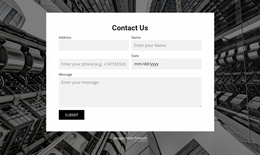
Use the Contact Form Element to add a contact, subscription, application, or other conversion form directly to the landing page. Customize the form fields, layout, labels, inputs, and button to collect the information required for your campaign while keeping the form focused on the action you want visitors to complete.
Nicepage also provides several form submission options. Form submissions can be sent to Email, stored as Leads, added to Google Sheets, passed to a custom URL or server endpoint, or used to populate a MailChimp mailing list. This provides practical options for collecting inquiries, registrations, subscriptions, applications, and other campaign responses.
Manage Leads and Campaign Responses
When submissions are stored as Leads, you can use Contact Form Leads to review the information collected through the landing page and use it for follow-up. Keep the form connected to the same offer and primary CTA presented throughout the page so visitors move from the campaign message to a clear conversion action.
This workflow makes the template suitable for landing pages where the offer, content, call-to-action, form, and lead collection process work together toward one defined conversion goal.

Design Set (22)
-

-
-
-
-
Free Website Builder SoftwareDownload
-
-
-
-
-
-
-
-
-
-
-
-





More from Business & Law Blocks
-

-
-
-
-
-
-
-
-
-
-
Free Website Builder SoftwareDownload
-
-
-
-
-
-
-
-
-
-






More from About Us Blocks
-
-
-
-
-
-
-
-
-
-
-
Free Website Builder SoftwareDownload
-
-
-
-
-
-
-
-
-
-