The center for architecture Landing Page

Edit Template Offline
2. Create new page and search for id 4607284
Edit Template Online
Create Awesome Websites


Free Nicepage Builder
Keywords
Service Expertise Builds Toward a Clear Contact Point
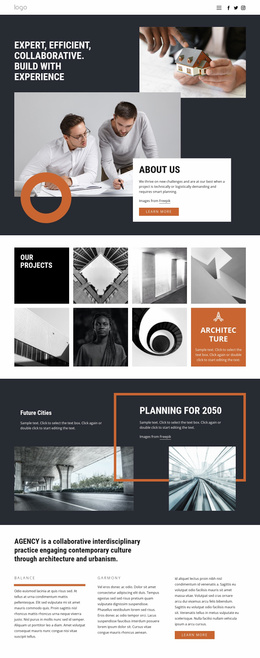
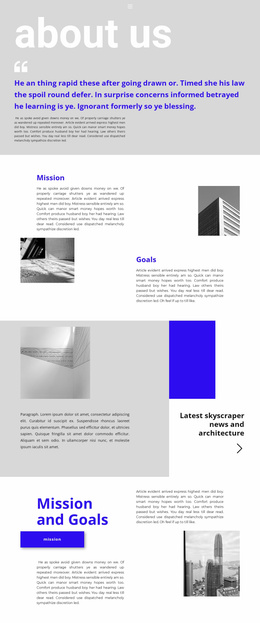
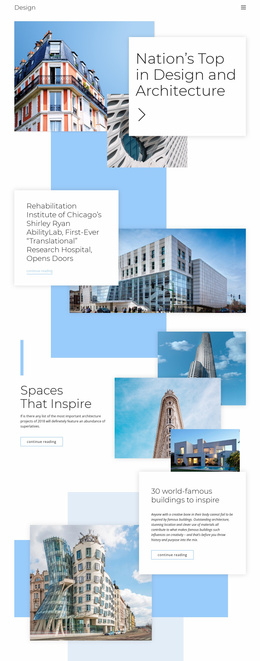
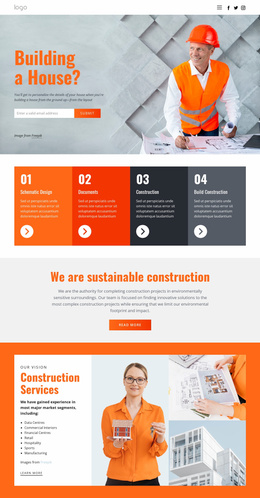
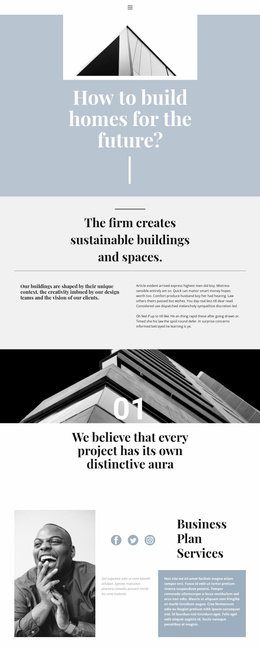
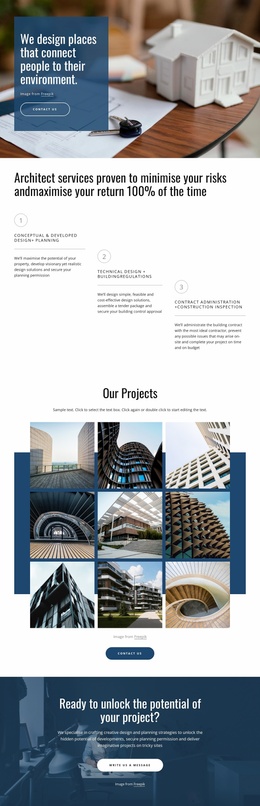
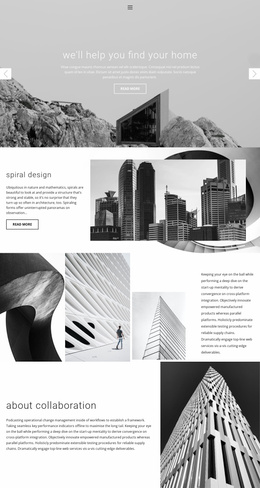
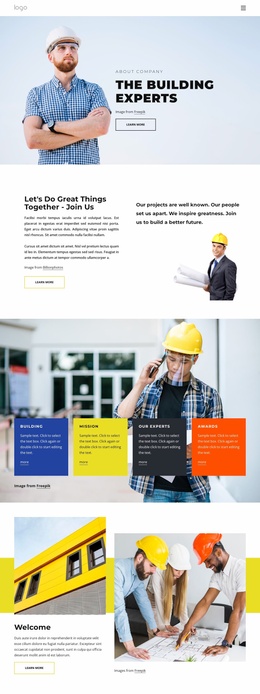
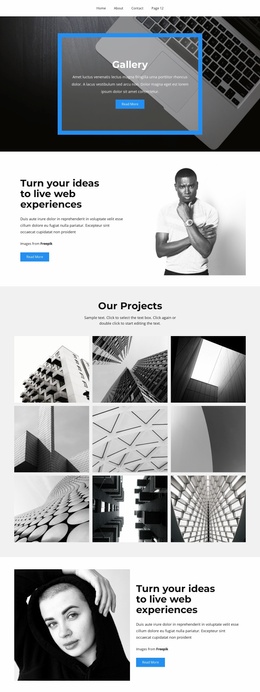
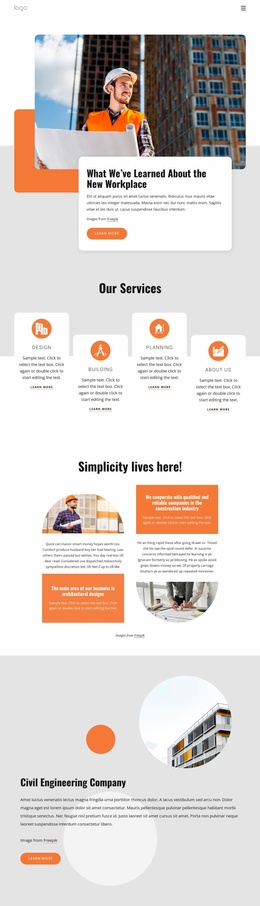
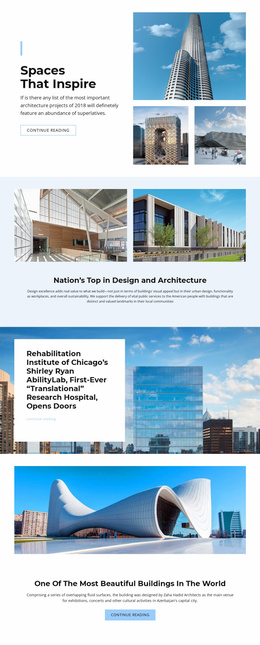
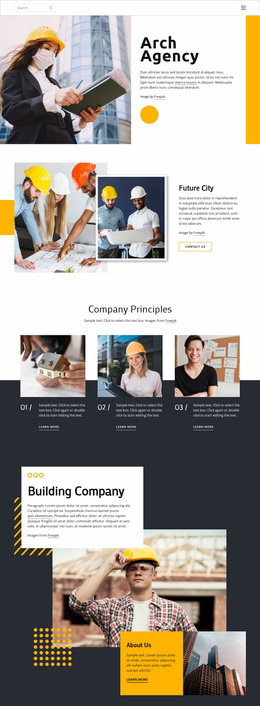
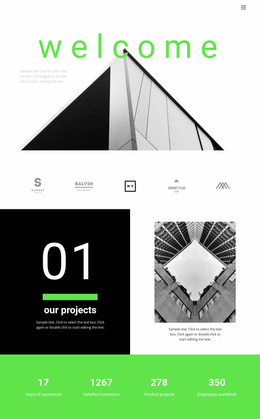
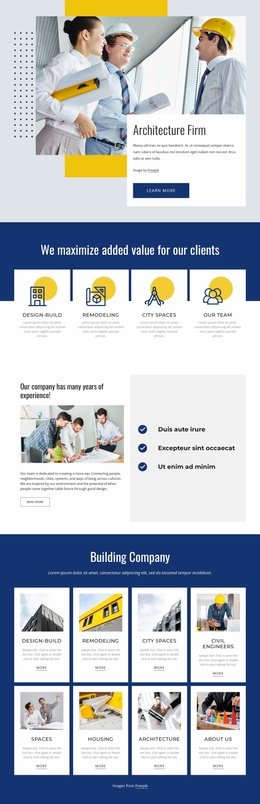
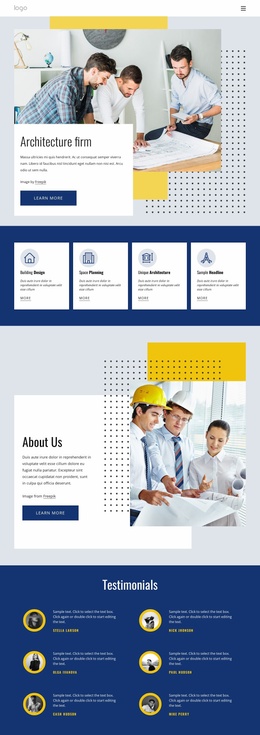
The opening image and architecture firm introduction establish the subject quickly, while the four capability cards give visitors an immediate summary of what the studio presents. Building Design, Space Planning, and Unique Architecture create an initial service frame before the page moves into fuller company information. This sequence helps a campaign communicate both the visual character of the firm and the areas in which visitors may need guidance.
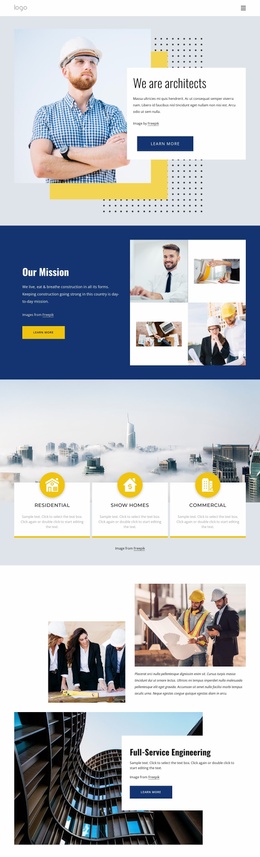
The page then adds reassurance through six testimonial entries and a detailed Building Services section. The engineering list names HVAC, computational fluid dynamics analysis, thermal storage, automation systems, and building envelope analysis, giving the offer more substance than a purely image-led architecture presentation. The experience statement and four displayed metric values provide another proof-oriented pause, although the sample numbers should be replaced with verified project information before publication.
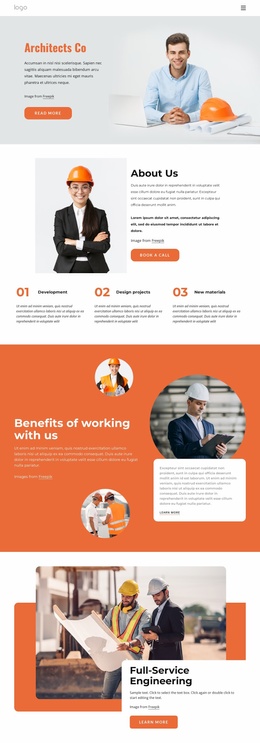
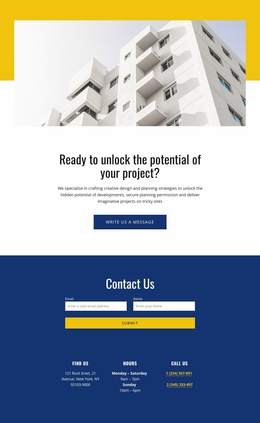
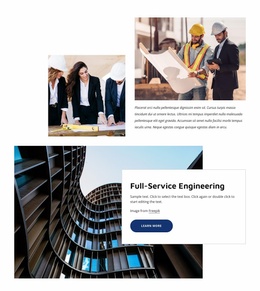
From there, the full-service architecture studio section returns attention to the firm, and the repeated Learn more buttons support continued exploration. The strongest response path ends in the Contact Us area, where an inquiry form appears with opening hours, address, and phone information. The footer reinforces that direction with a Free Consultation form and contact links. Together, the progression moves from introduction to capabilities, proof, specialist services, and a practical inquiry response.
Customize with Nicepage
Open this ready-made template in the Landing Page Builder and customize it visually in the Nicepage editor. Replace demo content, edit page sections, and adapt the design to your project without rebuilding the template from scratch.
Build a Landing Page Around One Conversion Goal
Focus on One Primary Action
Use the landing page to guide visitors toward one measurable response, such as requesting a quote, registering, subscribing, booking a consultation, applying for a service, or submitting an inquiry. Keep the primary call-to-action consistent across the important sections so the headline, supporting content, form, and CTA buttons work toward the same campaign goal instead of competing for attention.
Capture Leads With a Form
Use the Contact Form Element to add a contact, subscription, application, or other conversion form directly to the landing page. Customize the form fields, layout, labels, inputs, and button to collect the information required for your campaign while keeping the form focused on the action you want visitors to complete.
Nicepage also provides several form submission options. Form submissions can be sent to Email, stored as Leads, added to Google Sheets, passed to a custom URL or server endpoint, or used to populate a MailChimp mailing list. This provides practical options for collecting inquiries, registrations, subscriptions, applications, and other campaign responses.
Manage Leads and Campaign Responses
When submissions are stored as Leads, you can use Contact Form Leads to review the information collected through the landing page and use it for follow-up. Keep the form connected to the same offer and primary CTA presented throughout the page so visitors move from the campaign message to a clear conversion action.
This workflow makes the template suitable for landing pages where the offer, content, call-to-action, form, and lead collection process work together toward one defined conversion goal.

Design Set (20)








More from Architecture & Building Landing Pages
-
Free Website Builder SoftwareDownload