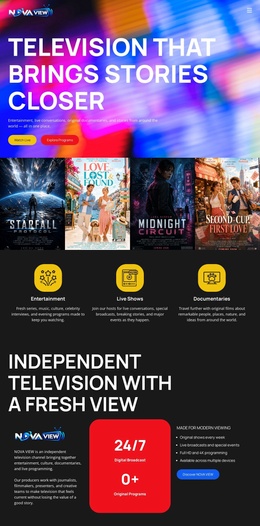
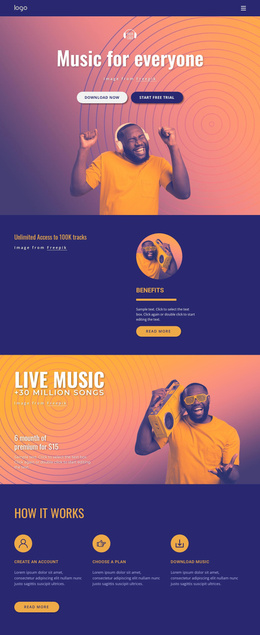
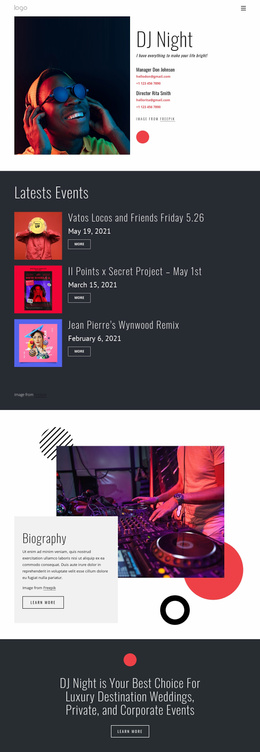
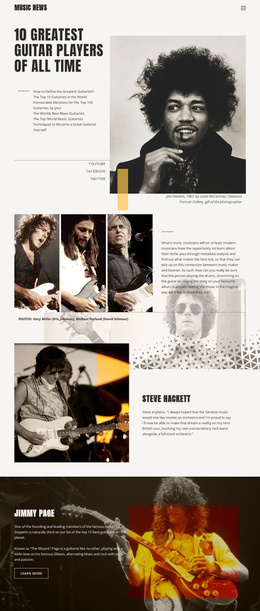
Listening your favorite music Landing Page
Edit Template Offline
2. Create new page and search for id 20021
Edit Template Online
Create Awesome Websites


Free Nicepage Builder
Keywords
Product Evidence Builds Toward the Closing Buying Question
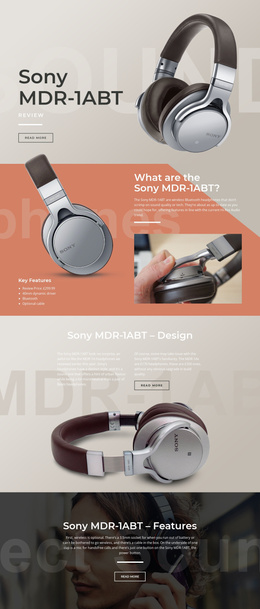
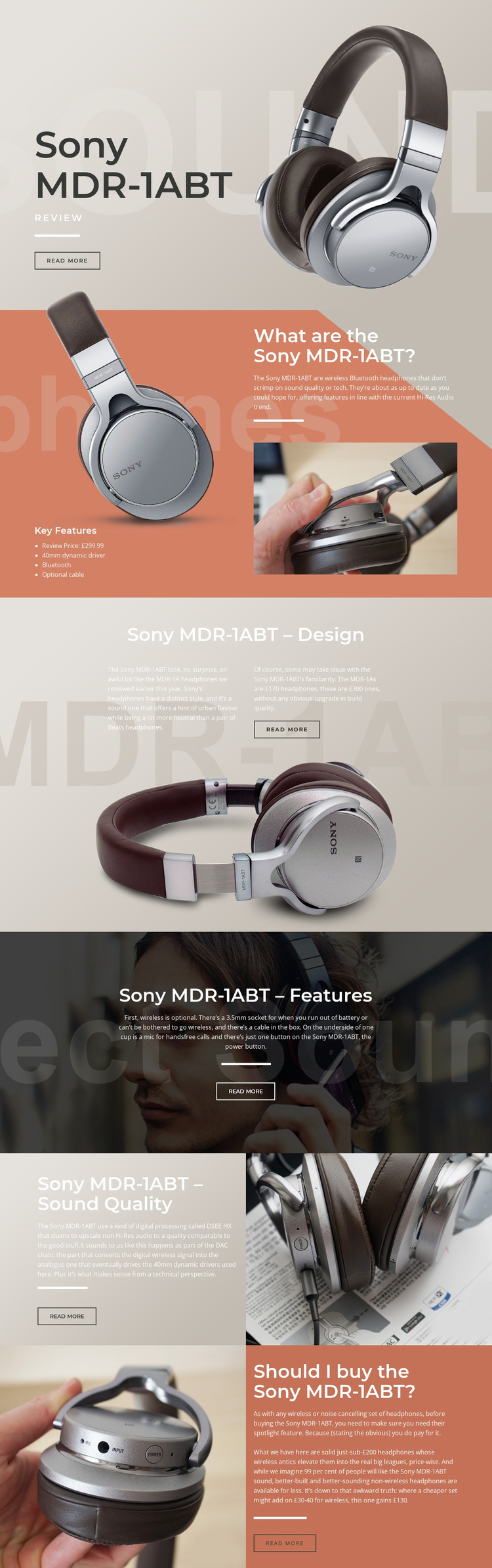
The opening section gives the page a clear subject immediately: Sony MDR-1ABT appears beside a large headphone image, a review label, and a read-more action. That first impression is followed by information that helps a reader evaluate the product rather than simply recognize it. The overview places the £299.99 review price beside a four-item feature list, while the imagery keeps the physical product visible as the specifications are introduced.
The middle sections add evidence in a useful order. Design commentary and comparison with the MDR-1A address construction and appearance before the features block explains Bluetooth, the 3.5mm socket, optional cable, hands-free microphone, and wired fallback. The sound-quality section then shifts from practical use to DSEE HX processing and 40mm dynamic drivers. Each subject receives its own visual and editorial space, so the page can answer successive purchase questions without compressing every argument into the hero.
The final split block gathers those considerations into a recommendation panel that weighs wireless functionality, sound, construction, and price. Its position after the feature and sound discussions gives the closing action a reasoned context. The read-more buttons can support further exploration, but the strongest response path remains the progression from product recognition, through evidence, to the decision of whether the Sony MDR-1ABT merits consideration. The design therefore supports a focused review campaign without claiming that a purchase form or checkout is present.
Customize with Nicepage
Open this ready-made template in the Landing Page Builder and customize it visually in the Nicepage editor. Replace demo content, edit page sections, and adapt the design to your project without rebuilding the template from scratch.
Build a Landing Page Around One Conversion Goal
Focus on One Primary Action
Use the landing page to guide visitors toward one measurable response, such as requesting a quote, registering, subscribing, booking a consultation, applying for a service, or submitting an inquiry. Keep the primary call-to-action consistent across the important sections so the headline, supporting content, form, and CTA buttons work toward the same campaign goal instead of competing for attention.
Capture Leads With a Form
Use the Contact Form Element to add a contact, subscription, application, or other conversion form directly to the landing page. Customize the form fields, layout, labels, inputs, and button to collect the information required for your campaign while keeping the form focused on the action you want visitors to complete.
Nicepage also provides several form submission options. Form submissions can be sent to Email, stored as Leads, added to Google Sheets, passed to a custom URL or server endpoint, or used to populate a MailChimp mailing list. This provides practical options for collecting inquiries, registrations, subscriptions, applications, and other campaign responses.
Manage Leads and Campaign Responses
When submissions are stored as Leads, you can use Contact Form Leads to review the information collected through the landing page and use it for follow-up. Keep the form connected to the same offer and primary CTA presented throughout the page so visitors move from the campaign message to a clear conversion action.
This workflow makes the template suitable for landing pages where the offer, content, call-to-action, form, and lead collection process work together toward one defined conversion goal.

More from Music & Entertainment Landing Pages
-
Free Website Builder SoftwareDownload